2
S
AMSUNG ELECTRONICS
GB
Quick Look-up Guide (CE2974/2974T)
If you want to cook some food
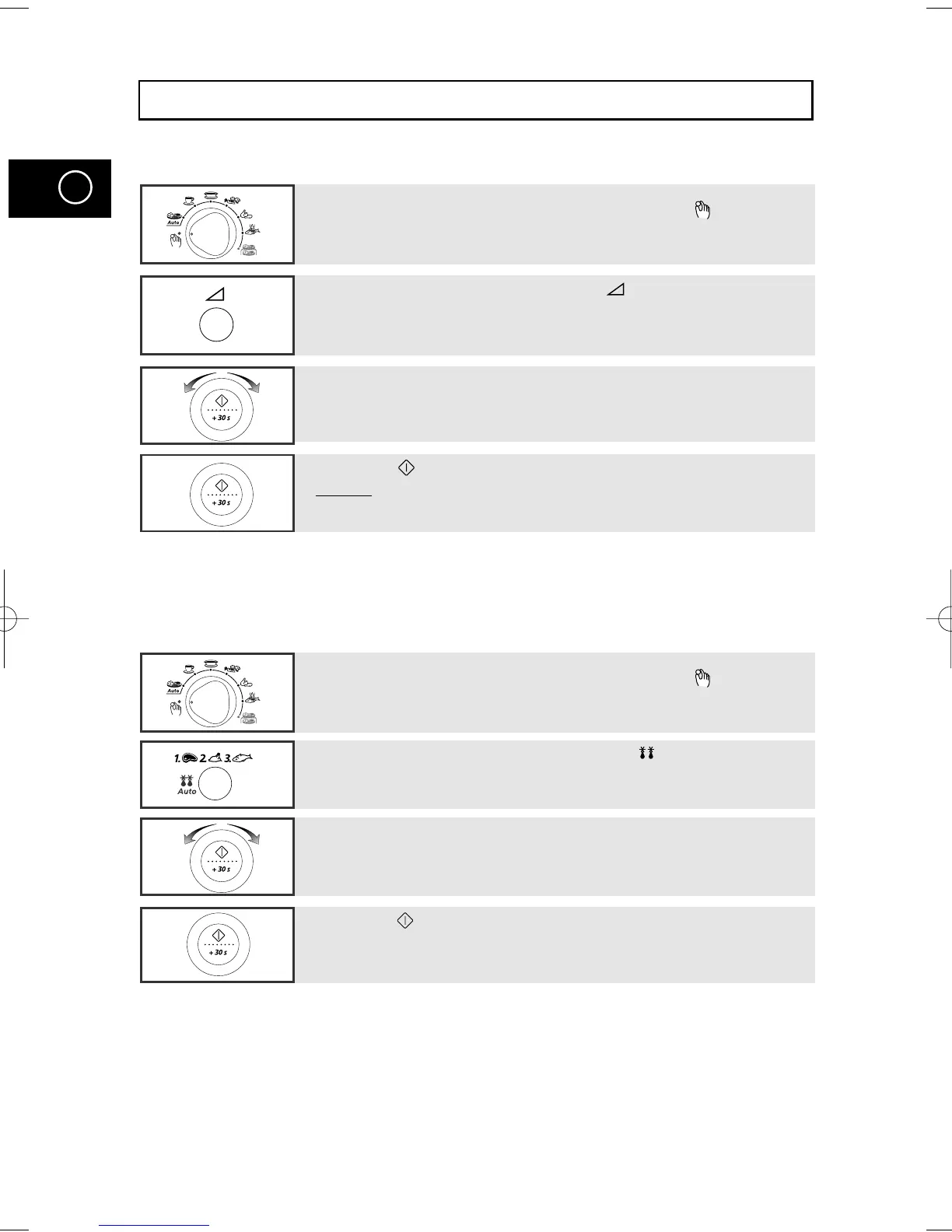
1 Place the food in the oven.
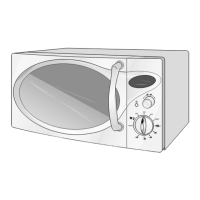
Turn the Cooking Control knob to Manual Cook( ) symbol.
1 Place the frozen food in the oven.
Turn the Cooking Control knob to Manual Cook( ) symbol.
2 Select the power level by pressing the button once or more
times.
3 Select the cooking time by turning the dial knob as required.
4 Press the button.
Result: Cooking starts.
The oven beeps four times when cooking is over.
If you want to defrost some food
2 Select the type of food by press the Auto ( ) button once or
more times.
3 Select the cooking time by turning the dial knob as required.
4 Press the button.
CE2974a(GB1) 5/9/00 8:53 AM Page 2


 To Next Page