EasyManua.ls Logo

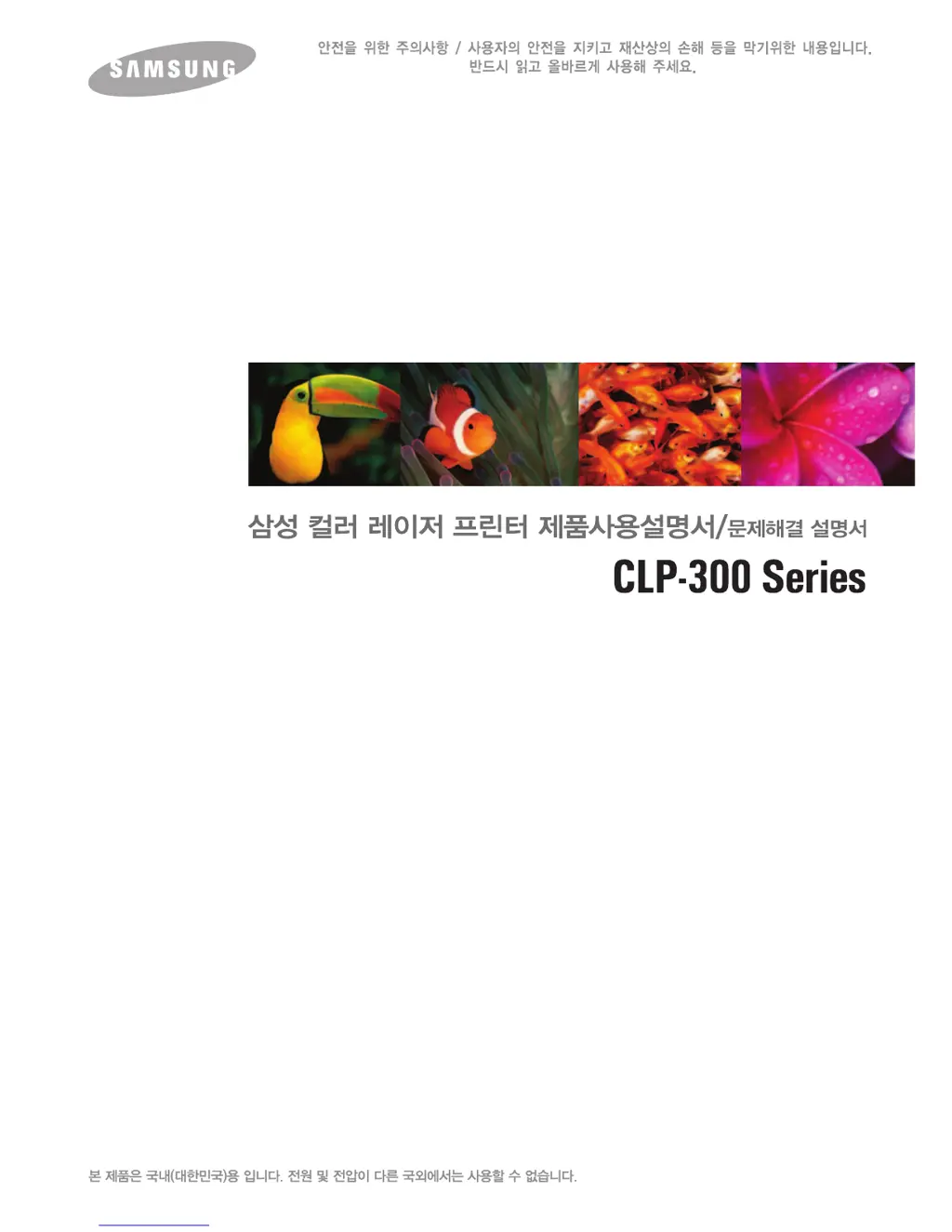
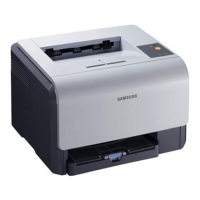
Samsung CLP 300 - Color Laser Printer - User Manual

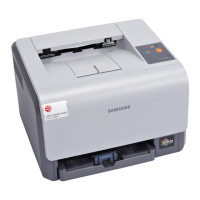
Samsung CLP 300 - Color Laser Printer
172 pages
Print Icon
To Next Page IconTo Next Page
Loading...

Table of Contents

Other manuals for Samsung CLP 300 - Color Laser Printer

Questions and Answers

  • R
    Regina GomezJul 26, 2025
    What to do if my Samsung CLP 300 - Color Laser page does not print?
    • E
      emillerJul 26, 2025
      If your Samsung Printer isn't printing pages, first, verify the cable connection between your printer and computer. Next, check the print queue or print spooler to ensure the printer hasn't been paused. Finally, confirm that your software application is using the correct printer driver and communication port.
  • B
    Brenda ChambersAug 5, 2025
    What to do if Samsung CLP 300 - Color Laser Printer demo page does not print?
    • M
      megan97Aug 5, 2025
      If the demo page on your Samsung Printer isn't printing, begin by checking the paper supply in the paper tray. Should paper become jammed in the printer, refer to the section on clearing paper jams.
  • M
    Mary HillAug 15, 2025
    How to troubleshoot a Samsung CLP 300 - Color Laser Printer with no power?
    • K
      Kara GravesAug 15, 2025
      If your Samsung Printer has no power, please check the power cord connection and the power switch. You can also verify the power source by plugging the power cord into an alternative outlet.

Summary

Getting Started

Safety Precautions

Power Safety

Critical safety instructions for handling power cords, plugs, and outlets to prevent hazards.

Installation and Setup

Installation and Connection

Step-by-step guide for installing toner, loading paper, connecting the printer, and installing software.

Printing Operations

Basic Windows Printing

Outlines printing processes, settings, and Smart Panel usage in Windows.

Troubleshooting

Troubleshooting Guide

Methods for diagnosing and resolving common printer issues and errors.

Paper Jam Removal

Step-by-step instructions for safely removing jammed paper.

Print Quality Solutions

Addresses issues related to print quality such as faded or smudged prints.

Samsung CLP 300 - Color Laser Printer Specifications

General IconGeneral
Print TechnologyLaser
Print Speed (Color)4 ppm
Print Resolution2400 x 600 dpi
Monthly Duty Cycle20, 000 pages
ConnectivityUSB 2.0
Memory (Standard)32 MB
Paper Capacity (Input)150 sheets
Maximum Paper SizeA4
Duplex PrintingManual
First Page Out Time (Black)14 seconds
First Page Out Time (Color)26 seconds
Operating System CompatibilityWindows, Mac, Linux

Related product manuals