EasyManua.ls Logo

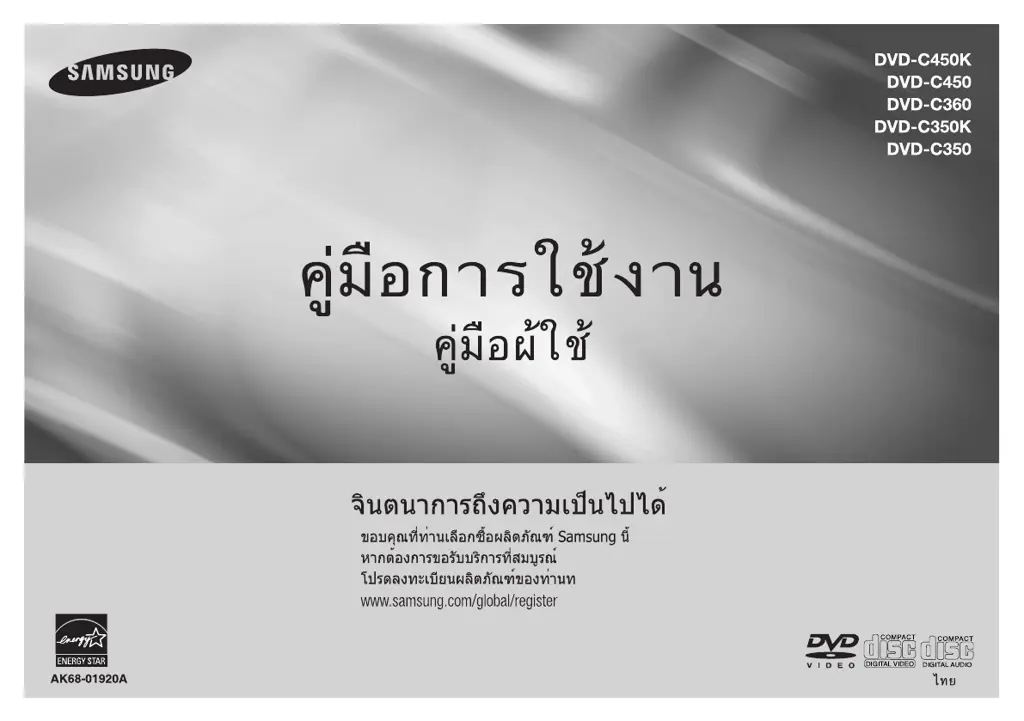
Samsung DVD-C450 - User Manual

Samsung DVD-C450
32 pages
Print Icon
To Next Page IconTo Next Page
Loading...

Questions and Answers

  • G
    garciagregoryAug 10, 2025
    Why is 5.1 channel sound not working on my Samsung DVD-C450?
    • S
      Sandra ChurchAug 10, 2025
      5.1 channel sound is only reproduced when: the Samsung DVD player is connected to the proper amplifier, and the disc is recorded with 5.1 channel sound. Check that the disc has the “5.1 ch” mark. Also, verify your audio system is working correctly and that the Audio Output in the SETUP Menu is set to Bitstream.
  • L
    leonardchristianAug 20, 2025
    How to unblock the screen on a Samsung DVD-C450?
    • S
      Steven FryAug 20, 2025
      If the screen of your Samsung DVD Player is blocked, press the '□ / button' on the front panel for more than 5 seconds when there is no disc inside. This will revert all settings to the factory defaults.
  • C
    Christopher AllenAug 30, 2025
    What to do if I forgot the password on my Samsung DVD-C450 DVD Player?
    • J
      Janice EdwardsAug 30, 2025
      If you forgot your password for your Samsung DVD Player, press the '□ / button' on the panel for more than 5 seconds when there is no disc inside. This will revert all settings, including the password, to the factory defaults. Use this only when absolutely necessary.

Summary

Precautions

Installation and Safety

Proper installation, laser safety, and general handling precautions.

General Cautions

For domestic use only, avoid liquids, and protect from environmental factors.

Setup and Features

General Features Overview

Explains sound, screen, playback options, parental control, and media support.

Front Panel Controls and Disc Markings

Details front panel buttons and various disc format markings.

Connections

Choosing Connection Methods

Examples of connecting DVD player to TV and other components.

TV and Audio System Connections

Specific instructions for connecting to TVs (CVBS, Interlace/Progressive) and amplifiers.

Basic Functions

Playing a Disc

Steps for inserting, playing discs, and initial setup.

Search, Skip, and Display Operations

Navigating playback using search, skip, and display info.

Menu Navigation, Repeat, and Slow Play

Accessing disc menus, repeating playback sections, and slow-motion playback.

Advanced Functions

Aspect Ratio, Language, and Camera Angle

Adjusting screen aspect ratio, selecting audio/subtitle languages, changing camera angles.

Bookmark, Zoom, and Karaoke

Marking scenes, zooming images, and using karaoke features.

Setup Menu Operations and Options

Customizing player settings including language, audio, and display.

Parental Control and DivX Setup

Setting up parental restrictions and DivX playback options.

Reference

Troubleshooting

Common issues and their solutions for the DVD player.

Specifications

Technical details including power requirements, dimensions, and operating conditions.

Samsung DVD-C450 Specifications

General IconGeneral
TypeDVD Player
Video UpconversionYes
Progressive ScanYes
Video OutputComposite, Component
Remote ControlYes
Weight3.1 lbs
Disc Playback FormatsDVD, CD, CD-R, CD-RW, DVD-R, DVD-RW
Video Playback FormatsDivX
Audio Playback FormatsMP3, Dolby Digital
Output Resolution720p, 1080i
Audio OutputDigital Optical
ConnectivityUSB, HDMI

Related product manuals