EasyManua.ls Logo

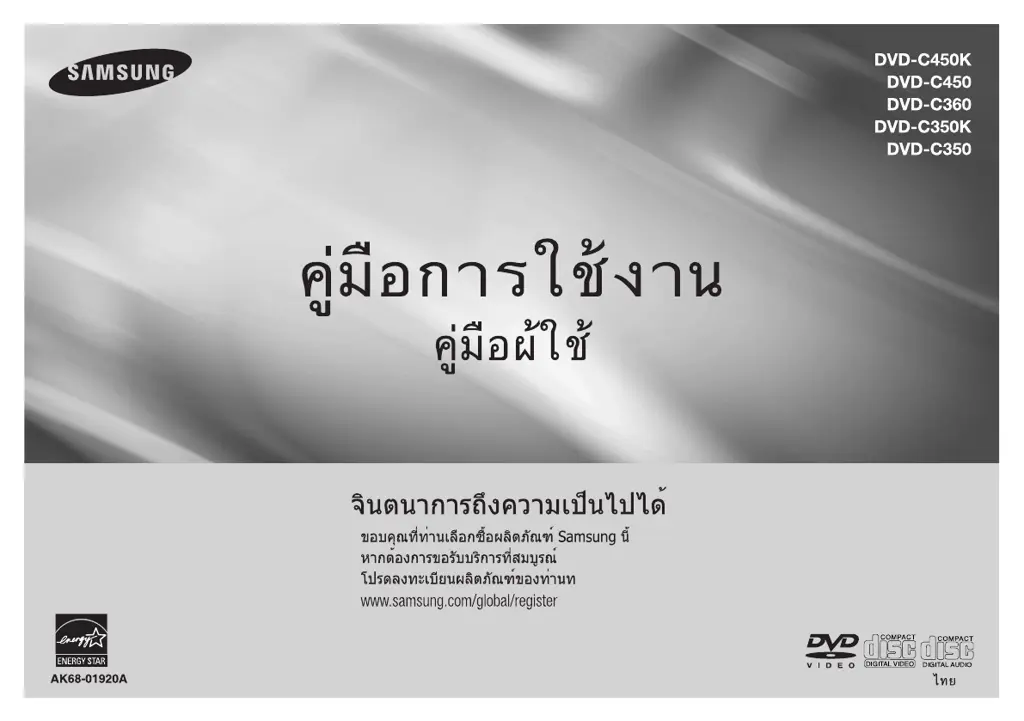
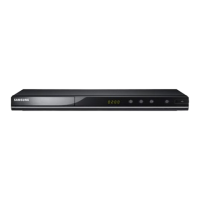
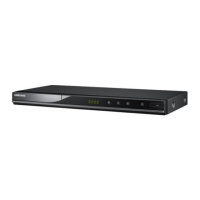
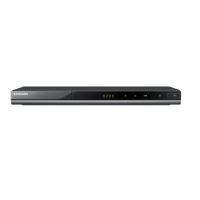
Samsung DVD-C450K - User Manual

Samsung DVD-C450K
32 pages
Print Icon
To Next Page IconTo Next Page
Loading...

Questions and Answers

  • S
    Sonya ShieldsAug 11, 2025
    Why is 5.1 channel sound not working on my Samsung DVD-C450K?
    • T
      Thomas WalshAug 11, 2025
      5.1 channel sound is only reproduced when: the Samsung DVD player is connected to the proper amplifier, and the disc is recorded with 5.1 channel sound. Check that the disc has the “5.1 ch” mark. Also, verify your audio system is working correctly and that the Audio Output in the SETUP Menu is set to Bitstream.
  • J
    Joshua SimmonsAug 21, 2025
    How to unblock the screen on a Samsung DVD-C450K DVD Player?
    • C
      cardenaselizabethAug 21, 2025
      If the screen of your Samsung DVD Player is blocked, press the '□ / button' on the front panel for more than 5 seconds when there is no disc inside. This will revert all settings to the factory defaults.
  • W
    Wanda ZavalaAug 31, 2025
    What to do if I forgot the password on my Samsung DVD-C450K DVD Player?
    • B
      Beth WilliamsAug 31, 2025
      If you forgot your password for your Samsung DVD Player, press the '□ / button' on the panel for more than 5 seconds when there is no disc inside. This will revert all settings, including the password, to the factory defaults. Use this only when absolutely necessary.

Samsung DVD-C450K Specifications

General IconGeneral
TypeDVD Player
Progressive ScanYes
Remote ControlYes
Supported DiscsDVD, CD
Power Consumption15 W
Disc Formats SupportedCD-R, CD-RW, DVD-R, DVD-RW
Playable Media FormatMP3, JPEG, WMA
Video OutputComposite, Component
Audio OutputDigital Audio Coaxial
Dimensions360 x 220 x 45 mm
Video UpconversionYes
Output Resolution720p, 1080i

Related product manuals