EasyManua.ls Logo

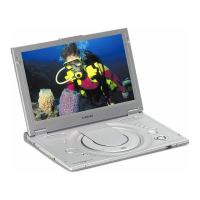
Samsung DVD-L300W - User Manual

Samsung DVD-L300W
64 pages
Print Icon
To Next Page IconTo Next Page
Loading...
ENG
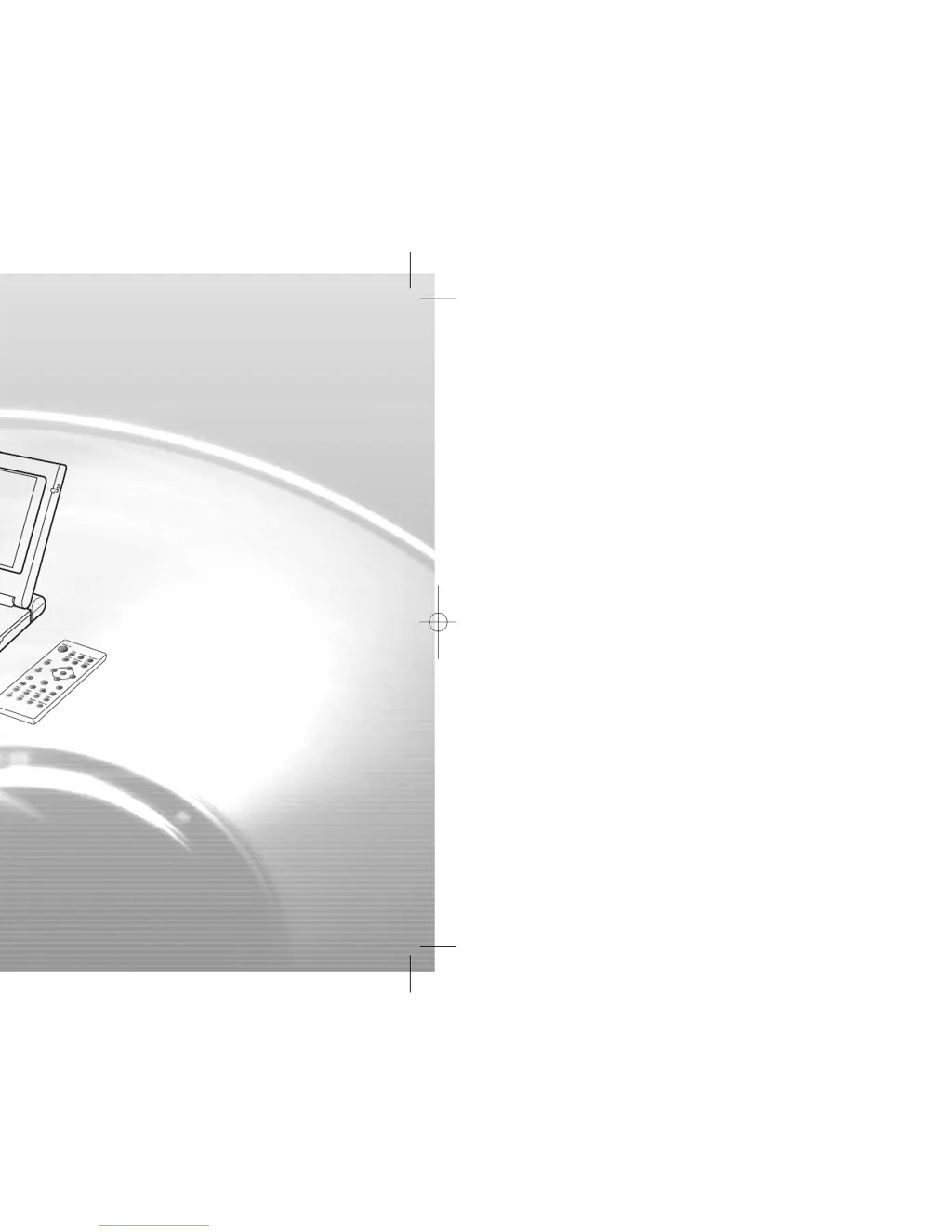
Portable DVD Player
DVD-L300W
00432D-L300W/XSS(COVER) 8/24/04 4:15 PM Page 101

Other manuals for Samsung DVD-L300W

Questions and Answers

  • R
    Russell WebsterAug 12, 2025
    Why is there no picture or sound on my Samsung Portable DVD Player?
    • P
      patrickterryAug 12, 2025
      If your Samsung Portable DVD Player isn't producing any picture or sound, first ensure that the video and audio cables are securely connected. Also, verify that you're using a compatible disc, such as a DVD (region number 1 or all), DVD-RW, or AUDIO CD. Scratched or dirty discs can cause issues, so use a clean disc with the label-side facing up. If you're using a TV, make sure it's set to the VIDEO or AV channel. If the issue persists, the DVD player's pick-up lens might be dirty, requiring professional cleaning.
  • A
    Alicia VincentAug 16, 2025
    How to fix a Samsung DVD-L300W Portable DVD Player that won't turn on or keeps turning off?
    • C
      Cameron MunozAug 16, 2025
      If the power on your Samsung Portable DVD Player does not turn on or suddenly turns off, ensure that the AC power cord is securely plugged into an AC outlet. If the issue persists, try turning the power off and then back on.
  • R
    Ryan MillerAug 20, 2025
    Why won't my Samsung Portable DVD Player remote control work?
    • C
      Christopher JohnsonAug 20, 2025
      If your Samsung Portable DVD Player remote control is not working, first verify that the battery is correctly inserted with the '+' symbol aligned properly. If it still doesn't work, the batteries may be dead, so replace them with new ones. Ensure that there are no obstacles blocking the signal between the remote and the DVD player's remote control sensor, and that you are pointing the remote directly at the sensor.
  • R
    Robert MahoneyAug 23, 2025
    What to do if the power charge lamp quickly flashes green on my Samsung DVD-L300W Portable DVD Player?
    • C
      christopher93Aug 25, 2025
      If your Samsung Portable DVD Player's power charge lamp quickly flashes green, try removing the DC cord from the battery pack and then re-plugging it. If the battery pack is installed, remove the DC cord from the battery pack before performing the above procedure. If the issue continues, test with a different power pack. If the same flashing occurs with the second pack, your AC adapter may be defective. However, if the second battery pack charges without issue, your first battery pack may be defective or needs replacement.
  • D
    Daniel CollierAug 27, 2025
    What to do if my Samsung Portable DVD Player won't turn on even with the battery pack in place?
    • Z
      Zachary KnightAug 27, 2025
      If your Samsung Portable DVD Player battery pack is in place but the power does not turn on or suddenly turns off, make sure that the battery pack is charged. If it's not charged, recharge it.
  • N
    Nicholas Boyd MDAug 31, 2025
    Why is the power charge lamp not lighting on my Samsung Portable DVD Player?
    • K
      Karen LynchAug 31, 2025
      If the power charge lamp on your Samsung Portable DVD Player does not light, which indicates the battery pack won’t charge, try replacing it with a fully charged battery pack or using the AC adapter. If the DVD player is overheated, remove the battery pack and allow it to cool down before charging. Also, ensure that the ambient temperature is within the range of 50°F~86°F, and check that the DC cord of the AC adapter is correctly plugged in.
  • D
    Derrick CantrellSep 3, 2025
    Why won't my Samsung Portable DVD Player battery pack charge?
    • R
      rebeccahawkinsSep 3, 2025
      If the battery pack on your Samsung Portable DVD Player won’t charge, ensure that the DVD player is turned off, as it cannot charge while turned on. Also, if the battery pack is hot, it may take longer to charge; wait until it has cooled down sufficiently.
  • J
    Justin CalderonSep 8, 2025
    How to reset the password on a Samsung DVD-L300W?
    • N
      Nancy EllisonSep 8, 2025
      To reset a forgotten password on your Samsung Portable DVD Player, start with the unit powered off and no disc inside. Press the STOP and PLAY buttons simultaneously on the unit for three seconds until the Select Menu Language display appears. Choose your language using the UP or DOWN button. Then, press the MENU button on the remote to select Parental Mode. This unlocks Parental Mode, as shown on the display. Press DOWN to select Parental, then press ENTER. The Create Password display will appear, allowing you to set a new rating level and password.

Summary

Safety and Precautions

General Safety Instructions

Essential safety guidelines for user protection and device integrity.

Electrical and Environmental Safety

Precautions regarding electrical hazards, environment, and proper handling.

Battery Safety Warnings

Critical warnings and safety measures for battery use and charging.

Operation and Features

Remote Control Operations

Explains remote control buttons and their functions.

Battery Management

Battery Charging and Operation

Guidelines for charging and operating the battery pack.

Setup and Configuration

Troubleshooting

Common Issues and Checks

Solutions for frequent player problems and required diagnostic checks.

Samsung DVD-L300W Specifications

General IconGeneral
BrandSamsung
ModelDVD-L300W
CategoryPortable DVD Player
LanguageEnglish

Related product manuals