EasyManua.ls Logo

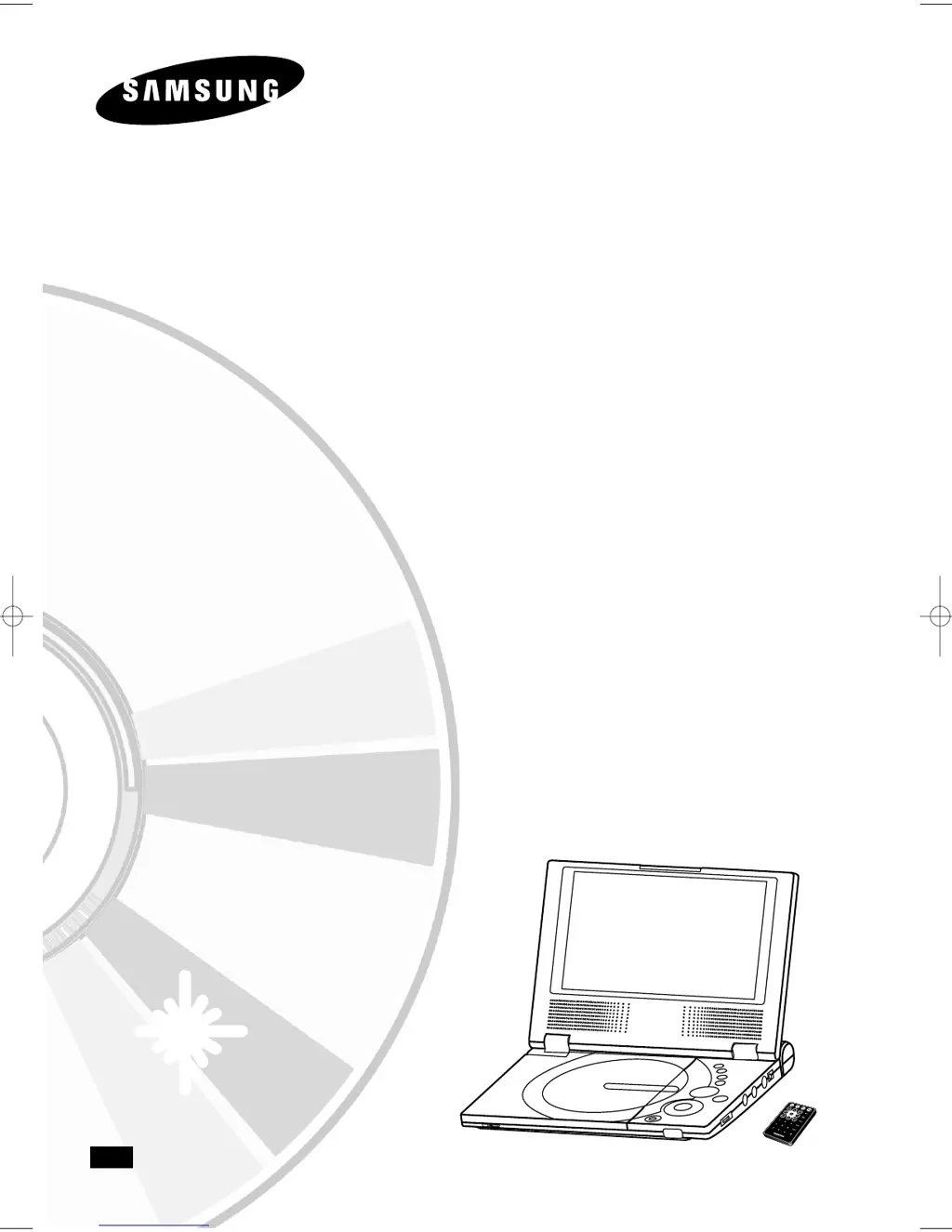
Samsung DVD-L70A - User Manual

Samsung DVD-L70A
101 pages
Go to English
Print Icon
To Next Page IconTo Next Page
Loading...
Lecteur DVD Portable
DVD-L70A
DVD-L75A
FRA
L70A/75A-FRA-XEF-cover 7/26/05 7:58 PM Page 3

Table of Contents

Questions and Answers

  • J
    Jay BrownAug 7, 2025
    Why is my Samsung Portable DVD Player remote control not working?
    • Y
      yortizAug 7, 2025
      If the Samsung Portable DVD Player remote control isn't working, first ensure the battery is correctly inserted, matching the '+' and '-' markings. If that doesn't work, the battery might be dead, so try replacing it with a new one. Also, make sure that you are pointing the remote directly at the remote control sensor on the DVD player and that there are no obstacles blocking the signal.
  • A
    Ann GreeneAug 11, 2025
    How to fix Samsung DVD-L70A if it does not turn on?
    • W
      williamyoungAug 11, 2025
      If your Samsung Portable DVD Player won't turn on or suddenly turns off, ensure the AC power cord is securely plugged into the AC outlet. If it is, try turning the power off and then back on.
  • H
    Helen MarquezAug 16, 2025
    What to do if my Samsung DVD-L70A has no picture or sound?
    • R
      Rachel MillerAug 16, 2025
      If your Samsung Portable DVD Player shows no picture or sound, first check that the video and audio cables are securely connected. Then, confirm that you are using a compatible disc, such as a DVD (region number 1 or all), DVD-RW, or AUDIO CD. Ensure the disc isn't scratched or dirty and that the label-side is facing up. If viewing with a TV, verify that the TV channel is set to VIDEO or AV.
  • J
    Jacob VargasAug 19, 2025
    Why is the battery pack on my Samsung Portable DVD Player not charging?
    • J
      jonesselenaAug 19, 2025
      If the battery pack on your Samsung Portable DVD Player won’t charge, make sure the DVD player is turned off, as it cannot charge while on. Also, a hot battery pack may take longer to charge, so wait until it cools down sufficiently. As an alternative, replace it with a fully charged battery pack or use the AC adapter.
  • J
    julie82Aug 25, 2025
    Why won't the power charge lamp light on my Samsung Portable DVD Player?
    • N
      Nicholas MontoyaAug 25, 2025
      If the power charge lamp does not light when trying to charge your Samsung Portable DVD Player, and the battery pack won’t charge, it could be due to overheating. If the DVD player is overheated and the battery pack’s internal temperature goes up to a certain level, remove the battery pack and allow it to cool down sufficiently, after which charging should begin automatically. Also, ensure the temperature is within the range of 10°C~30°C and that the DC cord of the AC adapter is correctly plugged in.
  • S
    Steven Gonzalez DVMAug 28, 2025
    What to do if Samsung DVD-L70A Portable DVD Player does not turn on with battery pack?
    • K
      Kara HaleAug 28, 2025
      If the battery pack is in place but the Samsung Portable DVD Player won't turn on or suddenly turns off, ensure that the battery pack is charged. If it is not, recharge it.
  • A
    alexander80Sep 2, 2025
    How to reset forgotten password on Samsung DVD-L70A Portable DVD Player?
    • H
      harold54Sep 2, 2025
      To reset a forgotten password on your Samsung Portable DVD Player, power on the unit without a disc inside. Then, press the STOP and PLAY buttons simultaneously on the unit for three seconds until the Select Menu Language display appears. Select your language using the UP or DOWN button. Press the MENU button on the remote to enter Parental Mode, which will now be unlocked. Select Parental using the DOWN button, then press ENTER to set a new rating level and password.

Samsung DVD-L70A Specifications

General IconGeneral
Screen Size7 inches
Resolution480 x 234 pixels
Battery LifeUp to 3 hours
Playable MediaDVD, CD
Audio OutputStereo
Video OutputComposite Video
Aspect Ratio16:9, 4:3
Supported FormatsDVD, CD, MP3, JPEG
ConnectivityHeadphone jack, AV output
TV OutputYes (via AV output)

Related product manuals