EasyManua.ls Logo

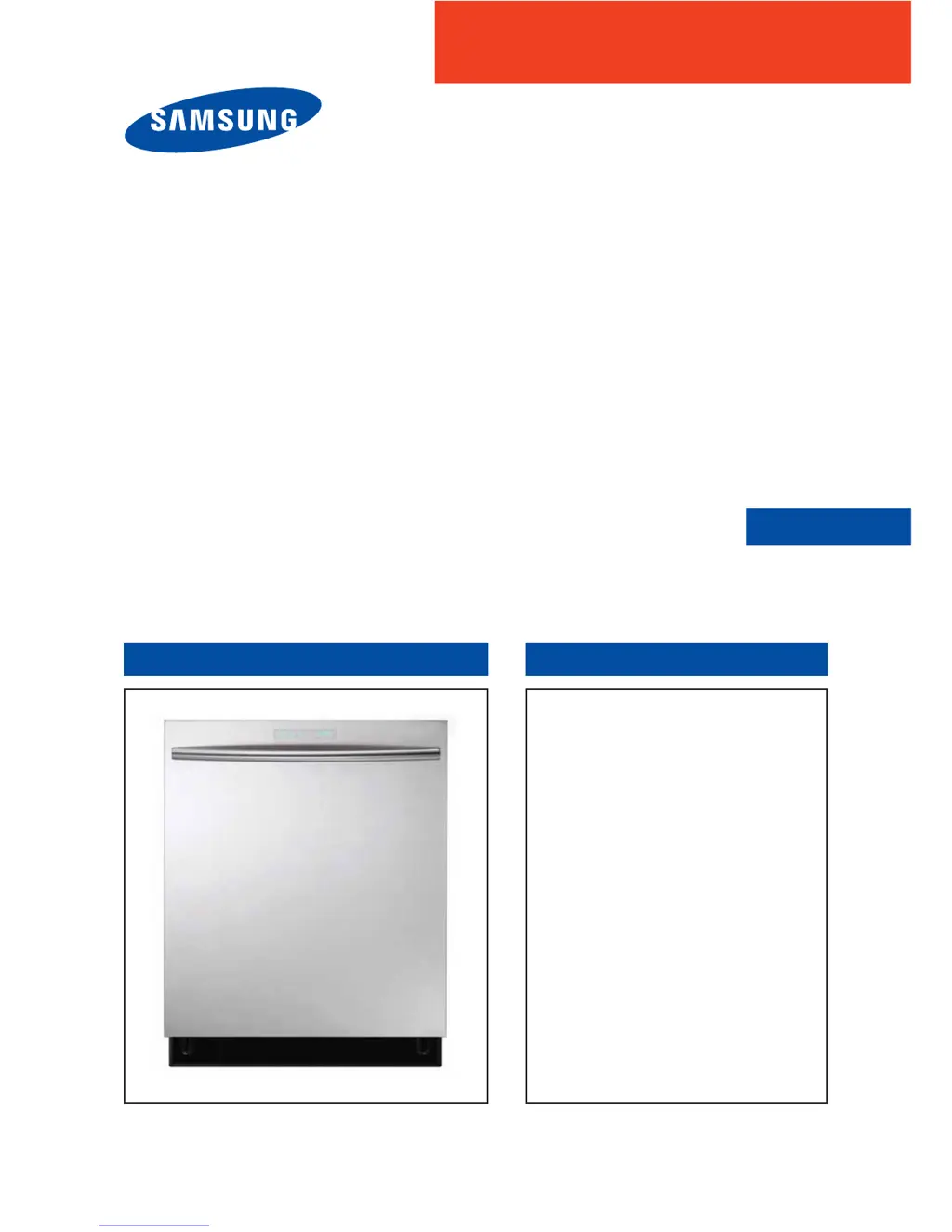
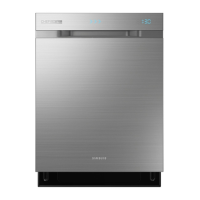
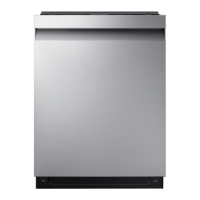
Samsung DW80H9930US - Service Manual

Samsung DW80H9930US
72 pages
Print Icon
To Next Page IconTo Next Page
Loading...
DISHWASHER CONTENTS
SERVICE
Manual
DISHWASHER
Model Name : DW80H9970US
DW80H9950US
DW80H9940US
DW80H9930US
Model Code :
DW80H9970US/AA DW80H9970US/AC
DW80H9950US/AA DW80H9950US/AC
DW80H9940US/AA DW80H9940US/AC
DW80H9930US/AA DW80H9930US/AC
1. Safety Instructions
2. )HDWXUHVDQG6SHFL¿FDWLRQV
3. Disassembly and Reassembly
4. Troubleshooting
5. PCB Diagram
6. Wiring Diagram
7. Reference

Other manuals for Samsung DW80H9930US

Questions and Answers

  • W
    William MitchellAug 17, 2025
    Why won't my Samsung DW80H9930US Dishwasher start?
    • D
      danielle28Aug 17, 2025
      Your Samsung Dishwasher might not start due to several reasons: * The door may not be completely closed. Ensure it is properly latched. * A cycle might not be selected. Choose an appropriate cycle. * The power cable could be disconnected. Make sure it's properly connected. * The water supply might be off. Check if the water supply valve is open. * The control panel could be locked. Unlock the child lock. * A circuit breaker might be open. Try resetting the circuit breaker.
  • S
    Stephanie LinAug 20, 2025
    Why does my Samsung DW80H9930US not dry dishes well?
    • M
      markcunninghamAug 20, 2025
      If your Samsung Dishwasher isn't drying dishes effectively: * Ensure there is rinse aid in the dispenser; use a liquid type rinse aid. * The water temperature might be low. Connect the water supply line to a hot water supply and use rinse aid with the Sanitize option. * Too many dishes may have been loaded. Ensure proper loading of items. * Glasses and cups with concave bottoms may be holding water. After the cycle, empty the lower rack first to prevent water from dripping onto the dishes in the lower rack.
  • A
    Amanda OconnellAug 22, 2025
    Why is my Samsung DW80H9930US Dishwasher too noisy?
    • J
      Jamie BlanchardAug 22, 2025
      Your Samsung Dishwasher might be noisy for several reasons: * Sound is normally generated when the dispenser cover is open and the drain pump is operating in an early stage. * The dishwasher may not be level. Ensure the dishwasher is level. * There might be a ‘chopping’ sound because a nozzle is bumping against the dishes. Rearrange the dishes.
  • G
    George MclaughlinAug 28, 2025
    Why Samsung DW80H9930US leaves glasses with a light film?
    • J
      Jacqueline MeltonAug 28, 2025
      If your Samsung Dishwasher leaves a light film on glasses: * The water supplied may be soft, and too much detergent was used. Try underloading the dishwasher and using a rinse aid to minimize this. * Aluminum dishes may have been included in the wash load. Remove the marks on the dishes using a low sensitivity cleaner.
  • H
    hkhanAug 30, 2025
    Why does my Samsung DW80H9930US Dishwasher leave a yellow or brown film inside?
    • C
      Charles MooreAug 31, 2025
      A yellow or brown film inside your Samsung Dishwasher is likely caused by coffee and tea soils. Remove the soils using a spot cleaner.
  • M
    Melanie JacksonSep 2, 2025
    How to get rid of bad odor in Samsung DW80H9930US?
    • T
      Tamara SmithSep 2, 2025
      To eliminate bad odors from your Samsung Dishwasher: * If water was left over from an incomplete cycle, insert detergent without loading dishes, and run the Normal cycle to clean the dishwasher. * If the dishwasher is not used daily, or soiled dishes are left in the unit too long, place a glass with 8 ounces of vinegar upright into the lower rack with the dishwasher empty and no detergent, and then run a Normal cycle.
  • A
    amanda45Sep 5, 2025
    Why is my Samsung DW80H9930US Dishwasher taking too long?
    • M
      maxwellfloresSep 5, 2025
      If your Samsung Dishwasher is taking too long, it might be due to cold water being supplied. Check if the water supply line is connected to a hot water supply, as additional time is required to heat cold water.
  • J
    Jonathan DiazSep 8, 2025
    Why Samsung DW80H9930US Dishwasher does not have a smoothly rotating nozzle?
    • J
      John DaltonSep 8, 2025
      If the nozzle in your Samsung Dishwasher isn't rotating smoothly: * The nozzle hole may be clogged with food particles. Clean the nozzle hole. * The nozzle might be blocked by a dish or pot. After placing the dishes into the racks, rotate the nozzles by hand to check whether any of the dishes interfere with them.
  • S
    Sarah Graham MDSep 12, 2025
    What to do if Samsung DW80H9930US has a bent upper rack after loading dishes?
    • D
      david48Sep 12, 2025
      If the upper rack of your Samsung Dishwasher bends after loading dishes, it indicates that the dishes are not loaded properly. Load your dishes as recommended.
  • M
    Michelle KramerSep 13, 2025
    What does Temperature Sensor error mean on Samsung DW80H9930US?
    • L
      Luke JacobsonSep 13, 2025
      If your Samsung Dishwasher displays a Temperature Sensor error, it indicates a functional error. With the dishwasher empty, add detergent, and then run a cycle.

Summary

Safety Instructions

Safety Instructions for Service Engineers

Key safety guidelines for servicing to prevent accidents and hazards.

Features and Specifications

Product Features

Details the unique cleaning systems, washing options, and convenience features of the dishwasher.

Product Specifications

Provides technical data including capacity, power, wash types, dry type, and dimensions.

Model Specification Comparison

Compares design and functional specifications across different new and existing dishwasher models.

Optional Specifications

Lists optional accessory parts like drain hoses, elbows, and clamps with their codes and quantities.

Disassembly and Reassembly Guide

Required Tools for Service

Lists necessary tools such as wrenches, pliers, screwdrivers, and nut drivers for disassembly.

Preparation for Parts Replacement

Steps include draining water, turning off power, and removing items before proceeding with part replacement.

Removing the Upper Rack

Instructions on how to detach the upper rack from the slide rail by releasing holder rails.

Post-Service Checkpoints

Verifies safety devices, parts, wiring, screws, foreign material, water leaks, power, and leveling.

Troubleshooting Guide

Error Code Information

Lists error codes, their occurrence, symptoms, and possible causes for troubleshooting dishwasher faults.

Service Inspection Mode

Explains how to enter and use the service inspection mode for testing components and software versions.

PCB Diagrams

Main PCB Layout

Detailed diagram of the main PCB, showing numbered locations of connectors and components.

Inverter PBA Layout

Diagram of the inverter PCB, indicating numbered connectors and their functions.

Main PBA Connector Details

Pinout specifications for connectors and relay terminals on the Main PBA.

Inverter PBA Connector Details

Pinout specifications for connectors and relay terminals on the Inverter PBA.

Wiring Diagram

Overall Wiring Diagram

Illustrates the electrical connections between main components like PBAs, displays, and sensors.

Reference Information

Model Naming Conventions

Details the structure and meaning of model numbers for different dishwasher series.

Model Numbering System

Further explanation of model number components and their corresponding features or specifications.

Model Numbering Rules (Continued)

Provides additional details on model number encoding for various features like year and capacity.

Technical Terminology

Defines technical terms used throughout the manual, such as Circulation Motor, Drain Pump, and Sump Assy.

Samsung DW80H9930US Specifications

General IconGeneral
Door colorNot applicable
Control typeTouch
Tub materialStainless steel
Built-in displayYes
Appliance placementFully built-in
Noise level44 dB
Delay start (max)24 h
Number of place settings15 place settings
Number of washing programs5
Current15 A
Connected load1100 W
AC input voltage120 V
AC input frequency60 Hz
Water consumption per cycle- L
Energy consumption per cycle- kWh
Annual energy consumption258 kWh
Sustainability certificatesENERGY STAR
Weight and Dimensions IconWeight and Dimensions
Depth685.8 mm
Width609.6 mm
Height860.4 mm
Weight45812 g

Related product manuals