EasyManua.ls Logo

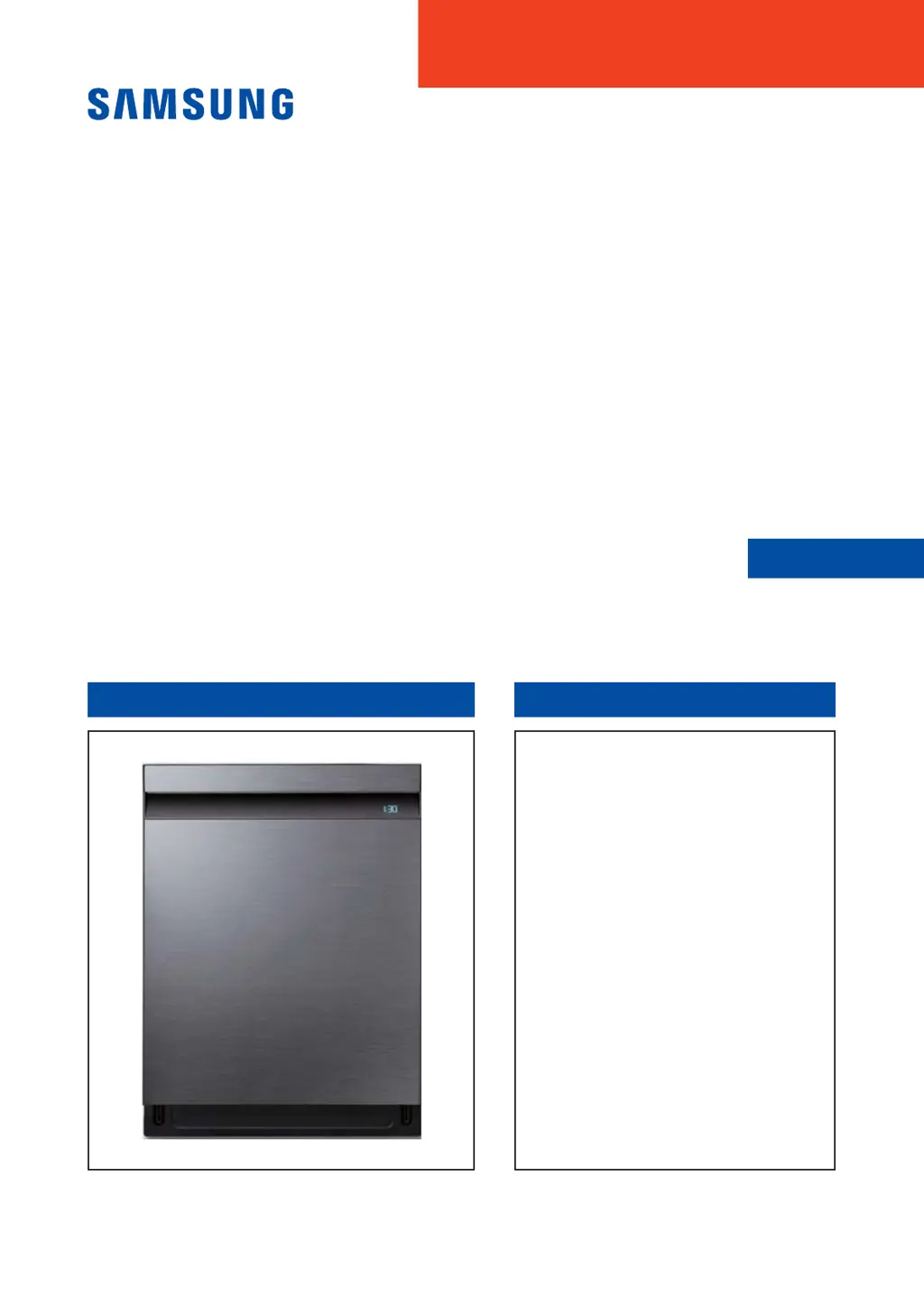
Samsung DW80R9950UG/AC - User Manual

Samsung DW80R9950UG/AC
65 pages
Print Icon
To Next Page IconTo Next Page
Loading...
DISHWASHER CONTENTS
SERVICE
Manual
DISHWASHER
Model Name : DW80R9*** Series
Model Code :
DW80R9950UG/AA
DW80R9950US/AA
DW80R9950UG/AC
DW80R9950US/AC
1. Safety Instructions
2. )HDWXUHVDQG6SHFL¿FDWLRQV
3. Disassembly and Reassembly
4. Troubleshooting
5. PCB Diagram
6. Wiring Diagram
7. Reference

Questions and Answers

  • R
    robert91Aug 11, 2025
    Why does my Samsung DW80R9950UG/AC show check code 4C?
    • L
      Lisa VaughnAug 11, 2025
      If your Samsung Dishwasher displays the check code 4C, it indicates a problem with the water supply. This could be due to a few reasons: * Low water supply pressure: Try turning the water supply valve ‘OFF’ for 1 second and then re-supplying. * Closed water supply valve: Ensure the water supply valve is open. * Aqua stop malfunction: Inspect the aqua stop for any issues.
  • L
    lwallaceAug 17, 2025
    What to do if my Samsung Dishwasher shows check code 5C?
    • P
      Paul TurnerAug 17, 2025
      If your Samsung Dishwasher displays the check code 5C, it means there's an issue with the drain pump. The possible causes and solutions include: * A foreign object is stuck in the drain pump: Remove the object from the drain pump. * The drain pump is faulty: Replace the drain pump.
  • K
    Kimberly BakerAug 26, 2025
    Why does my Samsung Dishwasher have no display (3&)?
    • M
      Mr. Scott Bauer DDSAug 26, 2025
      If your Samsung Dishwasher has no display (3&), it could be due to: * A faulty synchronous motor: The solution is to move to reset location and keep going remained cycle with heater off condition. * Incorrect cam location: Check and adjust the location in the cam.
  • M
    Margaret TrevinoSep 2, 2025
    How to fix no display (tC) on a Samsung DW80R9950UG/AC Dishwasher?
    • M
      Megan RamseySep 2, 2025
      If your Samsung Dishwasher has no display (tC), it means the thermistor is out of order. To resolve this, replace the thermistor.

Summary

Safety Instructions

Safety Instructions for Service Engineers

Safety instructions for service engineers, covering warnings and cautions.

Disassembly and Reassembly

Troubleshooting

Troubleshooting Preparation and Error Codes

Initial steps, error code lists, symptoms, and possible causes for troubleshooting.

Symptom-Based Troubleshooting Guides

Flowcharts for diagnosing issues based on observed symptoms like water supply or heater faults.

Service Inspection and Mode Configuration

Guides on using service inspection mode and configuring auto/manual modes.

Specific Error Code Troubleshooting

Detailed troubleshooting steps for various error codes like 4C, 5C, HC1, LC, etc.

Samsung DW80R9950UG/AC Specifications

General IconGeneral
TypeBuilt-In
Drying SystemAuto Open Drying
Weight48 kg
Energy Star CertifiedYes
ColorStainless Steel
Upper Rack FeaturesAdjustable
Cutlery BasketYes
Delay StartYes
Child LockYes
Half Load OptionYes
Noise Level39 dB
Wash ProgramsAuto, Normal, Heavy, Delicate, Rinse

Related product manuals