051
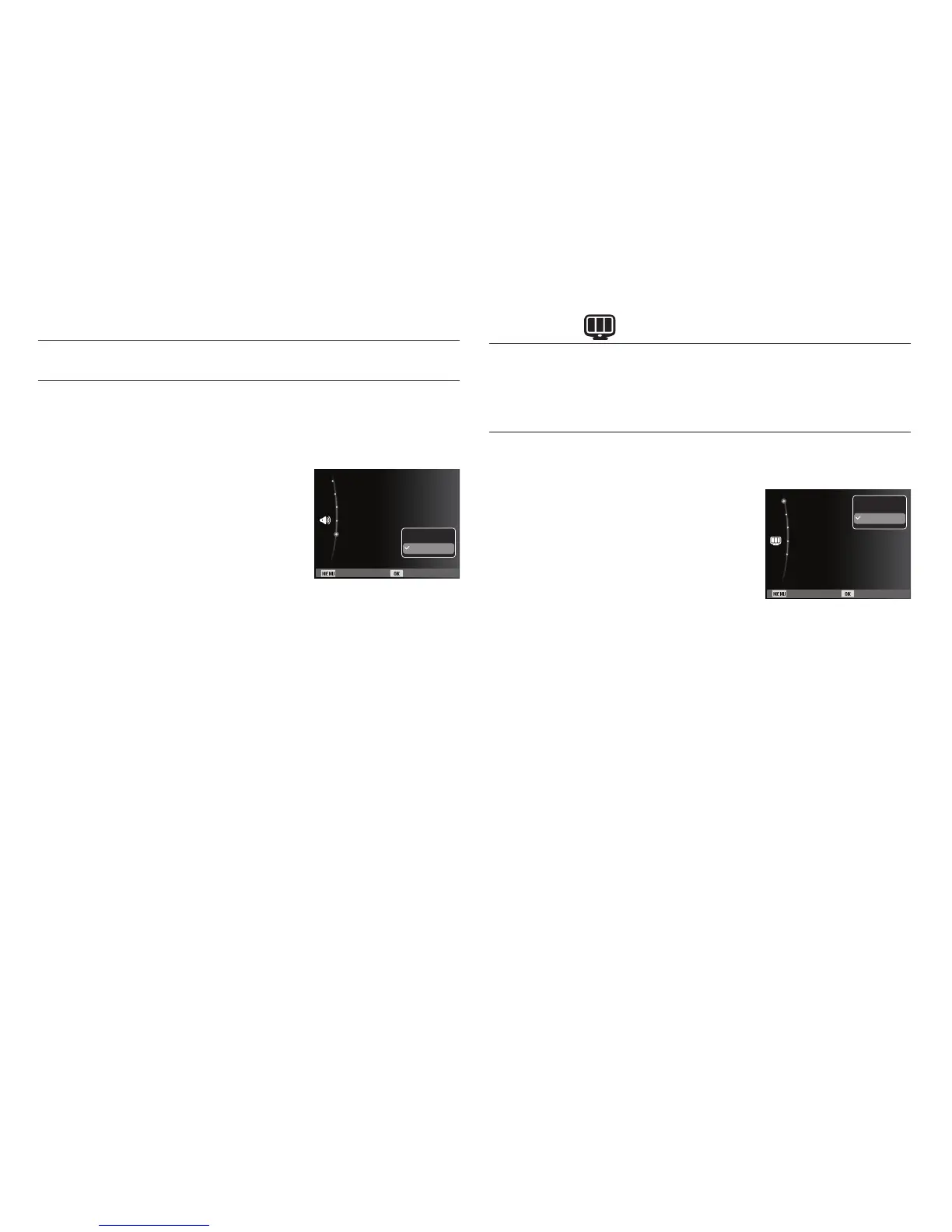
If you set AF sound to on, AF sound will be activated when the
Shutter button is pressed down half way so that you can be aware
of the camera operation status.
- [AF sound] sub menus : [Off], [On]*
AF sound
The items indicated by * are default settings.
Ä
Menus are subject to change without prior notice.
You can select whether the function description can be displayed on
the window in recording mode.
- Function Description sub menus
[Off] : The function description
function can’t be activated.
[On]* : The name and description of the
option is displayed.
Function Description
Display ( )
Sound (
)
Back Set
Start Sound :Off
Shutter Sound :1
Beep Sound :1
AF Sound :On
Volume :Medium
Off
On
Back Set
Function Description :On
Start Image :Off
Display Brightness :Auto
Quick View :0.5sec
Power Save :Off
Off
On



 To Next Page