EasyManua.ls Logo

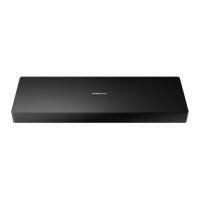
Samsung Evolution Kit - Navigation and Media Controls

Samsung Evolution Kit
80 pages
Print Icon
To Next Page IconTo Next Page
To Previous Page IconTo Previous Page
Loading...
English-13
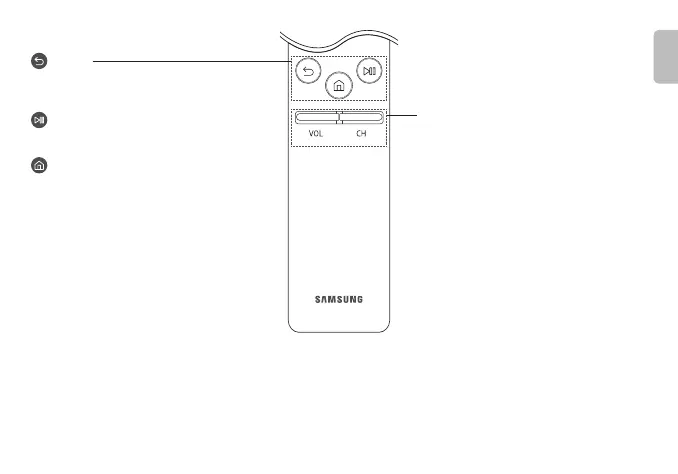
(Return)
Returns to the previous menu. When pressed for 1 second or
more, the running function is terminated. When pressed while
you are watching a programme, the previous channel appears.
(Play/pause)

controls, you can control the media content that is playing.
(Smart Hub)
Returns to the .
VOL (Volume)
Point the Samsung Smart Remote at the remote control


Accessibility
Shortcuts menu appears.
CH (Channel)

Guide
When pressed for 1 second or more, the Channel List
screen appears.
English

Other manuals for Samsung Evolution Kit

Related product manuals