English-4
2. Anynet+ (HDMI-CEC) to On in the TV’s menu.
– The menu path may differ depending on the TV model.
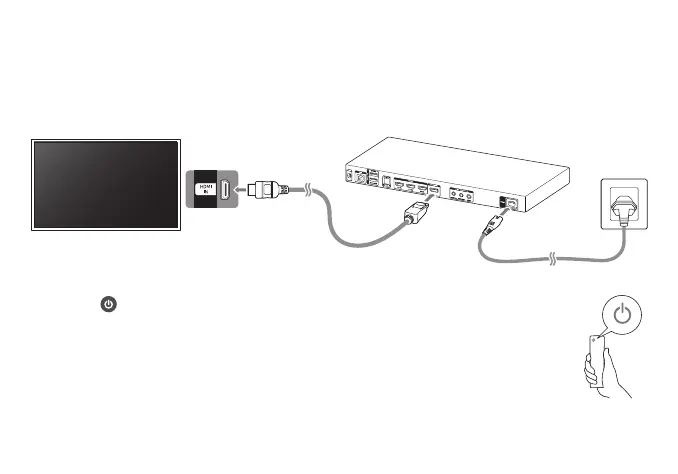
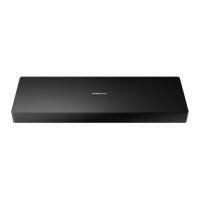
3. Connect the provided Evolution Kit connector from the EVK CONNECT port on the Evolution Kit to an HDMI port on the TV.
– HDMI (ARC) or HDMI (MHL) port.
4.
Samsung TV
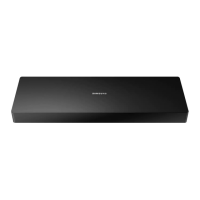
Evolution Kit
– The port name may differ depending on the TV model.
5. Press the Samsung Smart Remote provided with the Evolution Kit to turn on the
Evolution Kit.



 To Next Page