Basics
10
Device layout and functions
Package contents
Check the product box for the following items:
•
Device
•
USB cable
•
Earphone
•
Ejection pin
•
S Pen nib
•
Tweezers
•
USB power adaptor
•
Quick start guide
•
Clear view cover
•
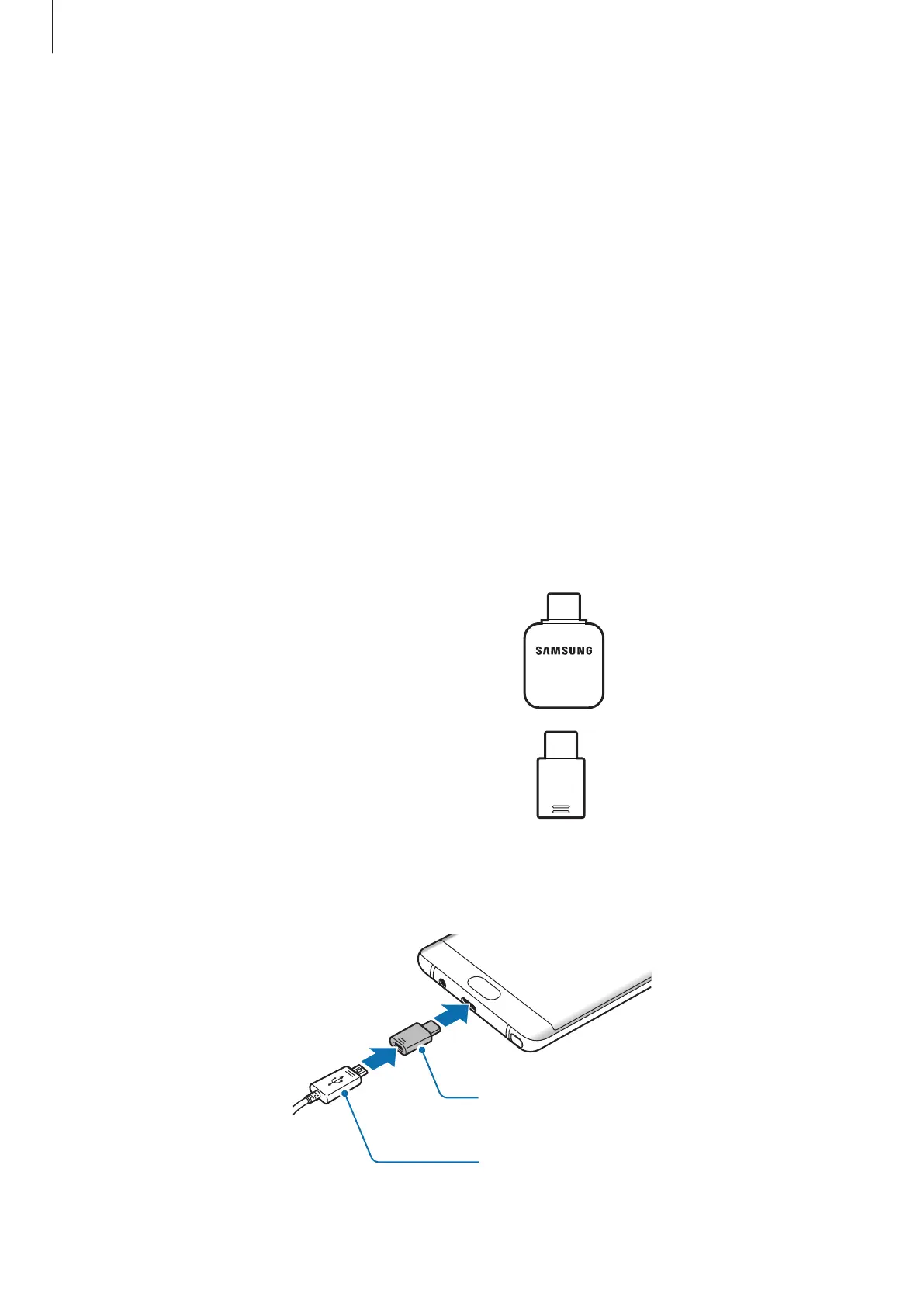
USB connector (USB Type-C)
Use the USB connector to transfer data
between mobile devices.
•
Micro USB connector
Connect the Micro USB connector to charge
the battery with a Micro USB cable.
Do not plug a Micro USB cable into your
device’s multipurpose jack. Doing so may
damage the device.
Micro USB Connector
Micro USB Cable












 To Next Page