Apps and features
122
Samsung Pay
Introduction
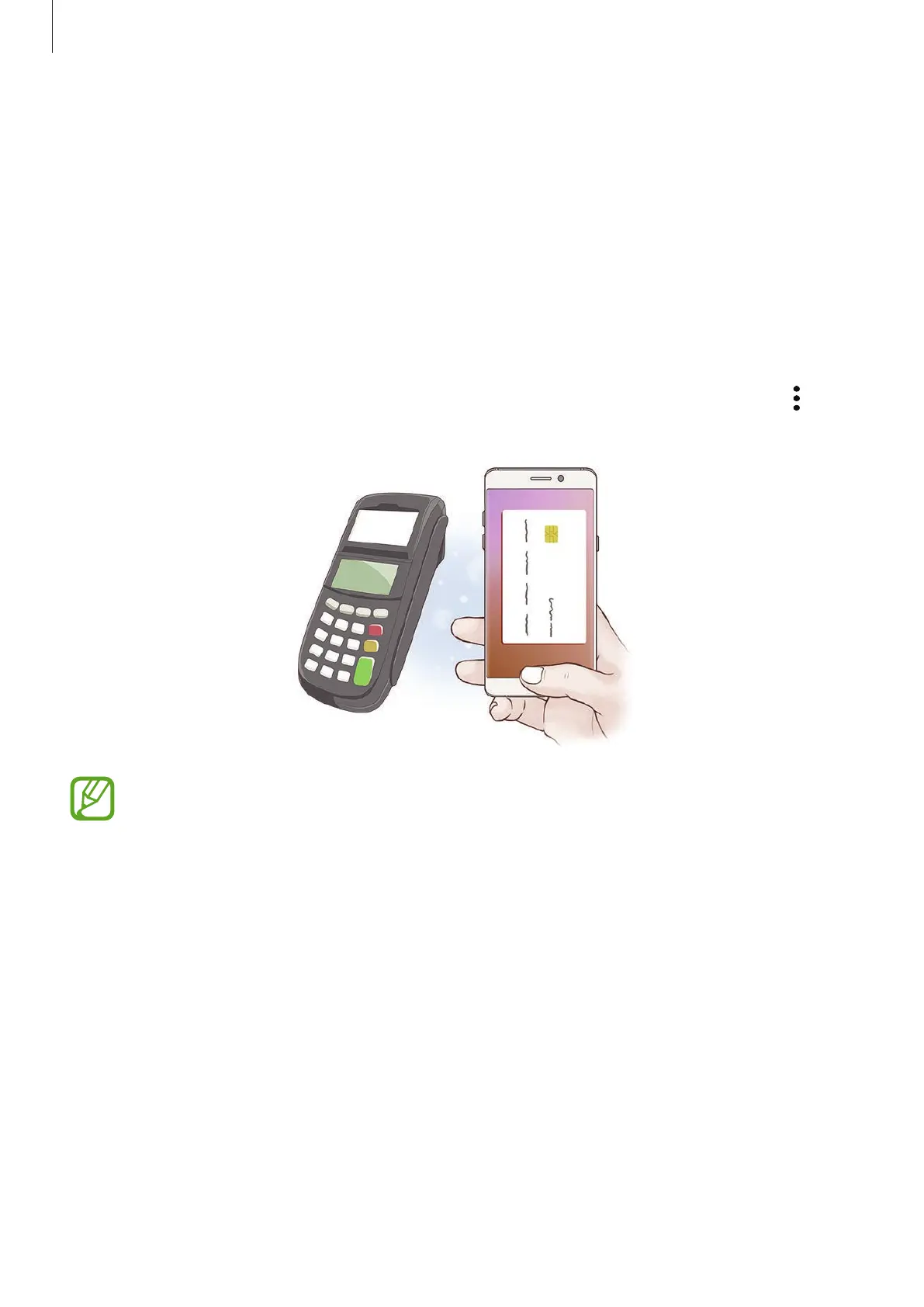
You can register your frequently used credit or debit cards into Samsung Pay, a mobile
wallet service, to make quick and secure payments. Samsung Pay supports magnetic secure
transmission (MST) as well as near field communication (NFC) to allow payment through
standard credit card readers.
You can view more information, such as cards that support this feature at
www.samsung.com/samsungpay. Alternatively, launch the
Samsung Pay
app and tap
→
Help
.
•
To use this feature, you must sign in to your Samsung account and register your
biometric data. For more information, refer to Samsung account, Fingerprint
recognition, and Iris recognition.
•
In order to successfully make payments using Samsung Pay, your eligible device
may require a Wi-Fi or mobile network connection, depending on your location.
•
The availability of Samsung Pay and its various wallet-features will vary, depending
on your country of use.












 To Next Page