Apps and features
152
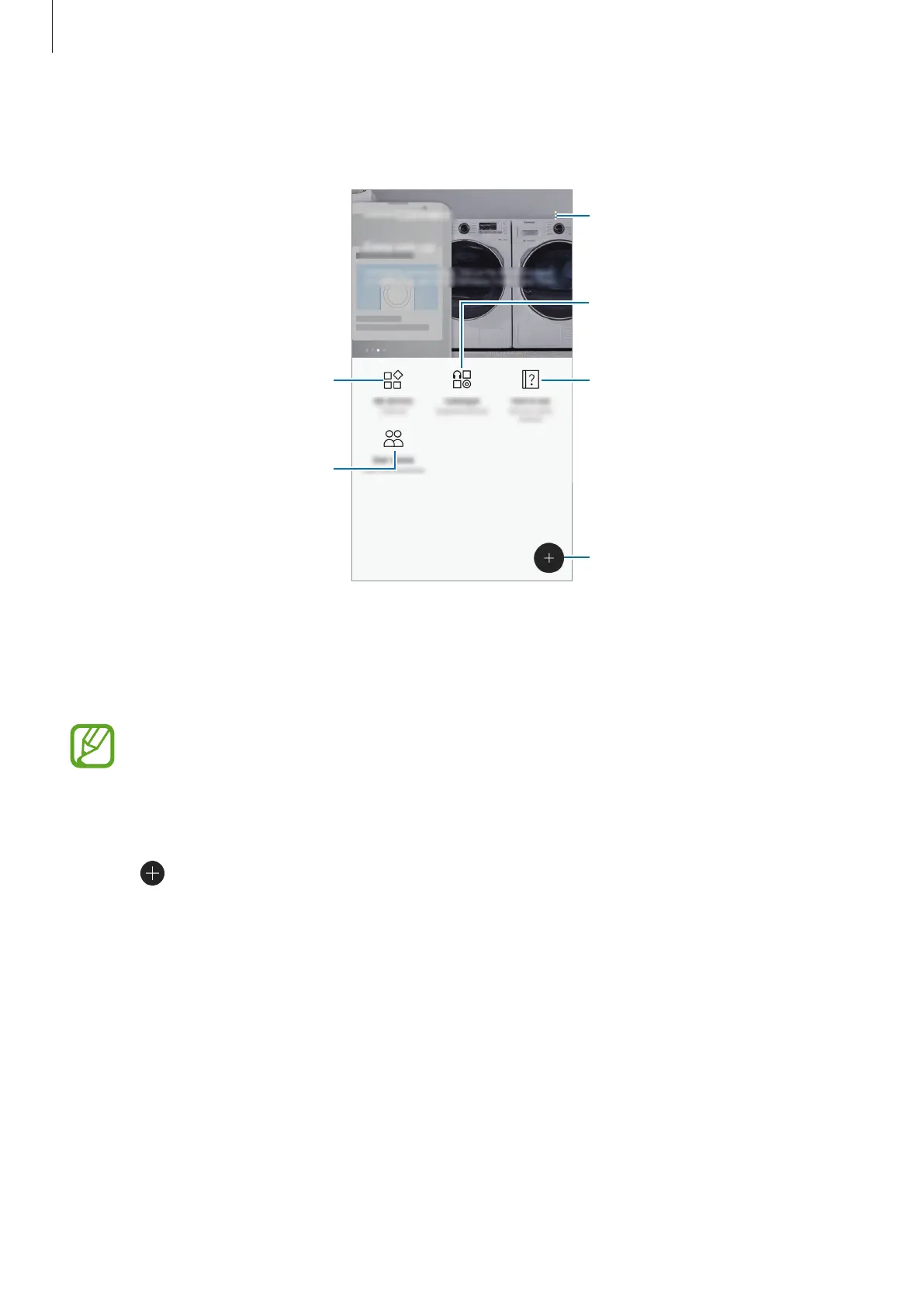
Open the
Samsung
folder and launch
Samsung Connect
. The Samsung Connect screen will
appear.
Access additional options.
Supported devices
Samsung Connect tips
Search for and register nearby
View devices by location.
User stories
Connecting to nearby devices
Connect to nearby devices, such as Bluetooth headsets or printers, easily and quickly.
Connection methods may vary depending on the type of connected devices or the
shared content.
1
Open the
Samsung
folder and launch the
Samsung Connect
app.
2
Tap .
The Wi-Fi and Bluetooth features will be activated and the device will automatically
search for nearby devices.
3
Select a device from the list and connect to it by following the on-screen instructions.
Once the connection is made, you can use the device or share the content.












 To Next Page