English
9
Using your headset
This section explains how to turn the headset on, pair and connect to the phone,
and use various functions.
Activated functions and features may differ depending on the types of your phone.
Some devices, especially those that are not tested or approved by Bluetooth SIG,
may be incompatible with your headset.
•
•
Turning the headset on or off
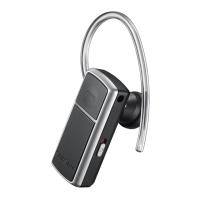
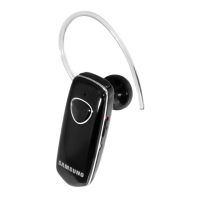
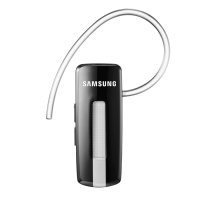
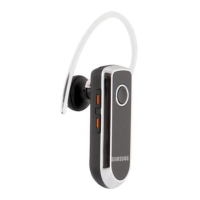
Slide the power switch to turn the headset on. The blue indicator light
ashes 4 times.
Slide the power switch to turn the headset off. Both blue and red indicator
lights ash.
•
•


 To Next Page