4
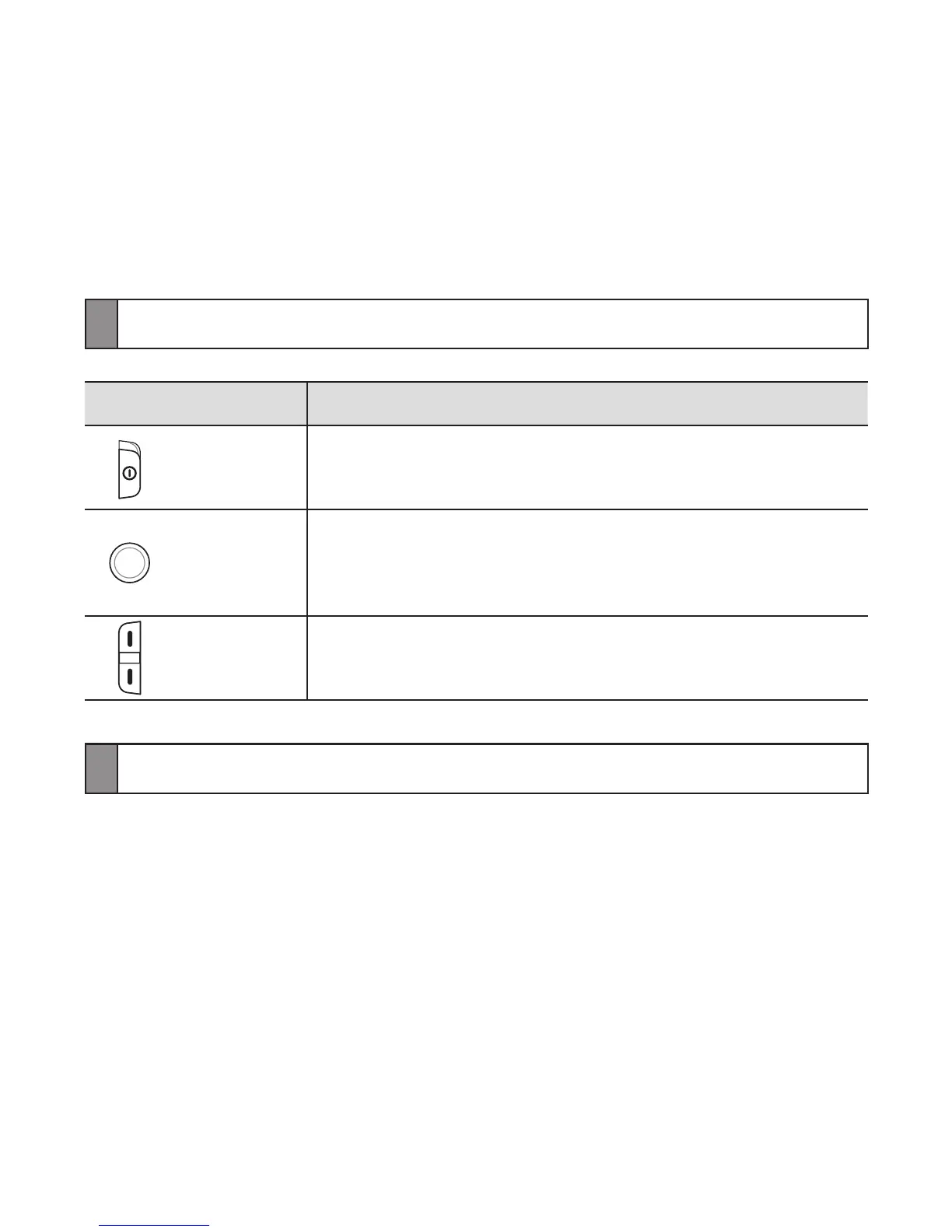
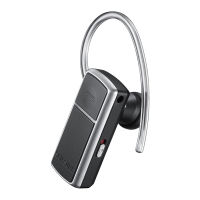
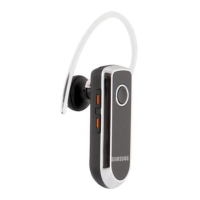
Button functions
Button Function
Power Slide the switch to turn the headset on or off.
Talk
Press to make or answer a call.
Press to end a call.
Press and hold to enter Pairing mode.
•
•
•
Volume
Press to adjust the volume.
During a call, press and hold to mute the microphone.
•
•
Charging the headset
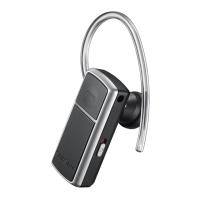
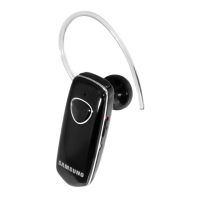
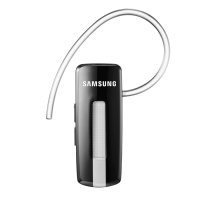
This headset has a rechargeable internal battery which is non-removable. Ensure
that you fully charge the battery before using the headset for the rst time.


 To Next Page