11
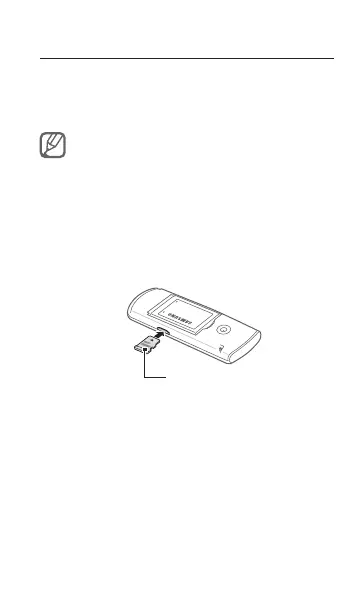
Insert a memory card (optional)
Your phone accepts microSD™ or microSDHC™
memory cards up to 2 GB (depending on memory
card manufacturer and type).
Formatting the memory card on a PC may cause •
incompatibility with your phone. Format the
memory card only on the phone.
Frequent writing and erasing of data will shorten •
the lifespan of memory cards.
Remove the back cover.1.
Insert a memory card with the gold-coloured 2.
contacts facing down.
Memory card
Push the memory card in the memory card slot 3.
until it locks in place.
Replace the back cover.4.



 To Next Page