38
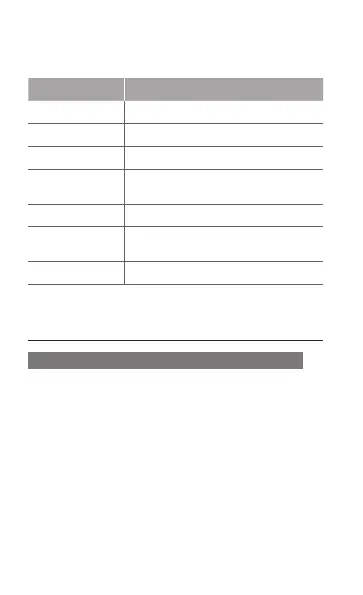
Before capturing a video, press <Options> →
Settings to access the following settings:
Option Function
Timer Select the time delay
Quality Adjust the quality level for your videos
Viewnder mode Change the preview screen
Recording sound
Set the camera shutter to make a
sound when capturing a video
Audio recording Turn the audio on or off
Storage
Select a memory location for storing
captured videos
Shortcut info View the shortcut information
Use advanced music functions
To copy music les via Samsung PC Studio
In Menu mode, select 1. Settings → PC
connections → Samsung PC studio or Mass
storage.
Using an optional PC data cable, connect the 2.
multifunction jack on your phone to a PC.
Run Samsung PC Studio and copy files from 3.
the PC to the phone.
Refer to the Samsung PC Studio help for more
information.



 To Next Page