English
5
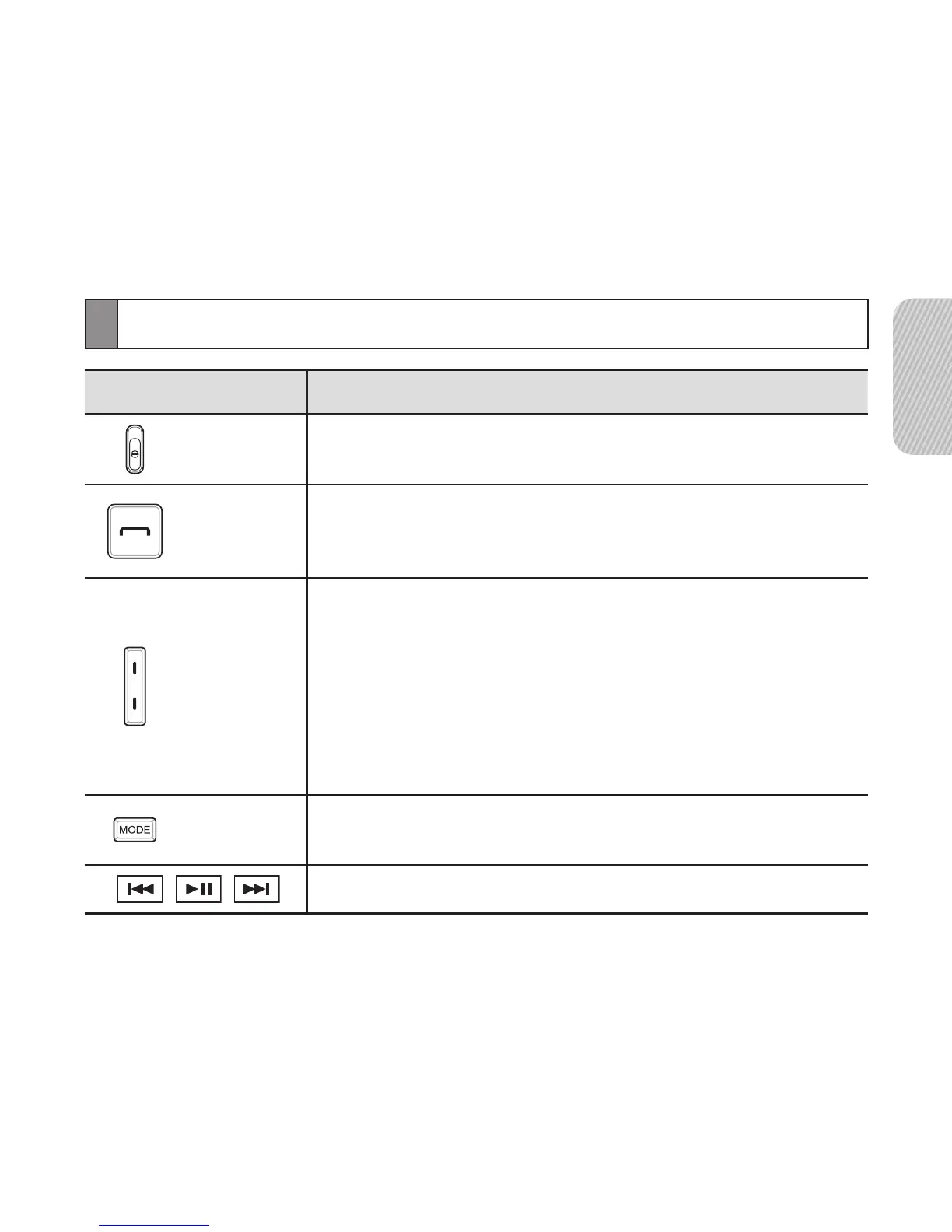
Button functions
Button Function
Power
Switch
• Slide up or down to turn the headset on or off.
Talk
• Press to make or answer a call.
• Press to end a call.
• Press and hold to enter Pairing mode.
Volume
• Press to adjust the volume.
• Press and hold to turn the microphone on or off.
• In Pairing mode, press and hold the Volume up
button until you hear a beep. It makes turn the
Multi-point feature on.
• In Pairing mode, press and hold the Volume down
button until you hear a beep. It makes turn the
Multi-point feature off.
Mode
• While listening to music, press to change the
SoundAlive mode.
• Presstocontrolthemusicles.


 To Next Page