13
GB
12
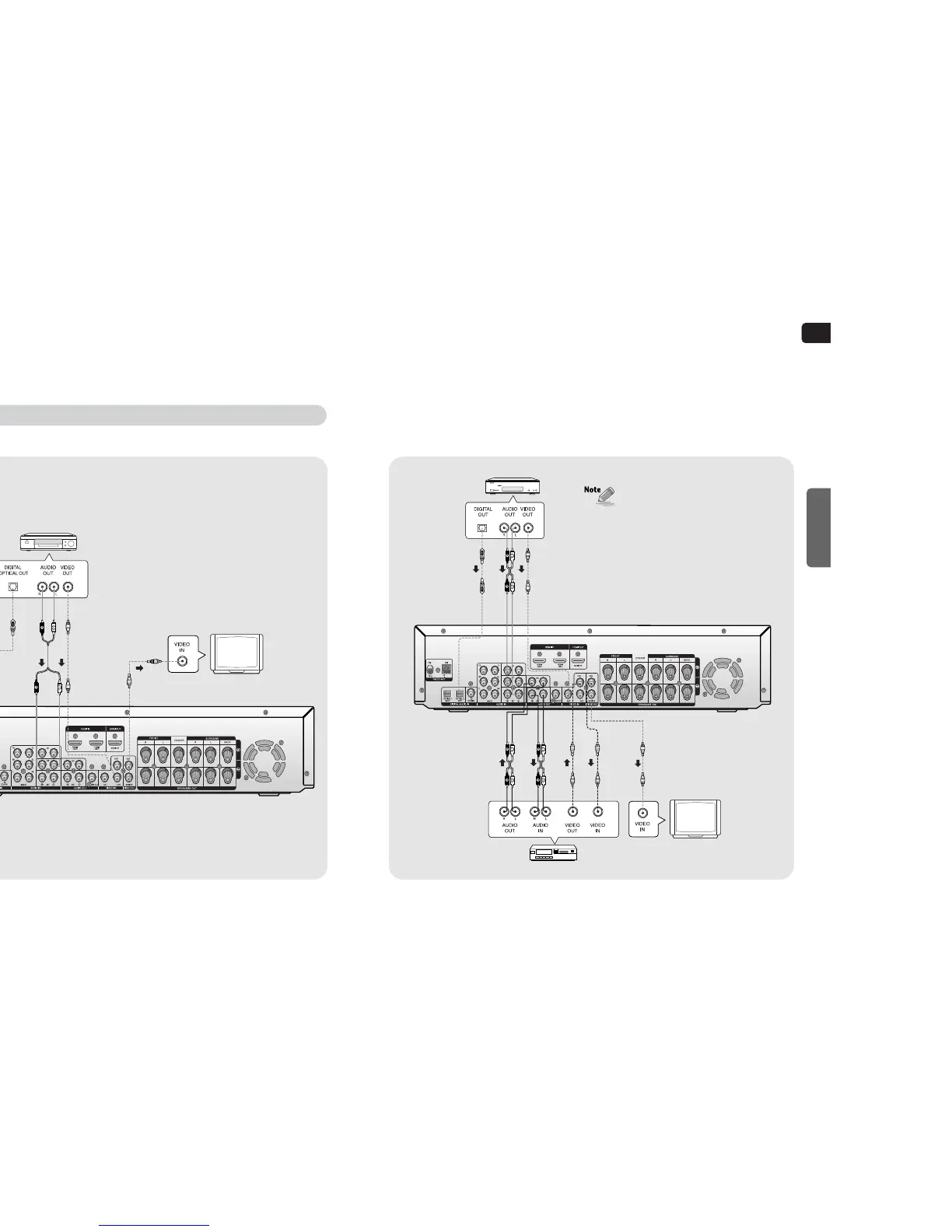
SAT
(Settop Box)
VCR
TV
•
If the external component has only one audio output
jack, connect it to either the right or left audio input
jack of the main unit.
•
Connect the audio cable's red plug to the red jack
and white cable to the white jack.
CONNECTIONS
Connecting external components
DVD Player
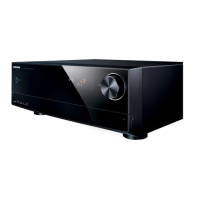
Before moving or installing the product, be sure to turn off the power and disconnect the power cord.
Connecting video component
•
Disconnect the power plug from the outlet if you will not use this unit for a long period of time.
•
Even though the Digital Audio inputs are labelled DVD, SAT and CD, you can connect your DVD/SAT/CD player
to either the OPTICAL or COAXIAL digital audio input (as long as it matches the Digital audio output on your
player).
TV
or
or


 To Next Page