Watching a movie
64
REPEAT PLAY
Repeat the current chapter or title.
Repeat playback
hgfZCV
During playback, press the REPEAT button on the remote
control.
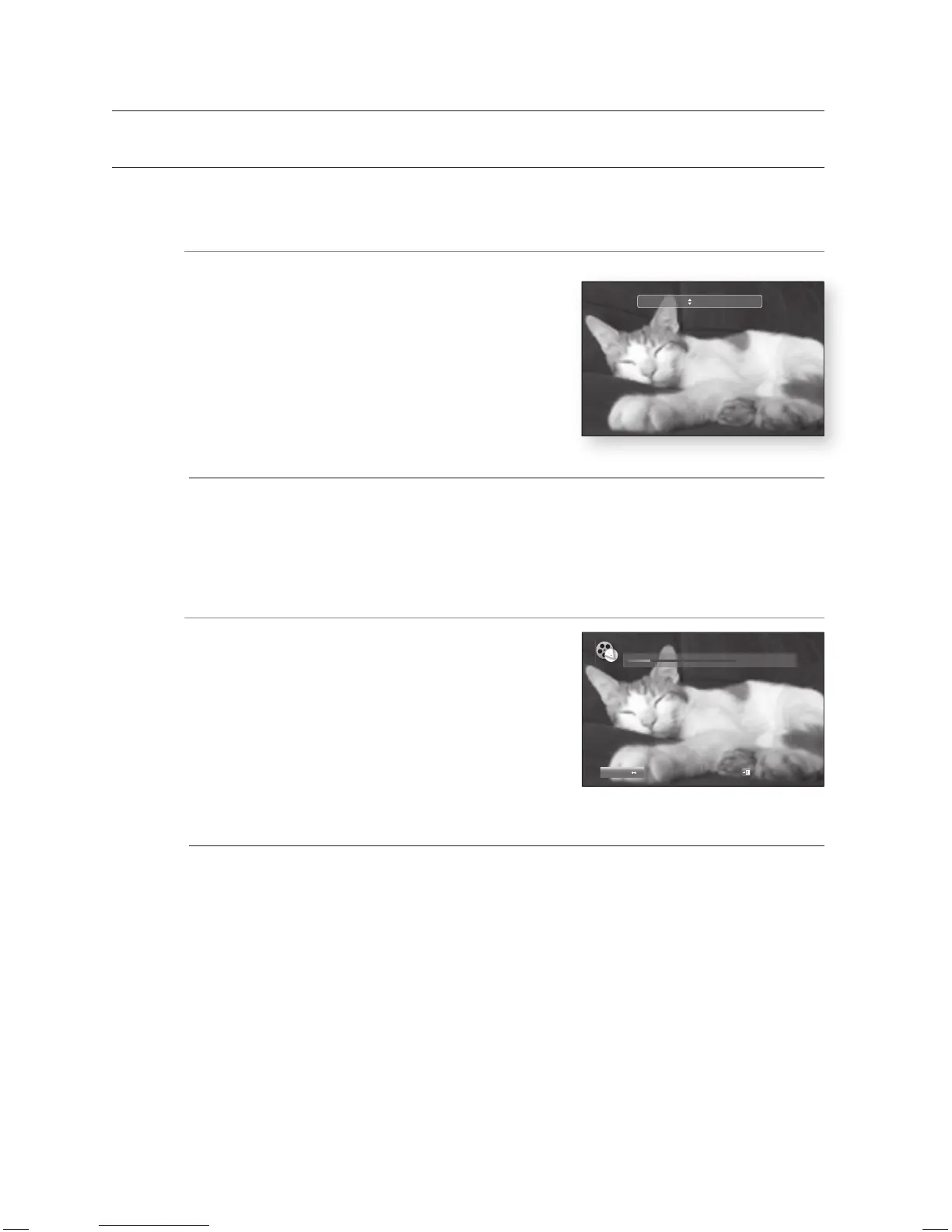
Repeat screen appears.
Press the
▲▼
buttons to select Chapter or Title.
Blu-ray Disc/DVD repeats play by chapter or title.
To return to normal play, press the REPEAT button again,
then press the
▲▼
buttons to select Off.
Depending on the disc, the Repeat function may not be available.
Using the A-B Repeat function
hgfZCV
Press the REPEAT A-B button on the remote control
during playback.
Press the REPEAT A-B button at the point where you
want repeat play to start (A).
Press the REPEAT A-B button at the point where you
want repeat play to stop (B).
To return to normal play, press the REPEAT A-B button
again.
Point B cannot be set until 5 seconds of playback has elapsed from point A.
1.
2.
•
3.
M
1.
2.
3.
4.
M
Repeat Off
► Repeat A-B
00:18:41 / 01:34:37
REPEAT A B
Off
Exit
DVDDVD
HT-BD3252A_XAA_0724-3.indd 64HT-BD3252A_XAA_0724-3.indd 64 2009-07-24 5:56:492009-07-24 5:56:49


 To Next Page