18
CONNECTIONS
Disc Playback
•
Depending on the content of the disc, the initial screen may appear different.
•
Depending on the recording mode, some MP3-CDs cannot be played.
•
Table of contents of a MP3-CD varies depending on the MP3 track format
recorded on the disc.
•
To resume playback, press PLAY/PAUSE
button again.
1
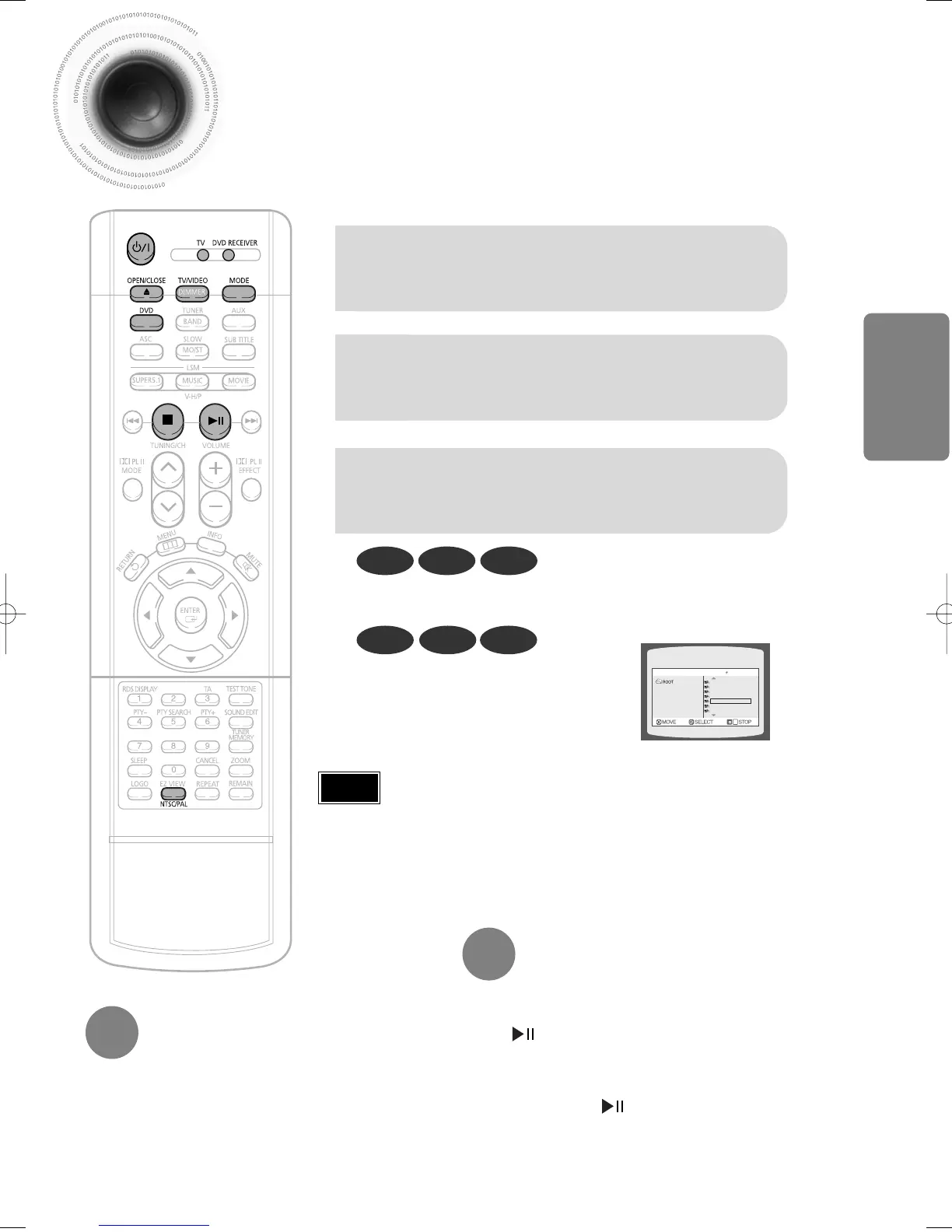
Press OPEN/CLOSE button to open
the disc tray.
2
Load a discs.
•
Place a disc gently into the tray with the disc’s label
facing up.
3
Press OPEN/CLOSE button
to close the disc tray.
To temporarily pause playback,
press PLAY/PAUSE during
DVD VCD CD
•
Playback starts automatically.
MP3 DivX JPEG
•
Playback starts automatically.
•
If the TV is on, a list of MP3s on the
CD will appear on the TV screen.
Something like you
Back for good
Love of my life
More than words
I need you
My love
Uptown girl
DVD RECEIVER SMART NAVI
•
If pressed once, “PRESS PLAY” is displayed and the
stop position will be stored in memory. If PLAY/PAUSE
( ) button or ENTER button is pressed, playback
resumes from the stop position. (This function works only
with DVDs.)
•
If pressed twice, “STOP” is displayed, and if
PLAY/PAUSE ( ) button is pressed, playback starts
from the beginning.
To stop playback,
press STOP during playback.
Note
1p~32p(DB750M)-GB 12/24/03 2:30 PM Page 21


 To Next Page
 Loading...