031
Types of focus mode and focus range (W: Wide, T: Tele) (Unit: cm)
Mode
Auto(
)
Focus Type
Super macro(
)
Auto macro(
)
Normal
Focus range –
W: 5 ~ Infi nity
T: 40 ~ Infi nity
W: 80 ~ Infi nity
T: 80 ~ Infi nity
Mode
Program(
)
Focus Type
Super macro(
)
Macro(
)
Normal
Focus range
W: 1 ~ 5
(Wide only)
W: 5 ~ 80
T: 40 ~ 80
W: 80 ~ Infi nity
T: 80 ~ Infi nity
Mode
DIS mode(
)
Focus Type
Super macro( )
Auto macro(
) Normal
Focus range –
W: 5 ~ Infi nity
T: 40 ~ Infi nity
W: 80 ~ Infi nity
T: 80 ~ Infi nity
Mode
FUN mode(
)
Focus Type
Super macro( )
Macro(
)
Normal
Focus range –
W: 5~80
T: 40~80
W: 80 ~ Infi nity
T: 80 ~ Infi nity
When the macro mode is selected, be particularly careful to
avoid camera shake.
When you take a picture within 30cm (Wide zoom) or 50cm
(Tele zoom) in the Macro mode, select the FLASH OFF mode.
When you take a picture within the 5cm Super macro range,
the autofocus on the camera will take longer to set the correct
focus distance.
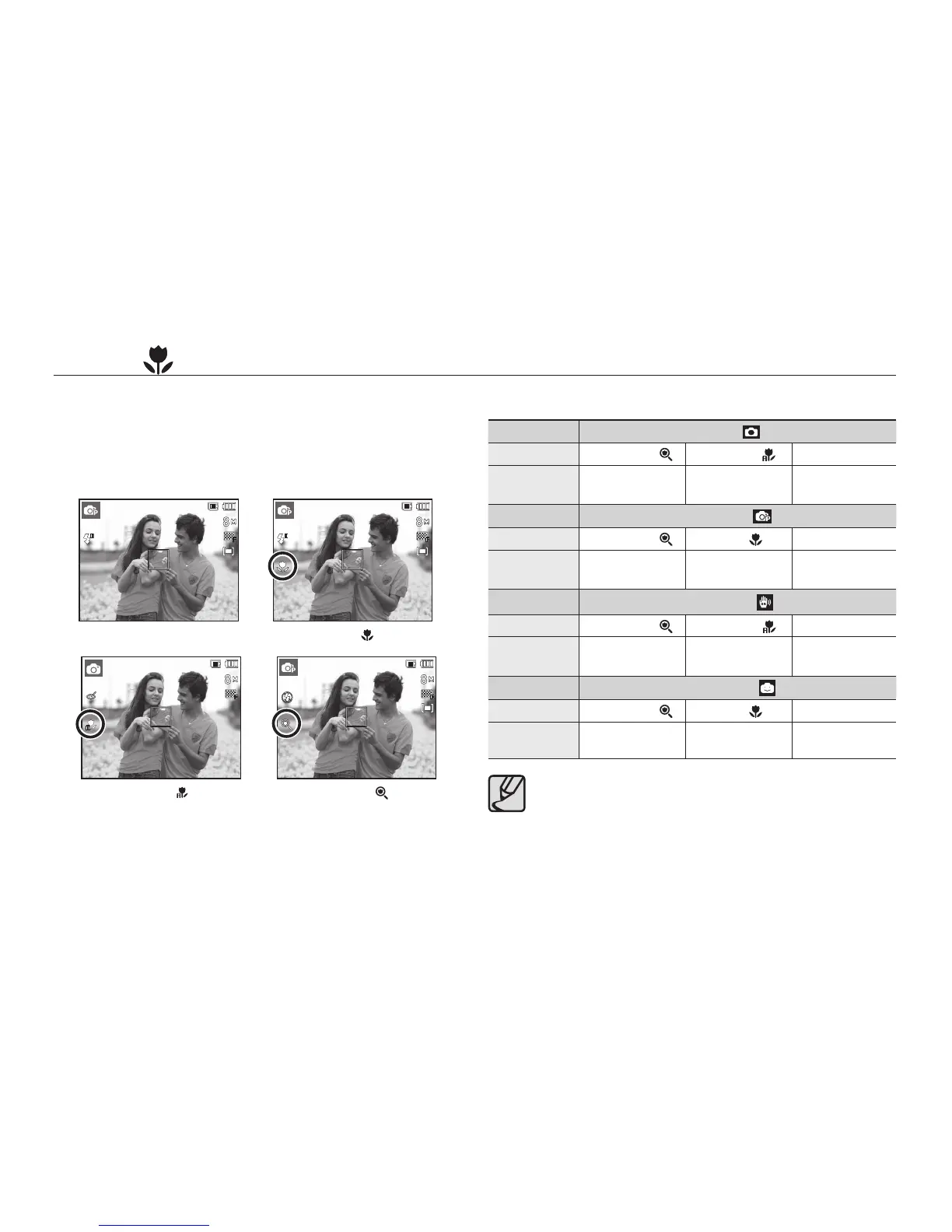
Macro ( ) / Down button
While the menu is showing, press the Down button to move from the
main menu to a sub menu, or to move down the sub menu. When
the menu is not showing, you can use the Macro/Down button to
take macro pictures. The distance ranges are shown below. Press the
Macro button until the desired macro mode indicator appears on the
LCD monitor.



 To Next Page