039
Fn button: Drive mode
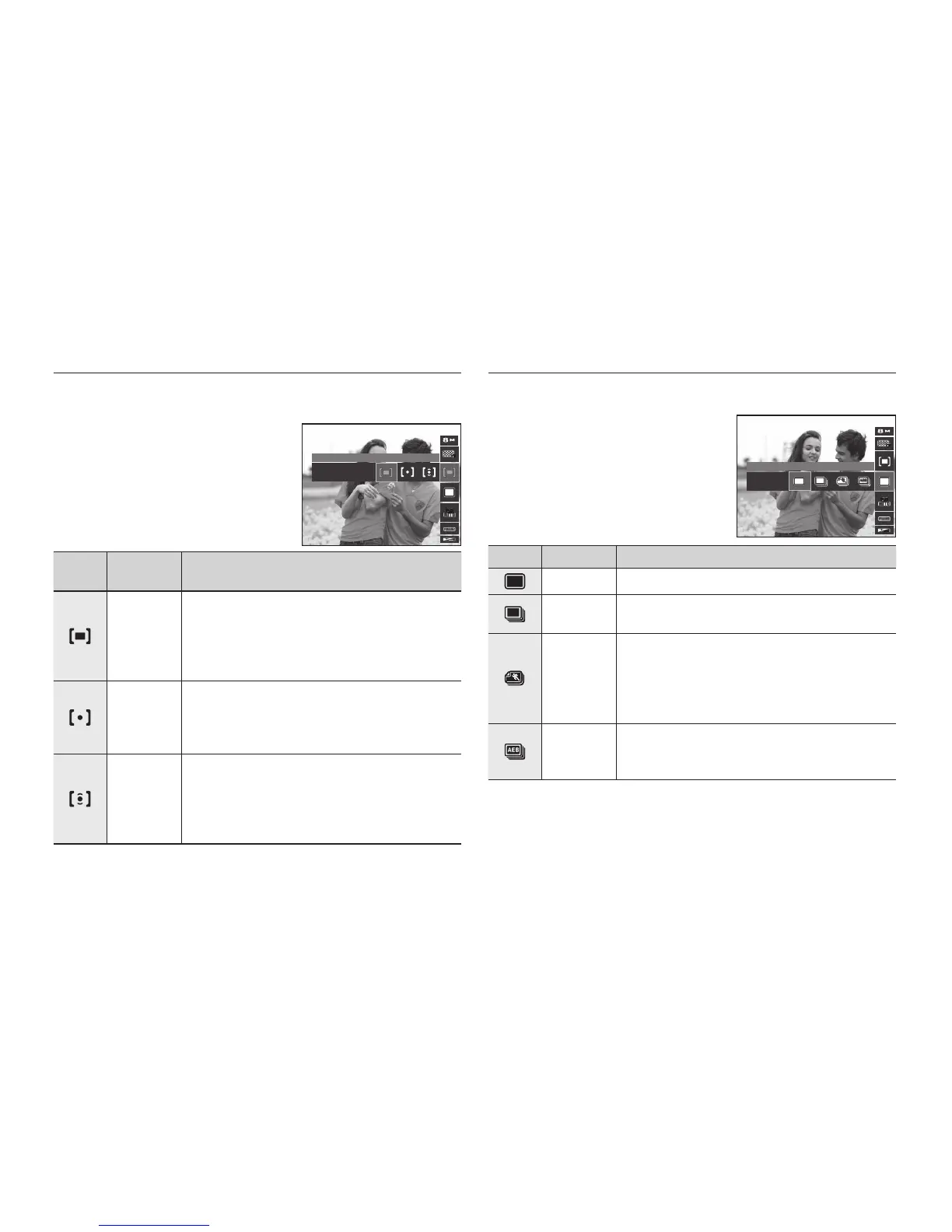
You can select continuous shot, and AEB (Auto Exposure Bracketing).
Icon Drive Mode Description
[Single] Take one picture only.
[Continuous]
Images will be taken continuously until the Shutter
button is released.
[Motion
Capture]
This takes 6 shots per second for up to 5 seconds,
when the shutter is pressed and held down. After
completing the continuous shooting, images are
saved automatically. The maximum number of shots
is 30 and the image size is fi xed as VGA.
[AEB]
Take three pictures in a series in different
exposures: standard exposure (0.0EV), short
exposure (-1/3EV) and over exposure (+1/3EV).
Fn button: Metering
If you cannot obtain suitable exposure conditions, you can change the
metering method to take brighter pictures.
Icon
Metering
Mode
Description
[Multi]
Exposure will be calculated based on an average
of light in each image area divided into multiple
regions. However, the calculation will be biased
towards the centre of the image area. This is
suitable for general use.
[Spot]
Only the rectangular area in the centre of the LCD
monitor will be metered for light. This is suitable
when the subject in the centre is exposed correctly,
regardless of the back lighting.
[Center]
Exposure will be calculated based on an average of
the available light in the image area. However, the
calculation will be biased towards the centre of the
image area. This is suitable for taking a picture of
small objects like fl owers or insects.
If the subject is not the centre of the focus area, do not use the spot
metering as this may result in an exposure error. In this circumstance, it is
better to use exposure compensation.
Multi
Single



 To Next Page