081
Playback ( )
Standard
This function allows you to embed printing quantity information on a
stored image.
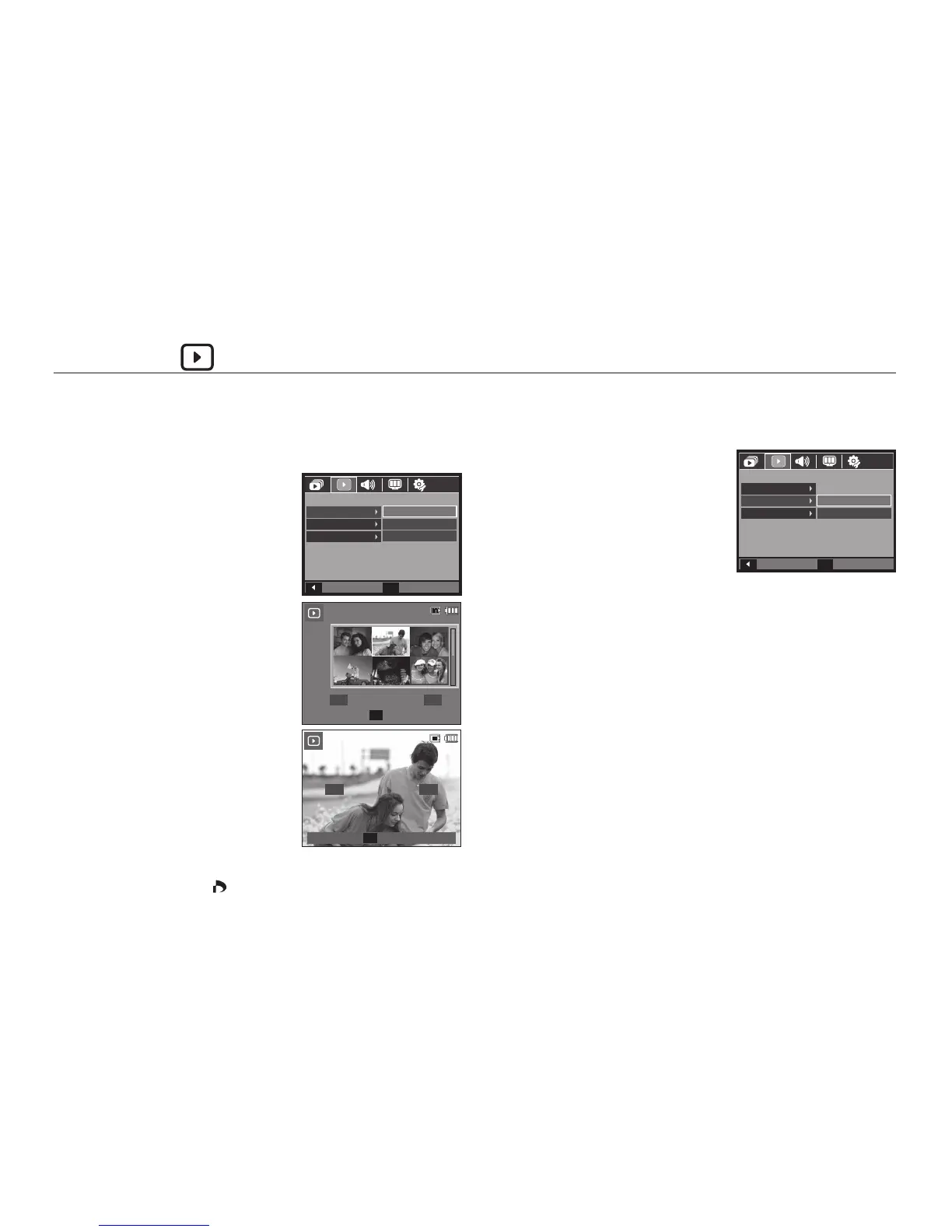
1. Press the Up/Down button and select
the [DPOF] menu tab. And then press
the Right button.
2. Press the Right button again and
[Standard] sub menu will display.
3. Select a desired sub menu by pressing
the Up/Down button and press the OK
button.
[Select]: Selection window for an image
to print is displayed.
– Up/Down/Left/Right button: Select
an image to print.
– Zoom W/T button: Select the number
of prints.
[All]: Confi gure number of prints for all
pictures except movie and voice
fi les.
– Zoom W/T button: Select a number
of prints.
[Cancel]: Cancel the print setup.
4. Press the OK button to confi rm the setting. If an image carries DPOF
instructions, the DPOF (
) indicator will show.
Index
Images (except for movie clips and voice fi le) are printed as index type.
1. Press the Up/Down button and select
the [DPOF] menu tab. And then press
the Right button.
2. Press the Right button again and [Index]
sub menu will be displayed.
3. Select a desired sub menu by pressing
the Up/Down button.
If [No] is selected: Cancel the index
print setting.
If [Yes] is selected: The image will be printed in index format.
4. Press the OK button to confi rm the setting.
23
456
1
Set
OK



 To Next Page