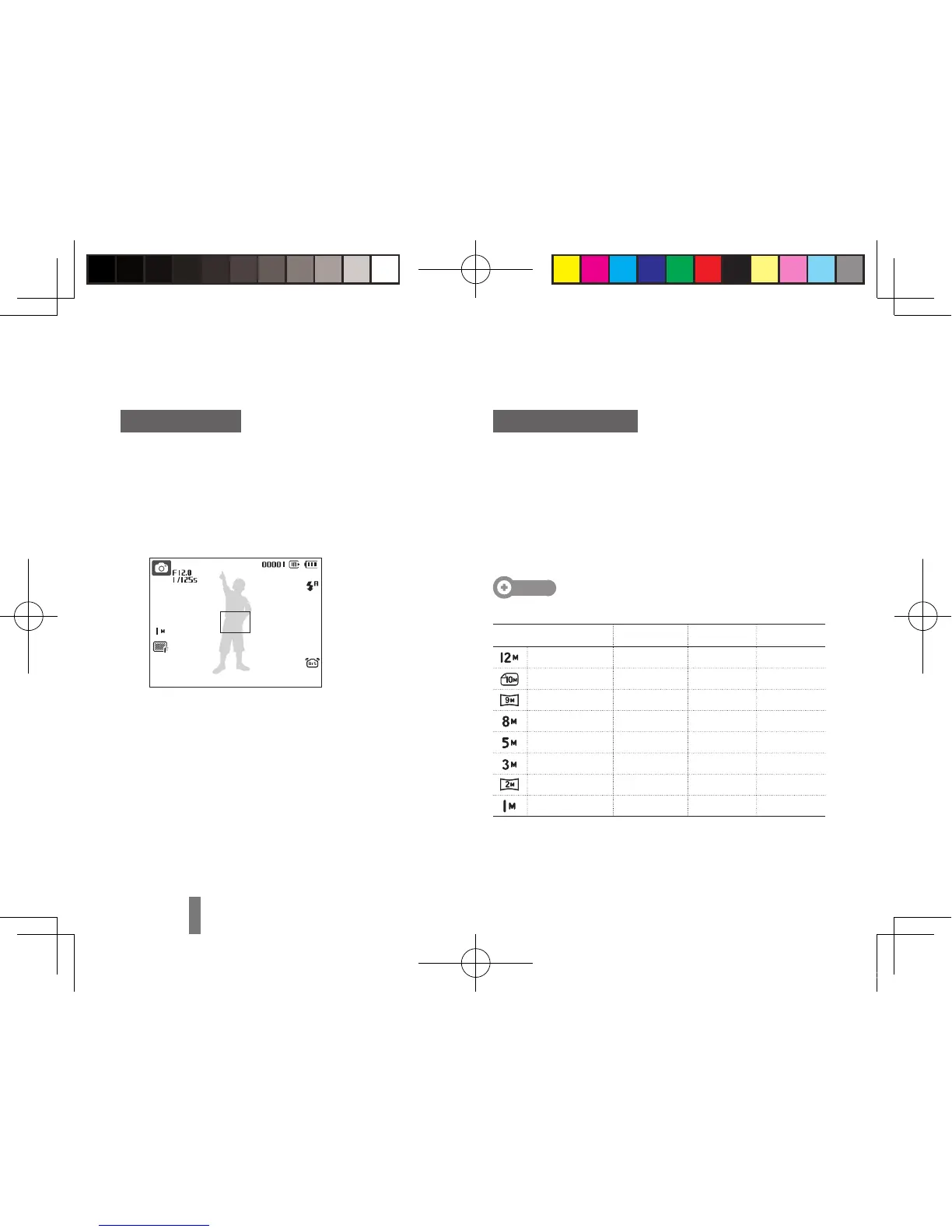
Taking a photo
Rotate the mode dial to
1
a.
Align your subject in the frame.
2
Press [
3
Shutter] halfway down to focus
automatically.
A green frame means the subject in focus. ▪
Press [
4
Shutter] all the way down to take the
photo.
Recording a video
Rotate the mode dial to
1
v.
Align your subject in the frame.
2
Press [
3
Shutter].
Press [ ▪ o] to pause or resume.
Press [
4
Shutter] again to stop the recording.
Note
Number of photos by resolution (for 1 GB SD)
Resolution Super fine Fine Normal
4000 x 3000 142 274 389
3984 x 2656 162 302 426
3968 x 2232 195 355 509
3264 x 2448 204 361 518
2592 x 1944 327 547 764
2048 x 1536 514 774 1,028
1920 x 1080 840 1,104 1,387
1024 x 768 1,420 1,612 1,807
These figures are measured under Samsung’s standard
conditions and may vary depending on shooting conditions
and camera settings.
Capturing photos or videos



 To Next Page