4-1
4. Troubleshooting
4. Troubleshooting
4-1. Troubleshooting
Check the various cable connections rst.
• Check to see if there is a burnt or damaged cable.
• Check to see if there is a disconnected or loose cable connection.
• Check to see if the cables are connected according to the connection diagram.
Check the power input to the Main Board.
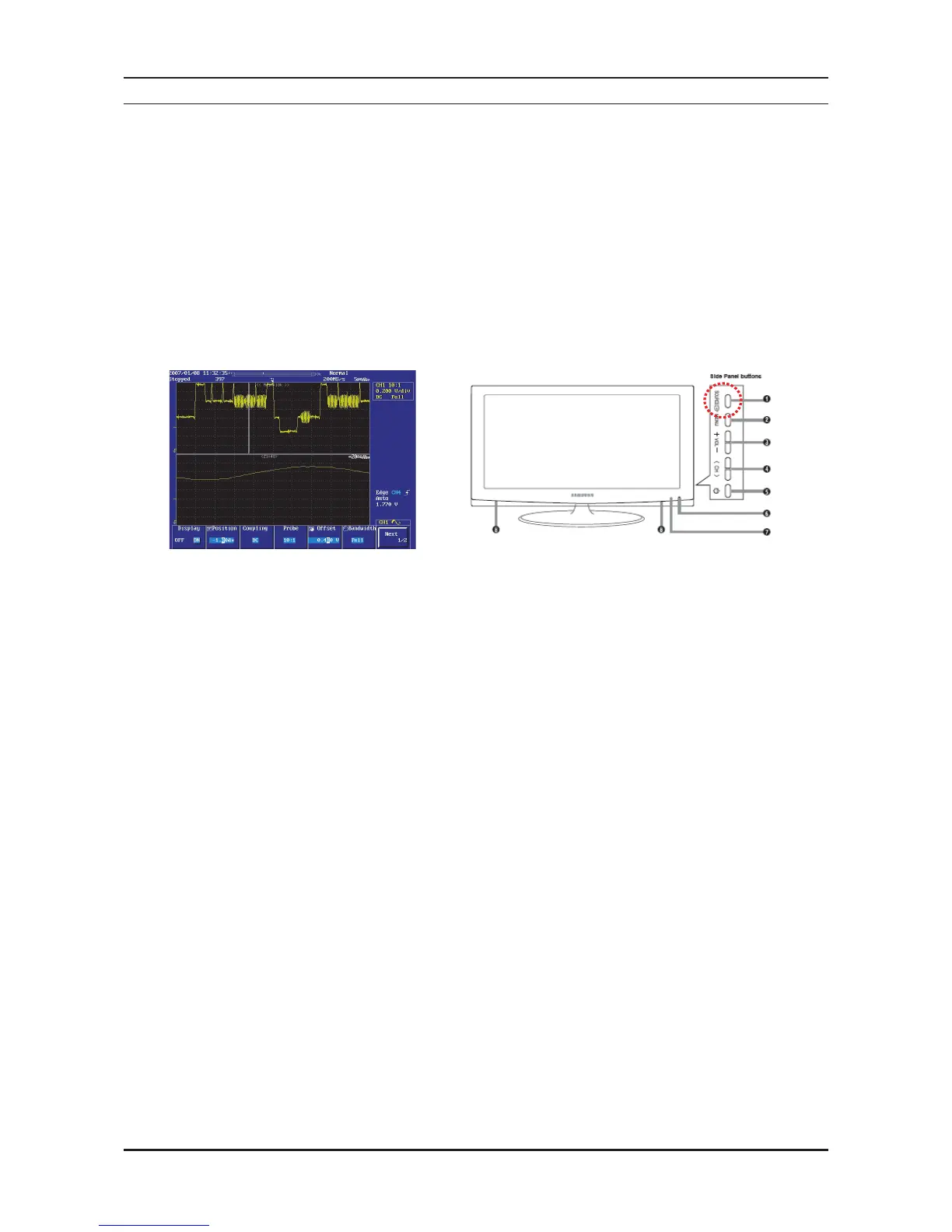
Check internal Pattern lola3 if fhere is some picture noise.
Factory mode(Info-MENU-Mute-power on → Advanced menu → MST69A84HQ → Pattern select : Off
Press right button of Remocon.
If lola3 NG, Chahge the Main Board.
1.
2.



 To Next Page