4-9
4. Troubleshooting
4-1-5. No Picture (Video_CVBS)
Symptom Audio is normal but no picture is displayed on the screen.-
Major
checkpoints
Check the Video Source
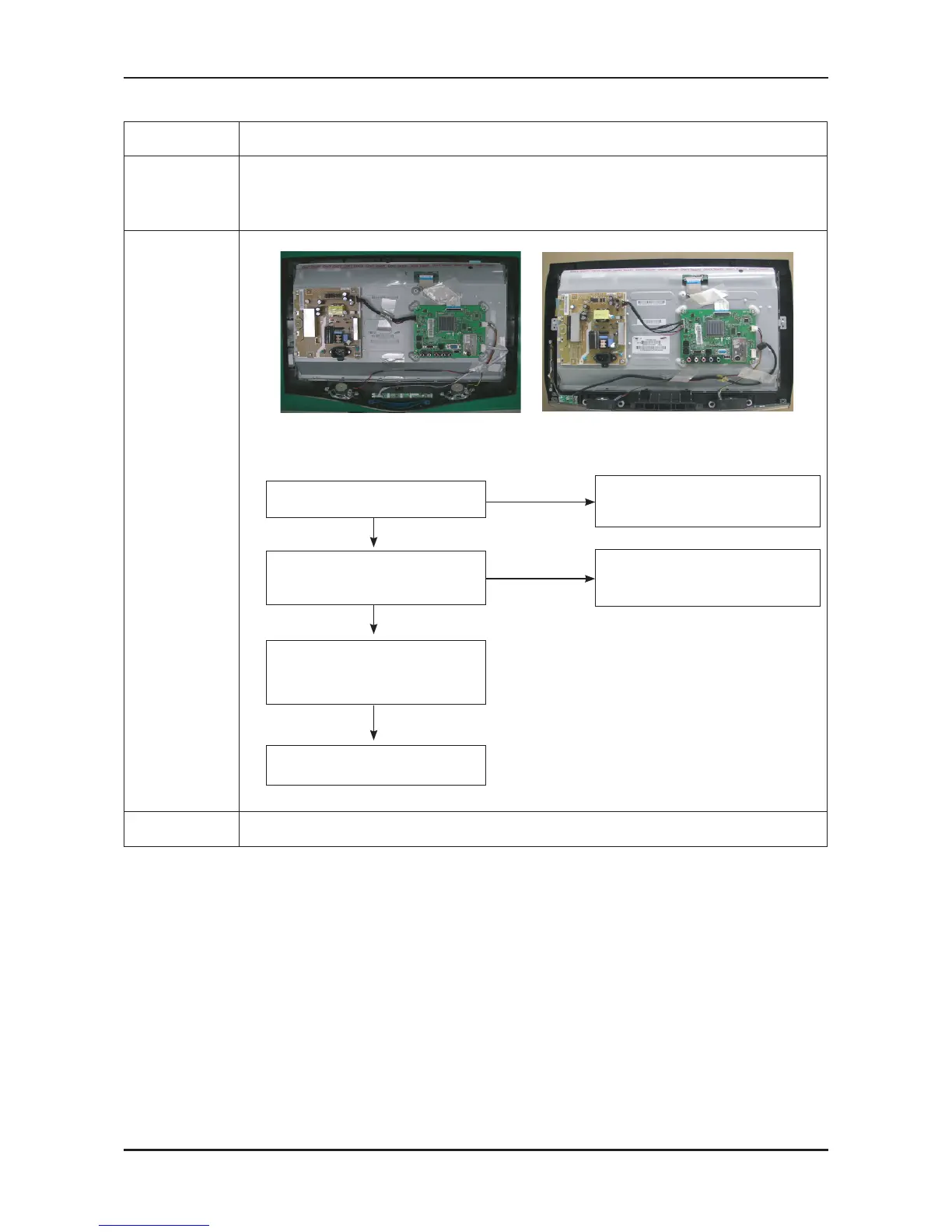
Check the M-star
This may happen when the LVDS cable connecting the Main Board and the Panel is disconnected.
-
-
-
Diagnostics
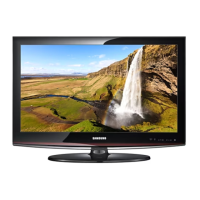
LA22B350F2 LA22B450C8
No
Check a connection harness.
No
Power Indicator is off.
Lamp on, no picture.
Yes
Does the signal appear at C4025 of
IC4000?
Check a LVDS cable ?
Replcelcd panel?
Please, Call to Samsung Co. LTD.
Yes
Check a A/V cable and video signal.
Yes
1
2
Caution Make sure to disconnect the power before working on the IP board.



 To Next Page