English - 2
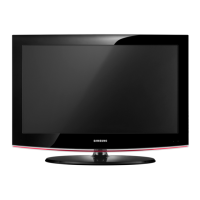
List of Parts
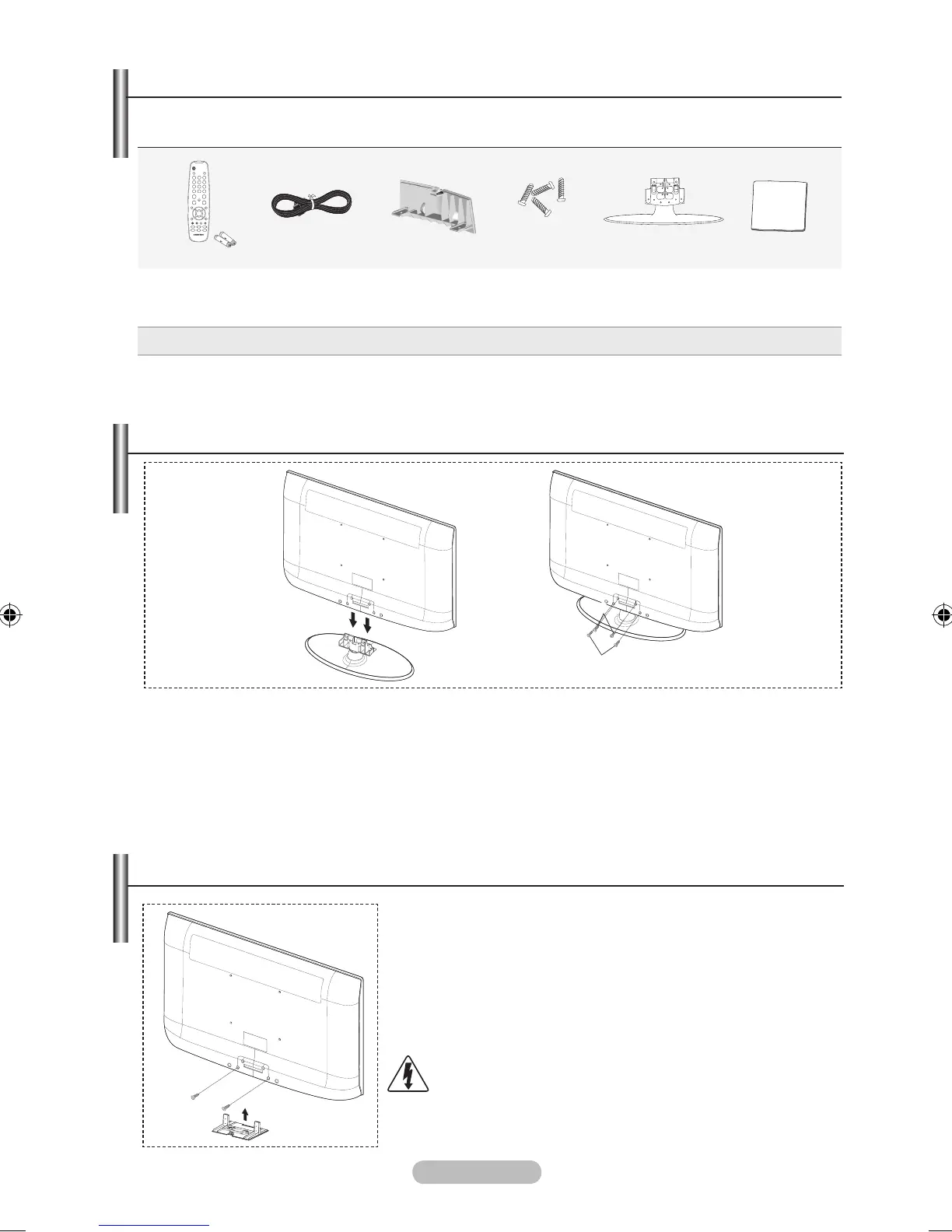
Please make sure the following items are included with your LCD TV.
If any items are missing, contact your dealer.
Remote Control &
Batteries (AAA x 2)
Power Cord Cover-Bottom Stand Screw X 4 Stand
Cleaning Cloth
♦ Owner’s Instructions ♦ Registration Cards
Registration Cards (Not available in all locations)
The stand and stand screw may not be included depending on the model.
➣
➣
M4XL16
Wall mount items (sold separately) allow you to mount the TV on
the wall.
For detailed information on installing the wall mount, see the
instructions provided with the Wall Mount items. Contact a
technician for assistance when installing the wall mounted bracket.
Samsung Electronics is not responsible for any damage to the
product or injury to yourself or others if you elect to install the TV on
your own.
Do not install your Wall Mount Kit while your TV is turned
on. It may result in personal injury due to electric shock.
Remove the stand and cover the bottom hole with a
cap and fasten with two screws.
➣
1. Connect your LCD TV and the stand.
Two or more people should carry the TV.
Make sure to distinguish between the front and back of the stand when assembling them.
2. Fasten two screws at position 1 and then fasten two screw at position 2.
Stand the product up and fasten the screws. If you fasten the screws with the LCD TV placed
down, it may lean to one side.
The stand is installed for models with the screen size of 37 inch and above.
➣
➣
➣
➣
1
2
Installing the Stand
Installing the Wall Mount Kit




 To Next Page