8
English
Getting Started
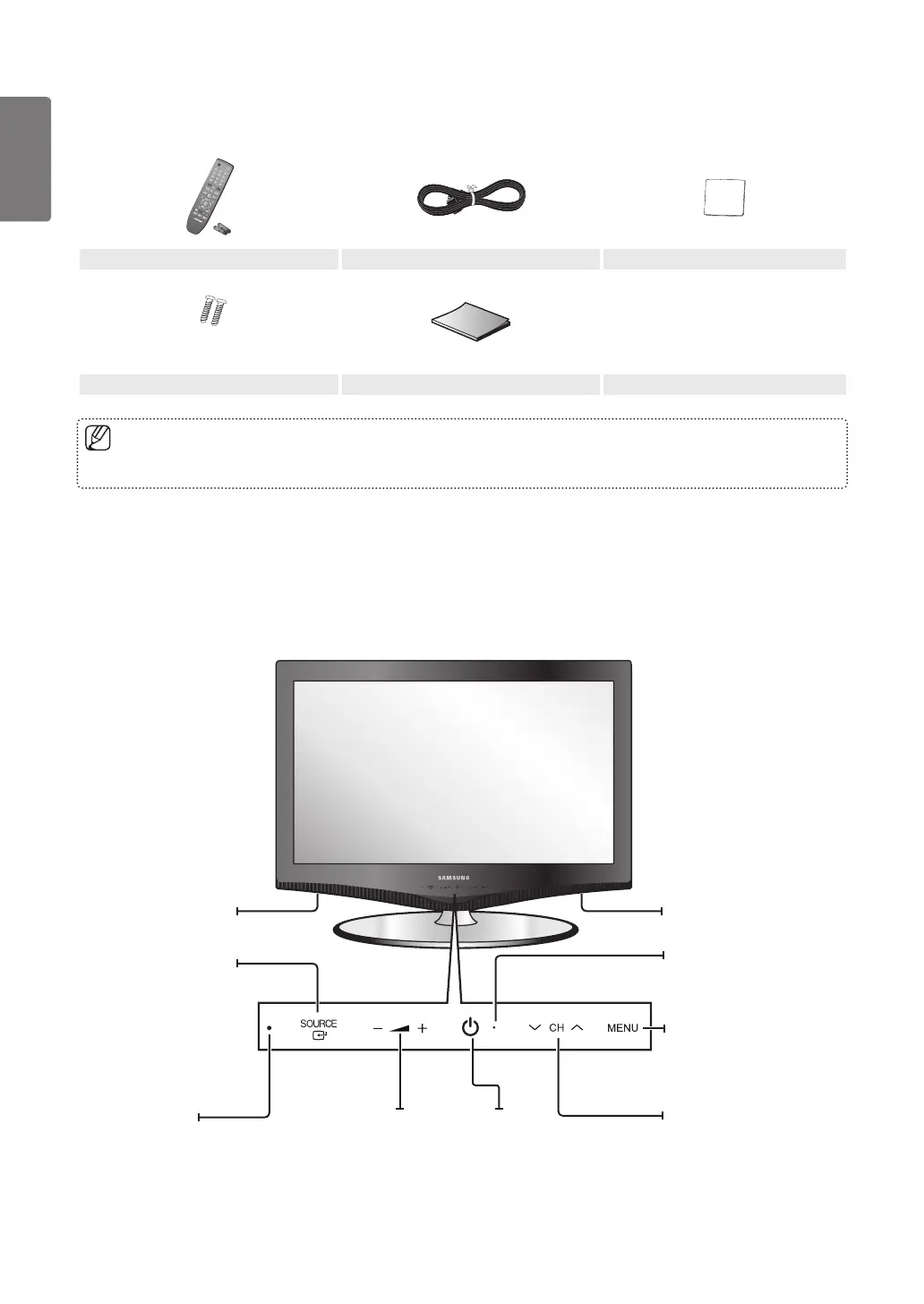
Speakers
Accessories
Please make sure the following items are included with your LCD TV. If any items are missing, contact your dealer. ■
Remote Control & Batteries (AAA x 2) Power Cords Cleaning Cloth
(M4 X L16)
Stand Screw X 2 User Manual
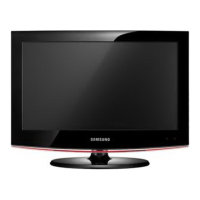
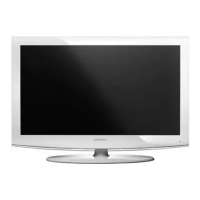
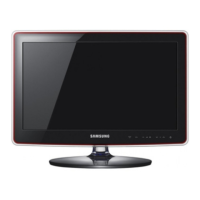
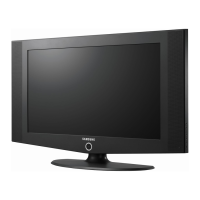
Viewing the Control Panel
The product colour and shape may vary depending on the model. ■
The front panel buttons can be activated by touching them with your finger. ■
Aim the remote
control towards this
spot on the TV.
Press to see an on-
screen menu of your TV’s
features.
Press to increase or
decrease the volume.
In the on-screen menu,
use the Y buttons
as you would use the
◄ and ► buttons on the
remote control.
Press to turn
the TV on
and off.
Press to change
channels. In the on-
screen menu, use the
z buttons as you
would use the ▼ and ▲
buttons on the remote
control.
The items colour and shape may vary depending on the model. ■
Toggles between all the
available input sources.
In the on-screen
menu, use this button
as you would use the
ENTERE button on the
remote control.
Blinks and turns off when
the power is on and lights
up in stand-by mode.
Speakers
[330_UK]BN68-03042G-Eng.indb 8 2010-04-12 �� 11:05:12



 To Next Page