Need help?
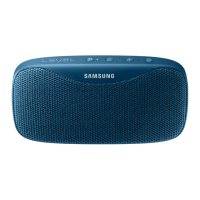
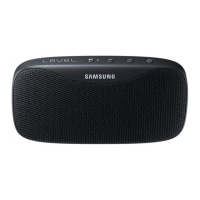
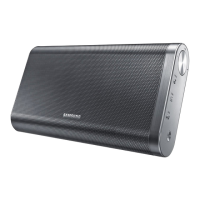
Do you have a question about the Samsung Level Box and is the answer not in the manual?
Details the components and layout of the device's front panel.
Details the components and layout of the device's back panel.
Details charging duration and device operating times for calls, playback, and standby.
Explains indicator colors for different battery charge levels.
 General
| Brand | Samsung |
|---|---|
| Model | Level Box |
| Type | Portable Bluetooth Speaker |
| Battery Life | 15 hours |
| Dimensions | 164.3 x 62.3 x 69.2 mm |
| Weight | 600g |
| Water Resistance | No |
| Built-in Microphone | Yes |
| AUX Input | Yes |
| NFC | Yes |
| Bluetooth Version | 3.0 |
| Bluetooth Range | 10 meters |


 To Next Page