11
English
Connecting via Bluetooth
1
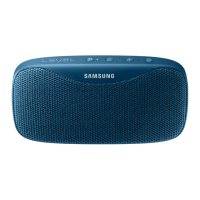
Turn on the Level Box. Press and
hold the [Pairing (
)] button for
about 3 seconds.
• The Level Box enters the
Bluetooth pairing mode and
the status indicator turns
on blue.
When connecting for the first time,
pair the Level Box with the other
Bluetooth-enabled device. Keep the
devices close to each other while
pairing or using the Level Box.
Instructions for Bluetooth
connection or Bluetooth
connection via NFC may
vary by device. Refer to the
device’s user manual for
additional information.



 To Next Page