18
S
AMSUNG ELECTRONICS
GB
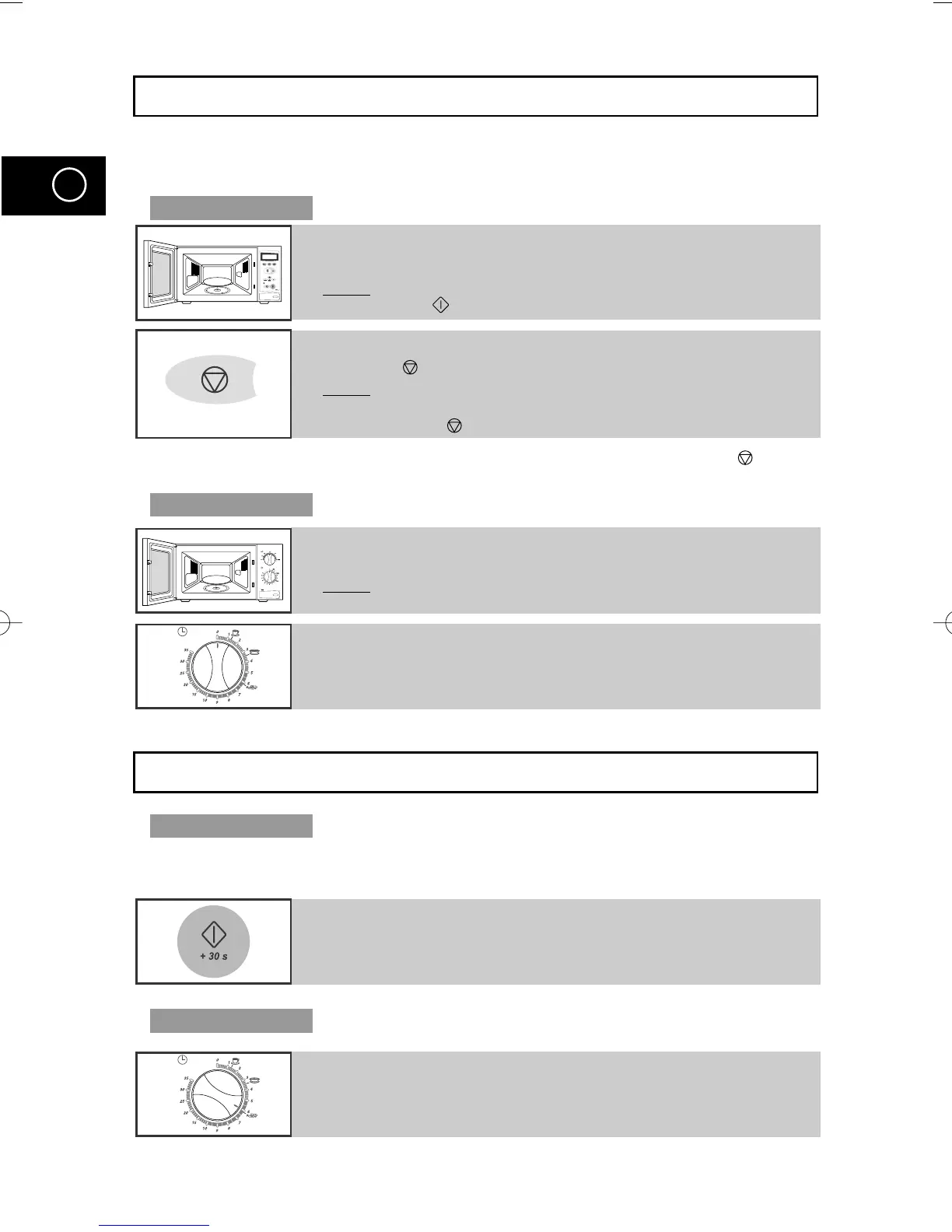
Stopping the Cooking
You can stop cooking at any time to check the food.
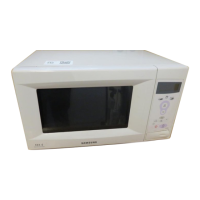
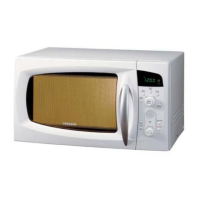
Model : M1638
☛
You can also cancel any setting before starting by simply pressing Cancel ( ) button.
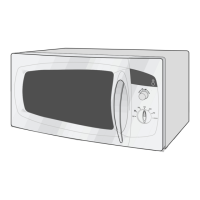
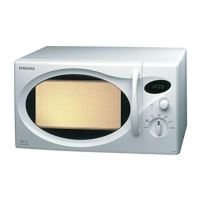
Model : M1618
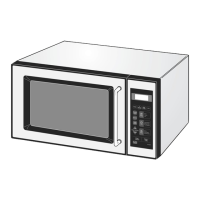
1 To stop temporarily;
Open the door.
Result: Cooking stops. To resume cooking, close the door and
press again.
2 To stop Completely;
Press the button.
Result: The cooking stops.
If you wish to cancel the cooking settings, press the
Cancel( ) button again.
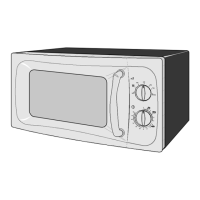
1 To stop temporarily;
Open the door.
Result
: Cooking stops. To resume cooking, close the door.
2 To stop completely;
Turn the TIMER knob to “0”.
Adjusting the Cooking Time
Model : M1638
You can increase the cooking time by pressing the
+30s button once for each
30 seconds to be added.
Model : M1618
Press the +30s button once for each 30 seconds to be added.
Adjust the remaining cooking time by rotating the TIMER knob
M1638/1618(GB2) 5/12/00 9:58 AM Page 18


 To Next Page