GB
S
AMSUNG ELECTRONICS
19
Using the Instant Reheat Feature
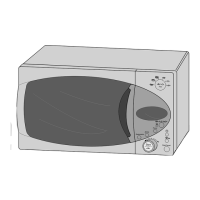
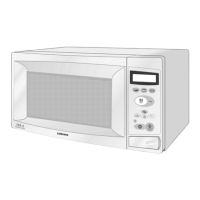
Model : M1638
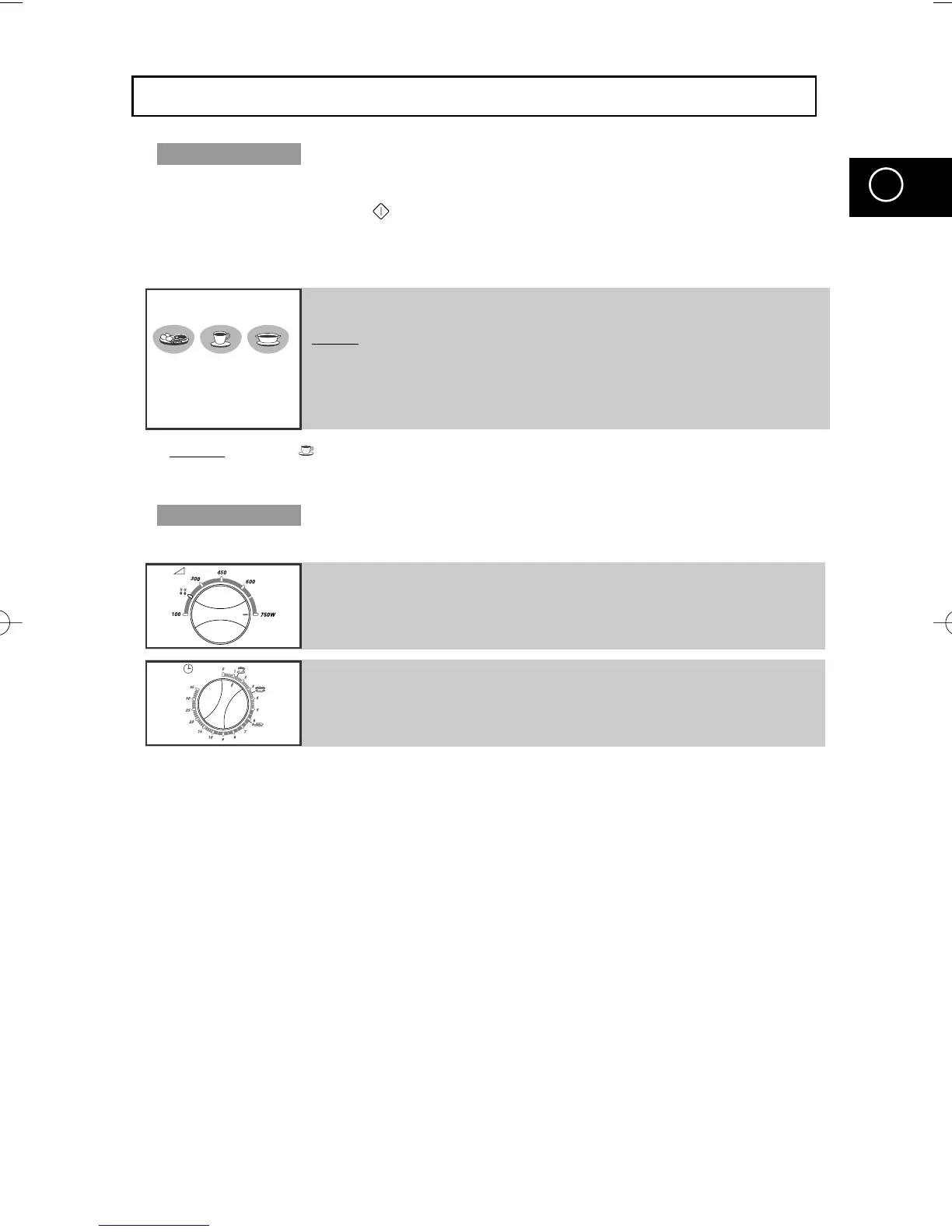
With the Instant Reheat feature, the cooking time is set automatically and you
do not have to press the button. You can adjust the number of servings by
pressing the appropriate Instant Reheat button the required number of times.
First, place the food in the centre of the turntable and close the door.
Example: Press the button three times to reheat three cups of coffee. Refer to the table below.
➢ Use only recipients that are microwave-safe.
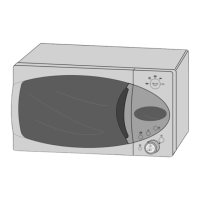
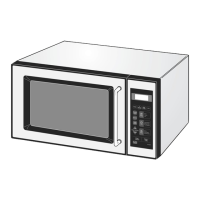
Model : M1618
First, place the food in the centre of the turntable and close the door.
➢ Use only recipients that are microwave-safe.
Press the Instant Reheat button which you want the required
number of times
Result
: Cooking starts after about two seconds. When it has finished:
1) The oven beeps four times.
2) The end reminder signal will beep 3 times
(once every minute).
3) The current time is displayed again.
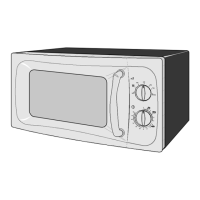
1 Turn the COOKING POWER CONTROL knob to Max Power.
2 Turn the TIMER knob to select Instant Reheat.
(drinks or soup/sauce, fresh vegetables).
M1638/1618(GB2) 5/12/00 9:58 AM Page 19


 To Next Page