218 Section 3B: Sprint Vision
Launching a Sprint Vision Connection
To launch a Sprint Vision connection:
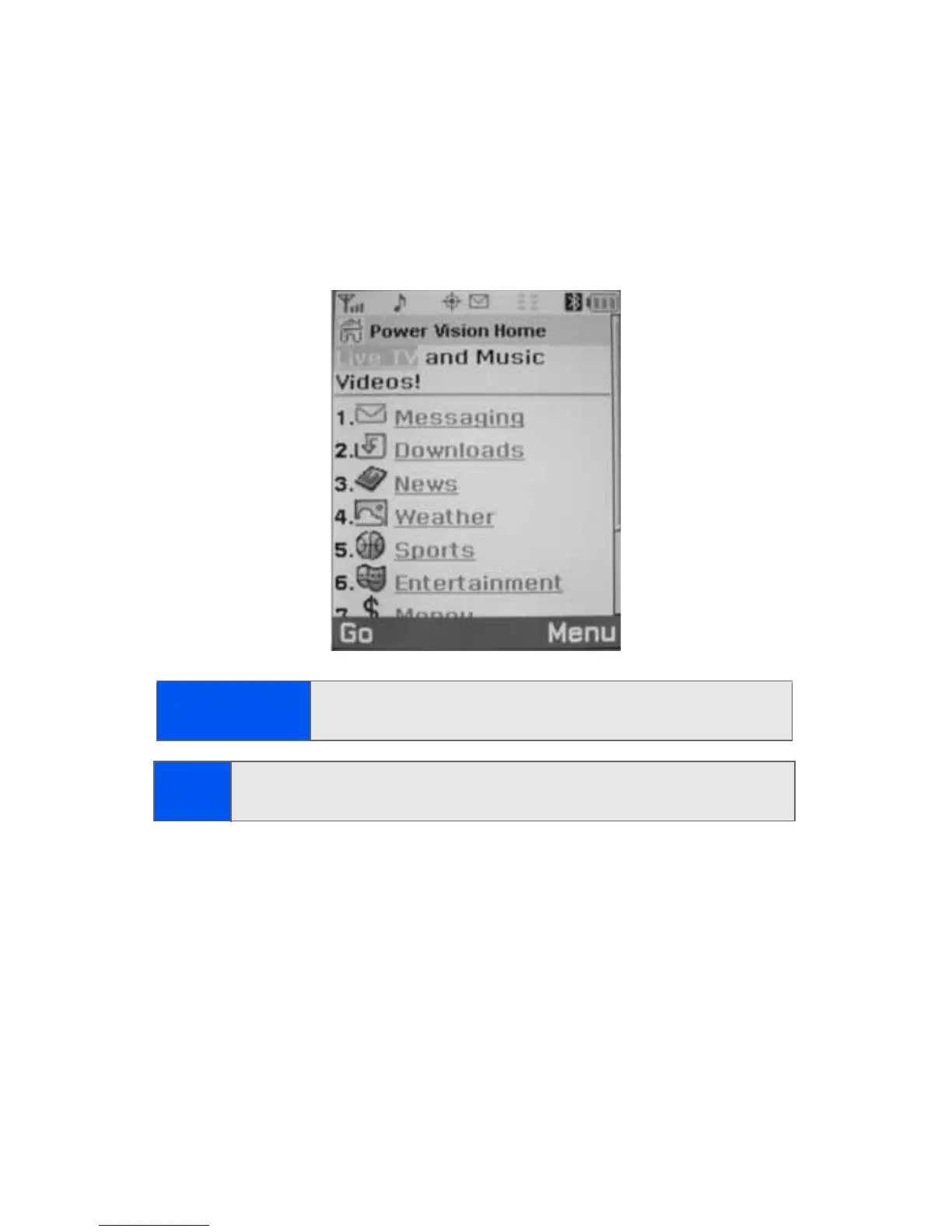
䊳 Select Menu > Web. (Your Sprint Vision connection will open and
the Sprint Vision home page will be displayed.)
The Sprint Vision Home Page
While connecting, the following will appear on the screen: Vision
Connecting....
Shortcut:
You can also press the navigation key right to launch the
Web.
Note:
If Net Guard is enabled and displayed (see page 219), press OK (right
softkey) to continue and launch the Web.









 To Next Page