Section 2B: Controlling Your Phone’s Settings 71
Your Phone’s Settings
Phone Setup Options
Favorites
Your phone offers you the option of assigning favorite or often-used
functions. Selecting Favorites ( ) in standby mode launches your
personal favorite list.
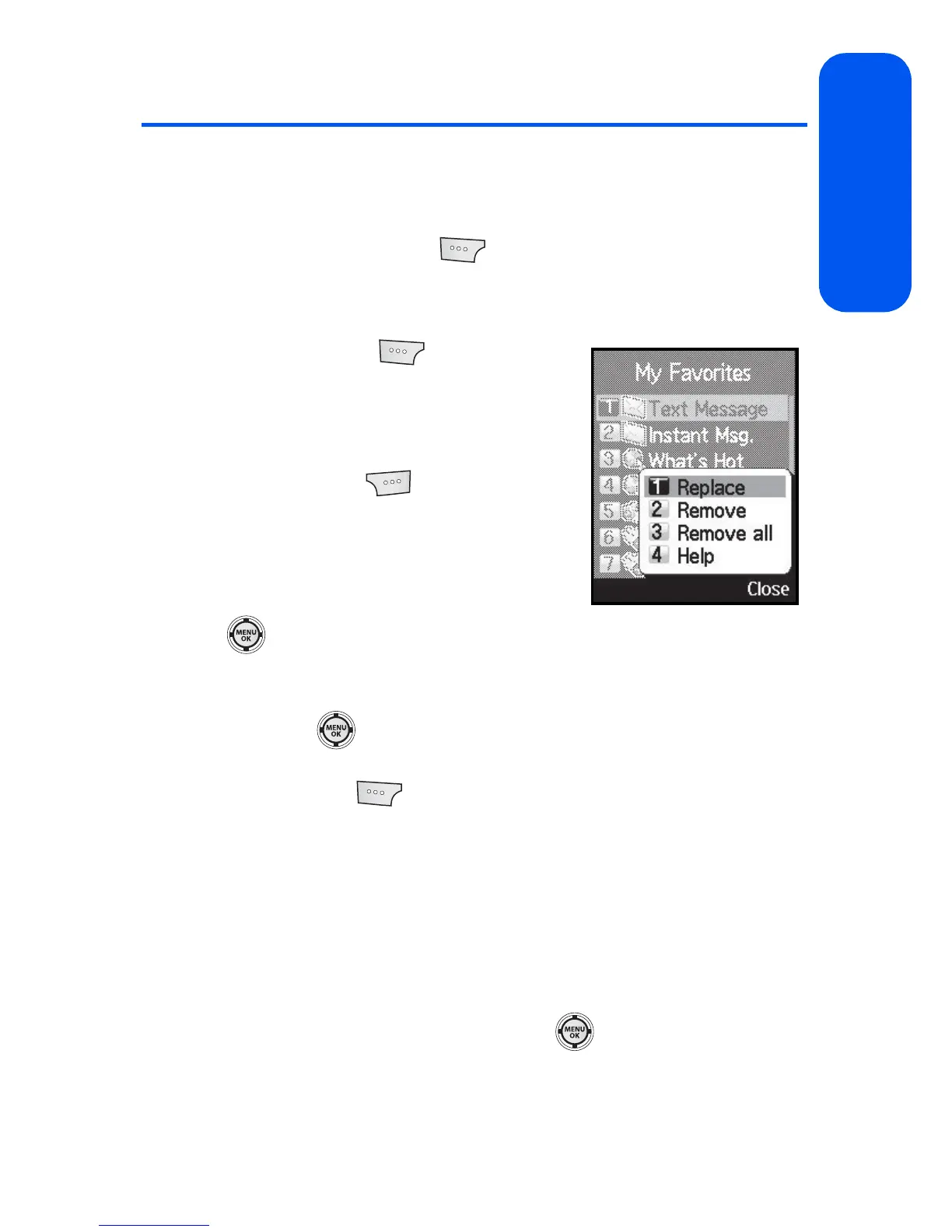
To assign a shortcut key:
1. Select Favorites ( ) from the standby
screen.
2. Select a location using your navigation
key.
3. Select Options () > Replace to edit
the location of an existing Favorite
function.
– or –
If the selected location is empty, press
to assign a new function to it.
4. Press the navigation key up or down to highlight a function from the
list of available function categories
and press
.
5. Press the navigation key up or down to highlight a feature option and
select Assign ( ) to make the new assignment.
Display Language
You can choose to display your phone’s onscreen menus in English or in
Spanish (Español).
To assign a language for the phone’s display:
1. Select Menu > Settings > Display > Language.
2. Select English or Español and press .









 To Next Page