Section 2A: Phone Basics 17
Phone Basics
Viewing the Display Screen
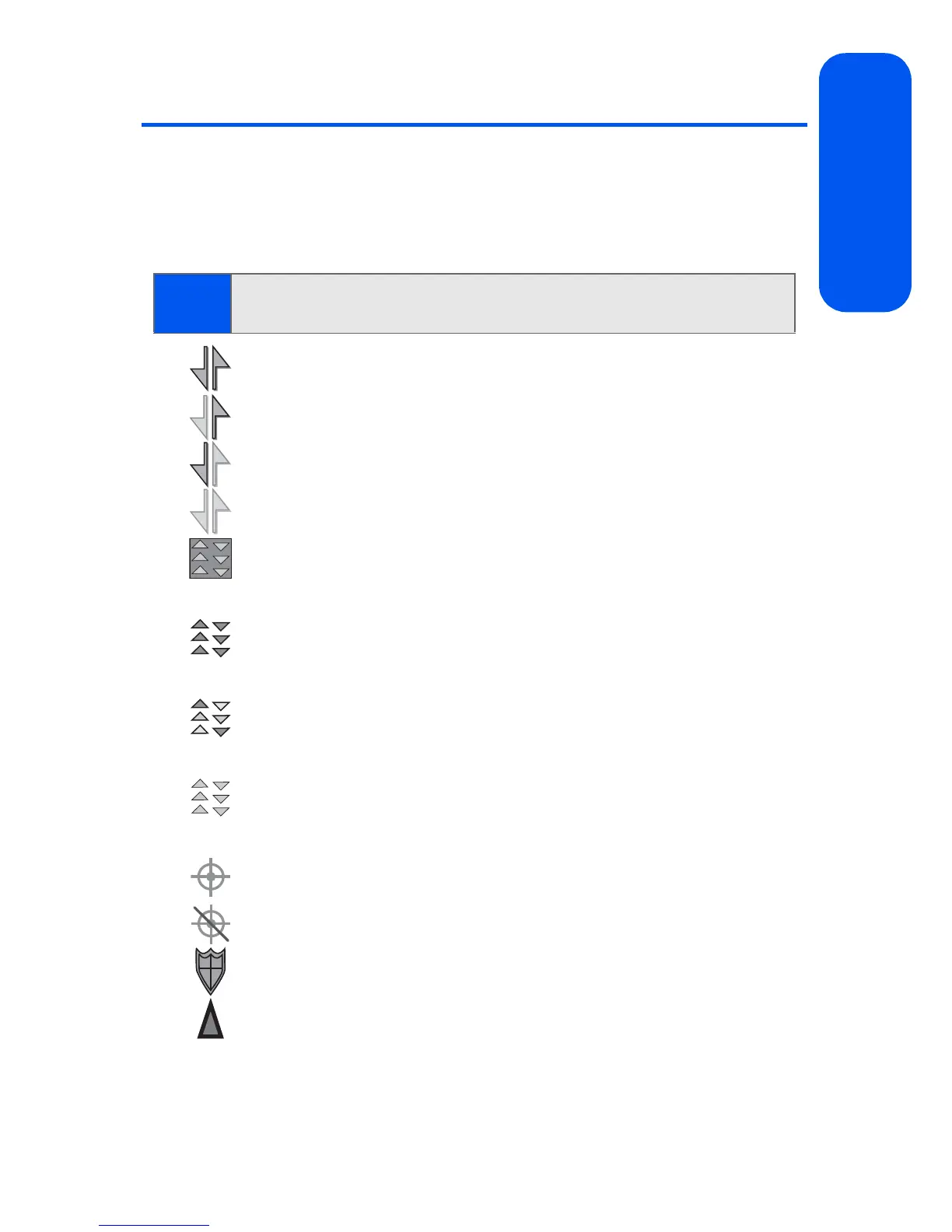
Your phone’s display screen provides a wealth of information about your
phone’s status and options. This list identifies many of the symbols you’ll
see on your phone’s display screen:
Indicates that your Sprint Vision connection is active.
Indicates that you are sending information.
Indicates that you are receiving information.
Indicates that your connection is dormant or inactive.
Indicates that high-speed Sprint Power Vision connection is
available.
Indicates that your phone is connected to a high-speed
Sprint Power Vision
connection.
Indicates that your high-speed Sprint Power Vision connection
is active and communicating.
Indicates that the high-speed Sprint Power Vision
connection is
dormant.
Indicates that position location is active.
Indicates that position location is inactive.
Indicates that your phone is in Web security mode.
Indicates that your phone is in a roaming area.
Tip:
To view a list of your phone’s icons and descriptions, from the main
menu select Settings > Phone Information > Icon Glossary.









 To Next Page