Section 2A: Phone Basics 27
Phone Basics
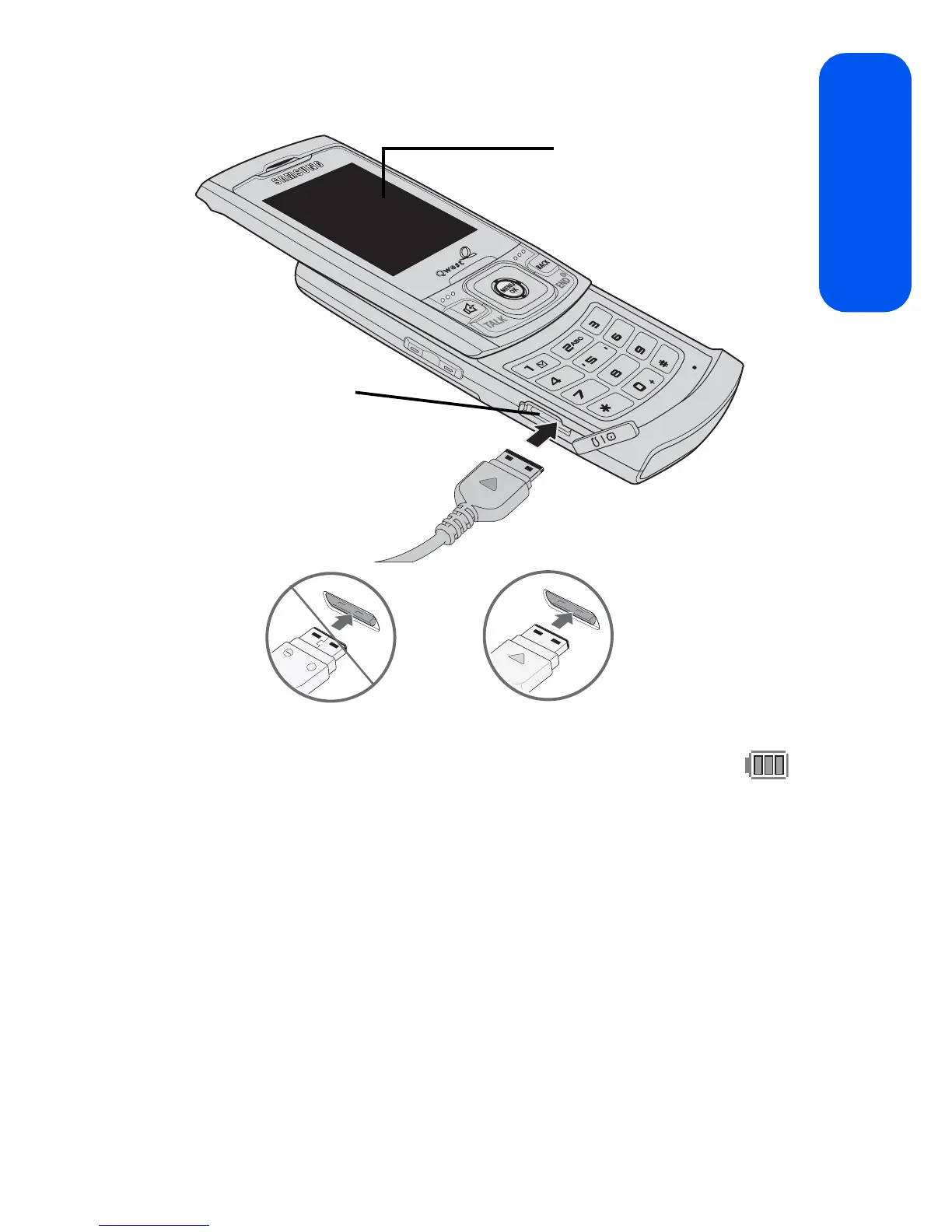
䡲 The battery charge state (charged/charging) is indicated on the
phone’s display screen. Three bars on the battery icon ( )
indicate a fully charged battery.
䡲 As the phone is being charged, an animated Battery Charging
icon appears on the main LCD.
DEF
TUV
W
XYZ
PQRS
MNO
JKL
JKL
Shift
Next
Space
Display
Screen
Interface
Connector









 To Next Page