EasyManua.ls Logo

Samsung M540 - User Manual

Samsung M540
21 pages
Print Icon
To Next Page IconTo Next Page
Loading...
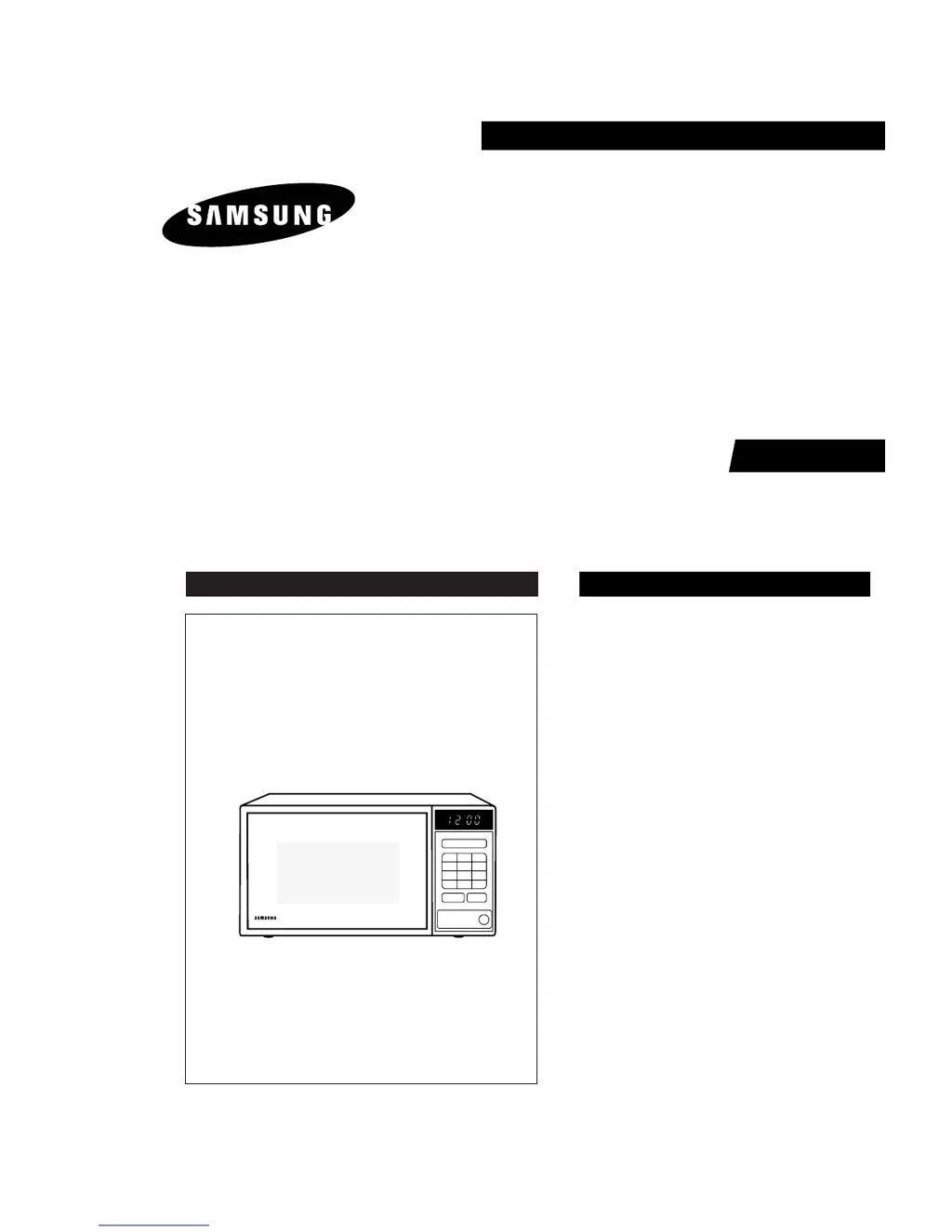
MICROWAVE OVEN
M540
SERVICE
Manual
MICROWAVE OVEN CONTENTS
Defrost
Power
Level
1
4
7
2
5
8
0
3
6
9
Pause
Cancel
Clock
Start
1. Precaution
2. Specifications
3. Operating Instructions
4. Disassembly and Reassembly
5. Alignment and Adjustments
6. Troubleshooting
7. Exploded Views and Parts List
8. PCB Diagrams
9. Schematic Diagrams
SEAU

Questions and Answers

  • A
    Alan MartinSep 9, 2025
    Why Samsung M540 can program but timer does not start?
    • N
      Noah CaldwellSep 9, 2025
      If your Samsung Microwave Oven can be programmed, but the timer doesn't start, the issue might be: * Open or loose wiring of the secondary interlock switch. * Misalignment of the primary interlock. * A defective secondary interlock switch. Adjust the door and interlock switches.
  • J
    Janice McfarlandSep 12, 2025
    Why Samsung M540 Microwave Oven lamp and fan motor turn on by themselves?
    • S
      steven64Sep 12, 2025
      If the oven lamp and fan motor turn on by themselves in your Samsung Microwave Oven, it could be due to: * Misadjustment or loose wiring of the primary latch switch. * A defective primary latch switch. Adjust the door and latch switches.
  • J
    Joshua BushSep 13, 2025
    Why my Samsung M540 Microwave Oven fan motor turns on when plugged in?
    • J
      Jon BarnesSep 13, 2025
      If the fan motor in your Samsung Microwave Oven starts as soon as it's plugged in, the cause is likely loose wiring of the door sensing switch. Check the wiring of the door sensing switch.
  • T
    Thomas MoralesSep 15, 2025
    Why Samsung M540 makes loud buzzing noise?
    • C
      Cheryl BrooksSep 15, 2025
      A loud buzzing noise from your Samsung Microwave Oven can be caused by: * Loose fan or fan motor. * Loose screws on the H.V. Transformer. * A shorted H.V. Diode. Tighten the screws of the fan motor and H.V. Transformer. Replace the H.V. Diode.
  • G
    greerjoshuaSep 17, 2025
    Why there is noise from the turntable motor when it starts to operate on my Samsung M540 Microwave Oven?
    • J
      Jesus SchwartzSep 17, 2025
      Noise from the turntable motor when it starts to operate on your Samsung Microwave Oven may result from the motor itself. Replace the turntable motor.

Summary

Precaution

Safety Precautions

Essential safety guidelines and warnings for operating and servicing the microwave oven.

Special High Voltage Precautions

Critical safety warnings and procedures related to high voltage components and potential hazards.

Disassembly and Reassembly

Replacement of Magnetron, Motor Assembly and Lamp

Step-by-step instructions for replacing key internal components like the magnetron, motor, and lamp.

Replacement of High Voltage Transformer

Procedure for safely removing and replacing the high voltage transformer unit.

Replacement of Door Assembly

Instructions for disassembling and reassembling the microwave oven's door, including its components and tests.

Replacement of Control Circuit Board

Steps for accessing and replacing the main control circuit board and related components.

Alignment and Adjustments

High Voltage Transformer

Instructions for checking continuity and resistance of the high voltage transformer.

Magnetron

Methods for performing continuity checks on the magnetron to diagnose faults.

Troubleshooting

Electrical Malfunction

Table of common electrical symptoms, their causes, and recommended corrective actions.

P.C.B Diagrams

Schematic Diagrams

Samsung M540 Specifications

General IconGeneral
BrandSamsung
ModelM540
CategoryMicrowave Oven
LanguageEnglish

Related product manuals