GB
4
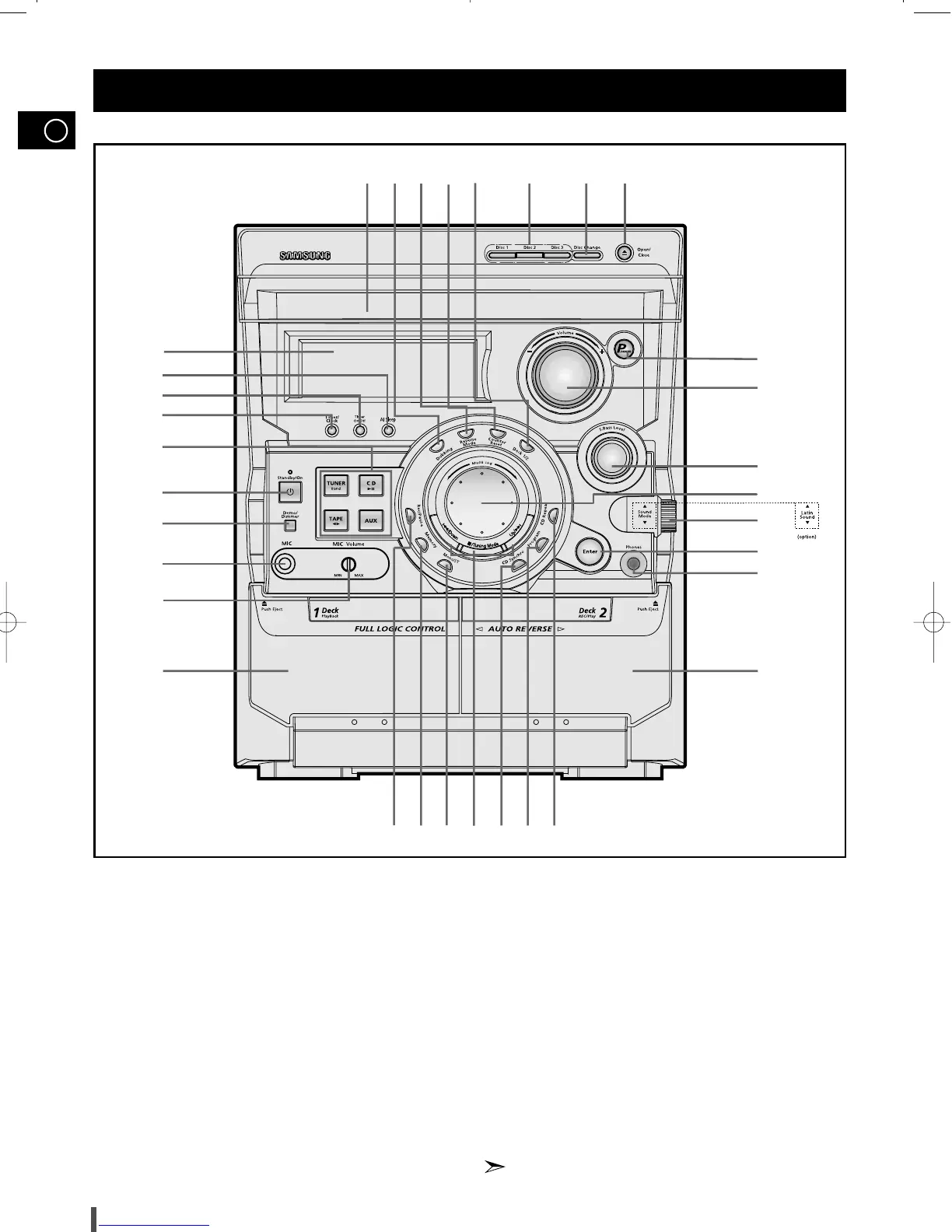
1. Display Window
2. AI Sleep
3. Timer On/Off
4. Timer/Clock
5. Function Selection buttons
6. Standby/On
7. Demo/Dimmer
8. MIC (option)
9. MIC Volume (option)
10. Cassette Deck 1
11. REC/Pause
12. Memory
13. Mono/ST
14. Search Function buttons
Tuning Mode or Stop button
15. CD Synchro Recording
16. Program
17. CD Repeat
18. Cassette Deck 2
19. Headphone Jack Connector
20. Enter
21. Sound Mode or Latin Sound
22. Multi Jog
23. S.BASS Level
24. Volume
25. Power Surround
26. Open/Close
27. Disc Change
28. Disc Selection buttons
29. Deck 1/2
30. Counter Reset
31. Reverse Mode
32. TAPE Normal Speed Dubbing
33. Compact Disc Compartment
Latin Sound can be selected in Latin American
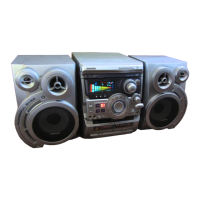
Front Panel View
3233
1
2
3
4
5
6
7
11 12 13 14
18
19
20
21
22
24
23
25
26272829
30
31
15 1716
10
8
9
MAX-B550/570 no RDS 1~15 5/16/02 10:09 PM Page 4


 To Next Page