181
MagicInfo Lite
10
10 MagicInfo Lite
10.2 Network Schedule
10.2.1 Connecting to a server
Network setup
To run MagicInfo Lite, connect to a network.
Refer to 135 page for details about the Network Settings menu.
Server setup
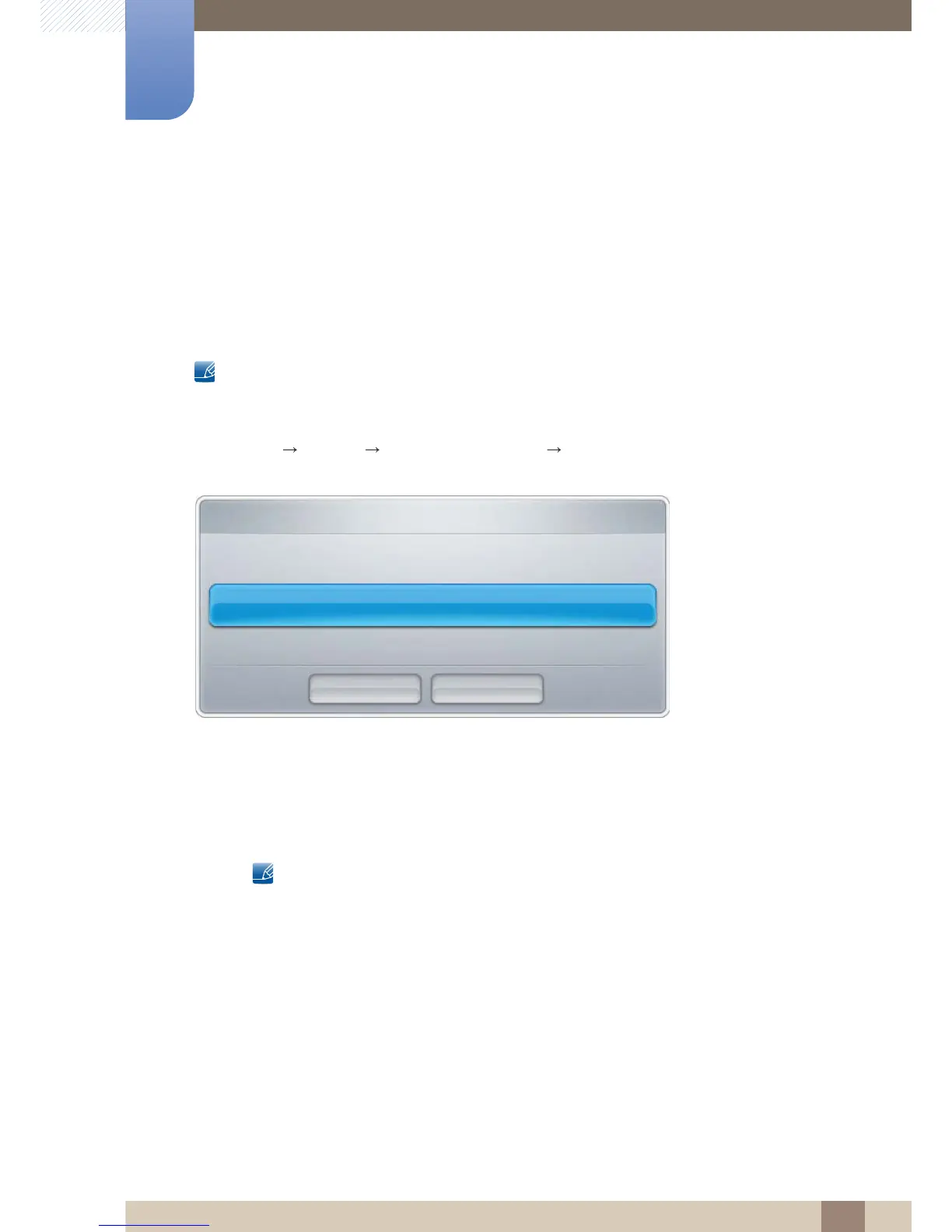
Go to MENU Network MagicInfo Lite Settings Server. Next, enter the server information.
(E.g.: http://192.168.0.10:7001/MagicInfo/)
Configuring the FTP mode and default storage space
z Default Storage: Specify the location you want to save content (downloaded from the server) to.
Internal Memory: Save the content to the internal memory of the product.
USB: Save the content to USB memory.
If a network schedule is running when USB memory is not connected, the default content will run.







 To Next Page