EasyManua.ls Logo

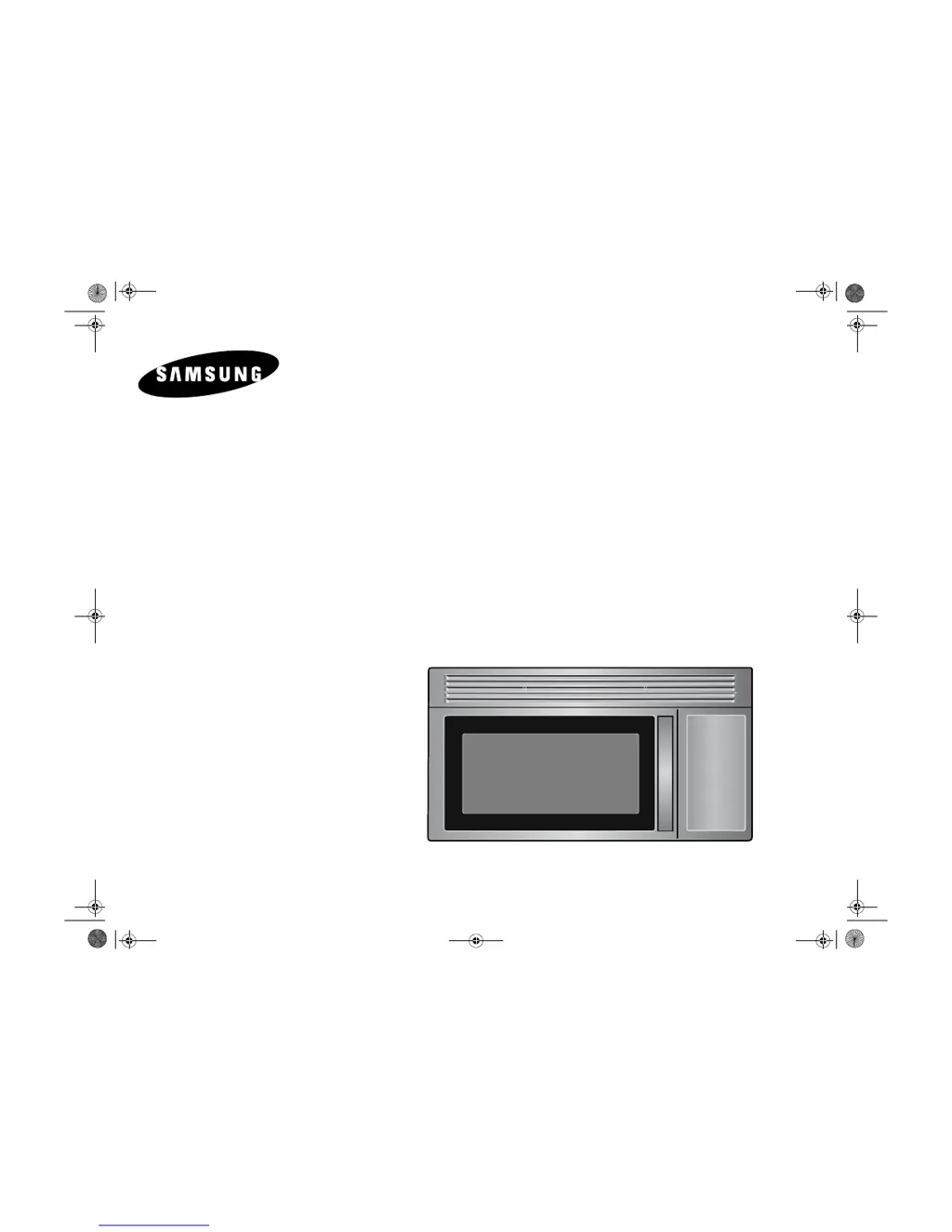
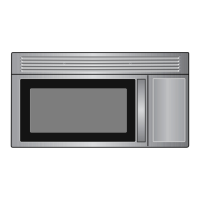
Samsung MICROWAVE OVEN SMH4150 - User Manual

Samsung MICROWAVE OVEN SMH4150
28 pages
Print Icon
To Next Page IconTo Next Page
Loading...
Code No. : DE68-00356F
Microwave Oven
Owner’s Manual
SMH4150
SMH4150_XAC GB DE68-00356F.fm Page 1 Tuesday, April 6, 2004 7:16 PM

Questions and Answers

  • M
    Micheal GriffinJul 29, 2025
    Why is my Samsung SMH4150 cooking food too slowly?
    • T
      Timothy MeyerJul 30, 2025
      If your Samsung Microwave Oven is cooking food too slowly, make sure the oven is on its own 20 amp circuit line. Operating another appliance on the same circuit can cause a voltage drop. If necessary, move the oven to its own circuit.
  • S
    solomonlauraAug 3, 2025
    What to do if my Samsung Microwave Oven is sparking?
    • D
      Dillon NormanAug 3, 2025
      If you observe sparks or arcing inside your Samsung Microwave Oven, immediately remove any metallic utensils, cookware, or metal ties. If you are using foil, make sure to use only narrow strips and maintain at least one inch of space between the foil and the interior walls of the oven.
  • D
    Dylan ShieldsAug 8, 2025
    What to do if my Samsung Microwave Oven stops before the set time?
    • E
      Emily BentonAug 8, 2025
      If your Samsung Microwave Oven shuts off before the timer is done, and there hasn't been a power outage, unplug the oven, wait ten seconds, and then plug it back in. If there was a power outage, the time indicator will display blank. Reset the clock and any cooking instructions. You may also need to reset the circuit breaker or replace a blown fuse.
  • N
    navarrojamesAug 14, 2025
    Why won't my Samsung Microwave Oven turn on, even though the display works?
    • A
      Austin GravesAug 14, 2025
      If the display of your Samsung Microwave Oven is working but the power won't come on, ensure that the door is closed securely. Also, check for any packing material or other obstructions stuck to the door seal and inspect the door for any damage. If the issue persists, press the Cancel button twice and then re-enter all cooking instructions.
  • J
    Jean JimenezAug 18, 2025
    Why is the turntable in my Samsung SMH4150 making noises?
    • K
      Katelyn WeberAug 18, 2025
      If the turntable in your Samsung Microwave Oven is making noises or sticking, try cleaning the turntable, roller ring, and the oven floor. Also, ensure that the turntable and roller ring are correctly positioned.
  • D
    Dennis BishopAug 25, 2025
    How to stop my Samsung SMH4150 from causing TV interference?
    • M
      Mr. Joshua WhiteAug 25, 2025
      To minimize TV or radio interference from your Samsung Microwave Oven, try moving the microwave further away from other appliances, such as your TV or radio.

Summary

Safety

Precautions to Avoid Excessive Microwave Energy

Guidelines to prevent harmful exposure to microwave energy.

Important Safety Instructions

Basic safety precautions for electrical appliance use.

Important Grounding Instructions

Instructions for proper grounding to reduce electric shock risk.

Your New Microwave Oven

Warranty and Service Information

Details on warranty coverage and how to obtain service.

Control Panel Buttons

Explanation of each button on the microwave's control panel.

Operation

Setting the Clock and Basic Operation

Setting clock, kitchen timer, and pause/cancel functions.

Defrosting Automatically

Guide to thawing frozen food using auto defrost.

Appendix

Troubleshooting Guide

Solutions for common oven problems and malfunctions.

Warranty

Limited Warranty Details

Terms and conditions of the limited warranty for parts and labor.

Samsung MICROWAVE OVEN SMH4150 Specifications

General IconGeneral
TypeOver-the-Range
Capacity1.5 cu. ft.
Wattage1000W
Power Output1000W
TurntableYes
Ventilation300 CFM
Cooking Levels10
Preset ProgramsYes
Child LockYes
Defrost FunctionYes
Keep Warm FunctionYes
ColorStainless Steel
Control TypeTouch

Related product manuals