© 2007 Oasis Imaging Products, Inc. Page 9
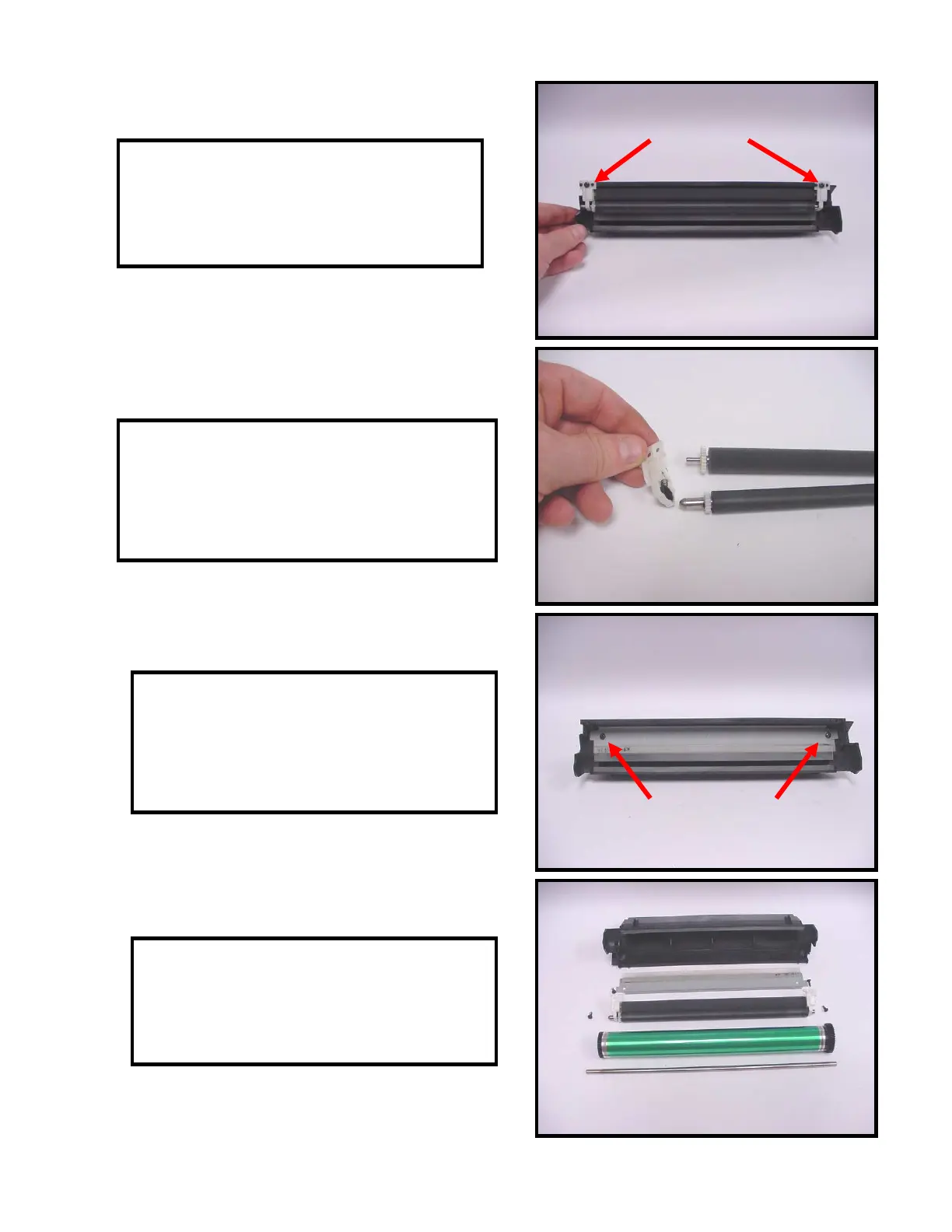
31. Remove the two screws that secure the
PCR housing to the waste bin (Fig. 31).
Remove the housing for cleaning.
Fig. 31
32. Remove the plastic end plates from the
PCR and foam roller (Fig. 32). Clean the PCR,
use compressed air to clean the foam roller
and set aside for reassembly.
33. Remove two screws that secure the wiper
blade (Fig. 33). Remove the wiper and clean
all residual toner from the waste bin using
compressed air or vacuum.
34. Clean or replace all components and
reassemble the drum unit in reverse order
(Fig. 34).
Fig. 32
Fig. 33
Fig. 34



 To Next Page