Media and tray
39
2. Menu Overview and Basic Setup
3
Loading paper in the tray
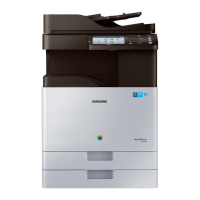
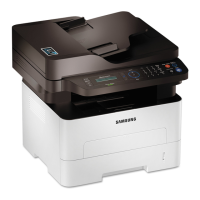
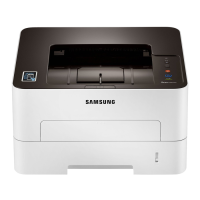
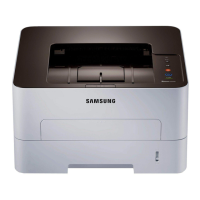
Illustrations on this user’s guide may differ from your machine depending
on its options or models. Check your machine type (see "Front view" on
page 20).
1
Open the tray. Then, adjust the tray size to the media size you are loading
(see "Tray overview" on page 38).
2
Flex or fan the edge of the paper stack to separate the pages before
loading papers.
3
Place the paper with the side you want to print facing up.
1
2



 To Next Page
 Loading...