Getting started
1.
2
System requirements
The following hardware is required to configure a Samsung
printer for network applications.
Installing your Network Printer Card
Before installing the Samsung Network Printer Card, you must
have administrator or root privileges on the local system.
1
Install the network printer card in the printer. For details,
refer to your printer user’s guide.
2
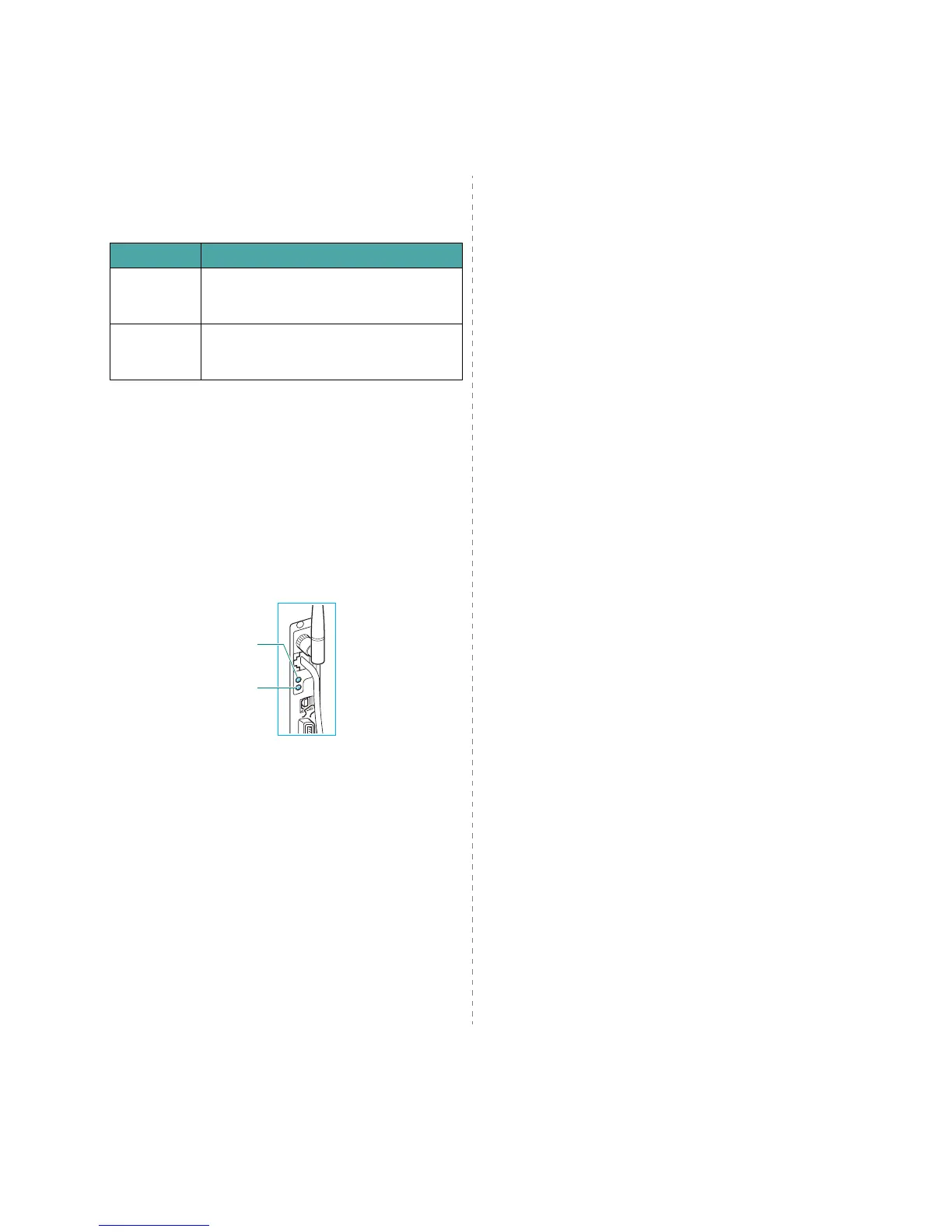
Use a twisted pair cable with an RJ-45 connector to
connect the printer to your network.
Once a connection is established between the network
printer card and your network, the LEDs on the card light
green.
3
Set up your printer's IP address. See “IP address setup” on
page 2.2.
Computer Requirements
IBM -
compatible PC
• 80486 CPU or higher
• Minimum of 16 MB of RAM
• 2 MB of free disk space
Macintosh • PowerPC 68020 or higher
• Minimum of 8 MB of RAM
• 2 MB of free disk space
Lights when the
printer card is
connected to the
network.
Blinks when data
packets are being
transferred.






 To Next Page