《64》
Downloading files
Starting the MP3/ PMP/ TEXT VIEWER mode
Confirm : OK
Resume
Open
■
Insert the memory card that holds MP3, PMP and TEXT files. As this camera has a
15MB internal memory, you can save the files on the internal memory too.
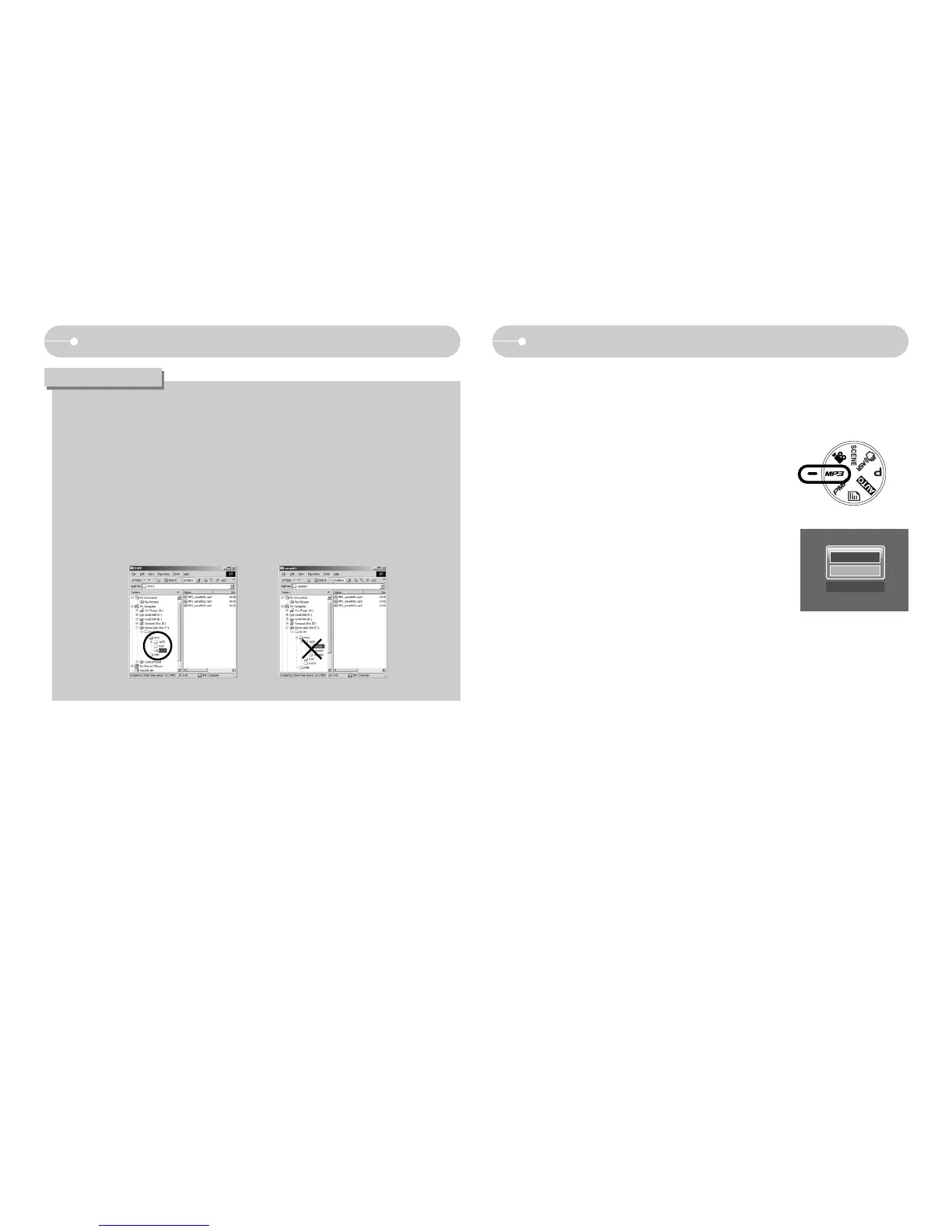
1. Select the MP3/PMP/TEXT VIEWER mode by rotating the
mode dial.
2. A menu will display as shown.
[Resume] : memorizes the latest stopped frame.
MP3 mode : plays back from the beginning of the file.
PMP mode : plays back from the latest stopped frame
TEXT VIEWER mode : plays back from the latest stopped
frame
[Open] : The browsing menu will display to select a desired
file
3. Select a desired file and press the OK button. And then the
file will play back.
● Take care of the illegal duplication of MP3 & multimedia files. It violates
various copyright laws.
● This camera can only play back MP3 files in the MP3 mode and SDC files
(modified XviD MPEG4 video / MPEG Layer2 audio type) in the PMP mode.
● If a file can not be played back on this camera, convert it into the supported
file format by using the Digimax Converter. (p.86)
● Up to 200 files can be saved in a folder.
● You can make up to 100 subfolders under the MP3 or PMP folder. You
can't make subdirectories under the subfolder.
INFORMATION



 To Next Page