<<
56
>>
DPOF : Print size DPOF : Index
You can specify the print size when printing images stored on the memory
card. The [SIZE] menu is available only for DPOF 1.1 compatible printers.
■ Setting the Print Size
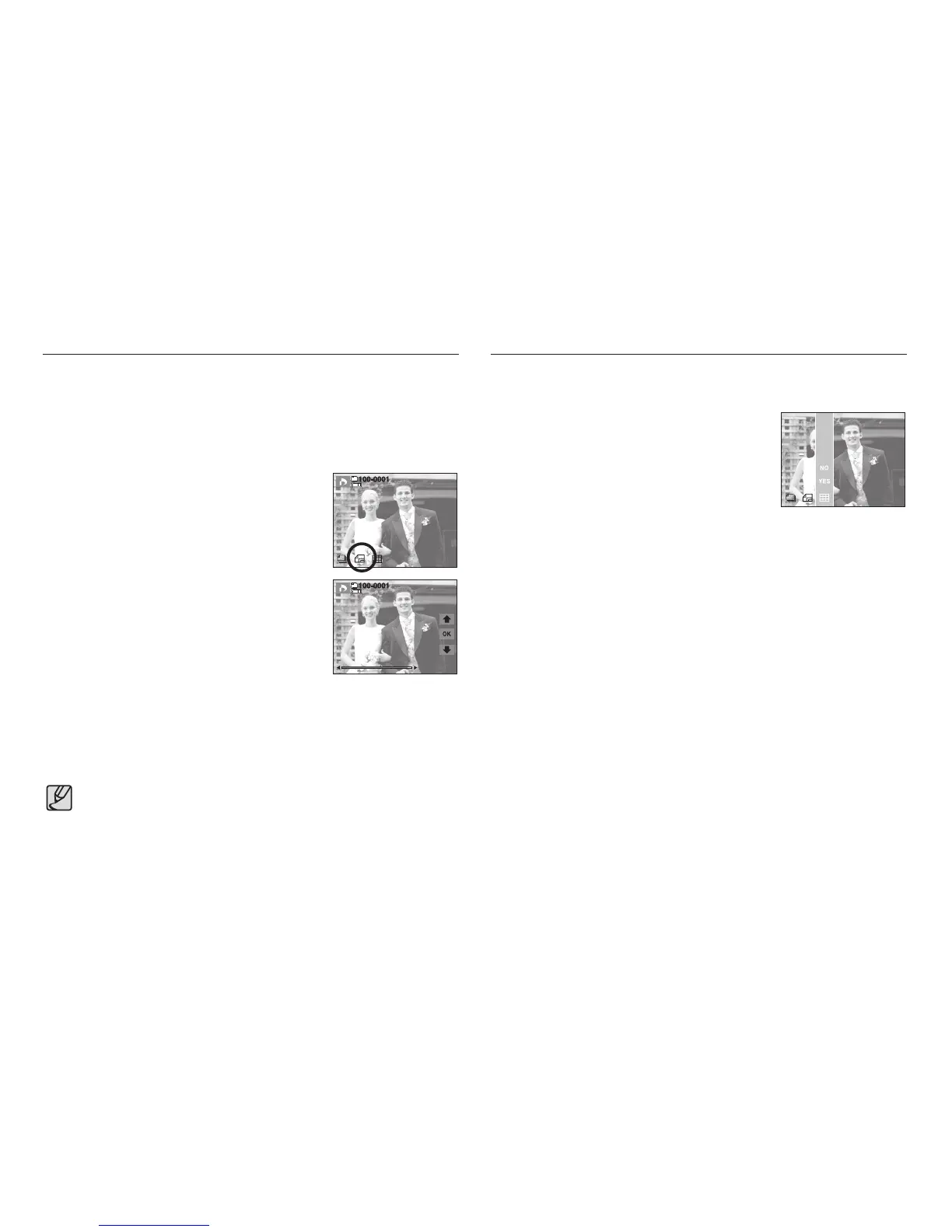
1. Select the [SIZE] menu by pressing the smart
button.
2. Select a desired sub menu by pressing the smart
button.
[ONE PIC] : Select a print size of displayed
image.
[ALL PICS] : Change print size of all saved
images.
[CANCEL] : Cancel all of the print size settings.
3. Press the OK button to confirm the setting.
If an image carries DPOF instructions,
the DPOF indicator will show.
SIZE
Cancel
DPOF [SIZE] secondary menu : [Cancel], [3x5], [4x6], [5x7], [8x10]
● Depending on the manufacturer and printer model, cancelling the
printing may take a little longer for the printer to process.
Images (except for movie clips and voice file) are printed as index type.
1. Select the [INDEX] menu by pressing the smart
button.
2. Select a desired sub menu by pressing the smart
button.
If [NO] is selected : Cancel the index print
setting.
If [YES] is selected : The image will be printed in
index format.
NO
YES



 To Next Page