<<
60
>>
Image Adjust
1. Press the Edit button during playback.
2. Use the Smart button to select the ( ) menu.
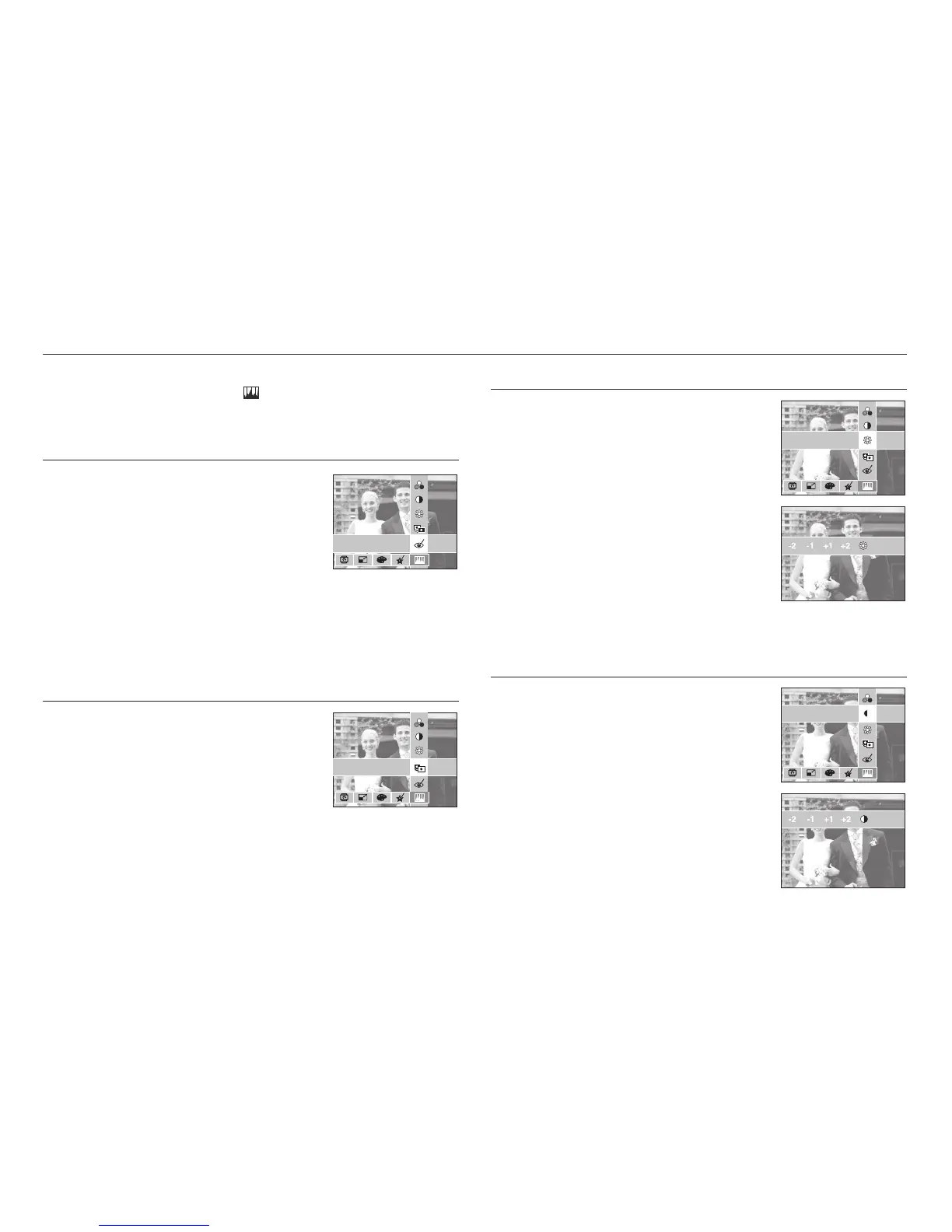
Red eye removal
Red eye effect can be removed from the captured
image.
1. Press the [RED EYE FIX] menu button.
2. After the message [Processing!] is displayed,
the corresponding effect is applied.
3. Press the OK button to save the changed image
under a new filename.
ACB
The brightness of a dark subject in the center
portion of a photo can be automatically corrected.
1. Press the [ACB] menu button.
2. After the message [Processing!] is displayed,
the corresponding effect is applied.
3. Press the OK button to save the changed image under a new filename.
Brightness control
You can change the brightness of the image.
1. Press the [BRIGHTNESS] menu button.
2. Use the Smart button to adjust brightness as
desired.
3. After the message [Processing!] is displayed,
the corresponding effect is applied.
4. Press the OK button to save the changed image
under a new filename.
Contrast control
You can change the contrast of the image.
1. Press the [CONTRAST] menu button.
2. Use the Smart button to adjust contrast as
desired.
3. After the message [Processing!] is displayed,
the corresponding effect is applied.
4. Press the OK button to save the changed image
under a new filename.
SATURATION
CONTRAST
BRIGHTNESS
ACB
RED EYE FIX
SATURATION
CONTRAST
BRIGHTNESS
ACB
RED EYE FIX
SATURATION
CONTRAST
BRIGHTNESS
ACB
RED EYE FIX
SATURATION
CONTRAST
BRIGHTNESS
ACB
RED EYE FIX



 To Next Page