4
EN
Control Panel Using this Instruction Booklet
You have just purchased a SAMSUNG microwave oven. Your Owner’s
Instructions contain much valuable information on cooking with your
microwave oven:
• Safety precautions
• Suitable accessories and cookware
• Useful cooking tips
Inside the cover you will find a quick look-up guide explaining three
basic cooking operations:
• Cooking food
• Defrosting food
• Grilling food
• Adding extra cooking time
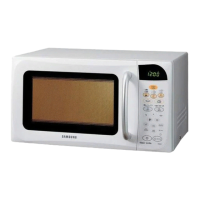
At the front of the booklet you will find illustrations of the oven, and
more importantly the control panel, so that you can find the buttons
more easily.
The step-by-step procedures use three different symbols.
PRECAUTIONS TO AVOID POSSIBLE EXPOSURE TO
EXCESSIVE MICROWAVE ENERGY
Failure to observe the following safety precautions may result in harmful exposure to
microwave energy.
(a) Under no circumstances should any attempt be made to operate the oven with
the door open or to tamper with the safety interlocks (door latches) or to insert
anything into the safety interlock holes.
(b) Do not place any object between the oven door and front face or allow food or
cleaner residues to accumulate on sealing surfaces. Ensure that the door and
door sealing surfaces are kept clean by wiping after use first with a damp cloth
and then with a soft dry cloth.
(c) Do not operate the oven if it is damaged until it has been repaired by a
qualified microwave service technician trained by the manufacturer. It is
particularly important that the oven door closes properly and that there is no
damage to the:
(1) Door (bent)
(2) Door hinges (broken or loose)
(3) door seals and sealing surfaces
(d) The oven should not be adjusted or repaired by anyone other than a properly
qualified microwave service technician trained by the manufacturer.
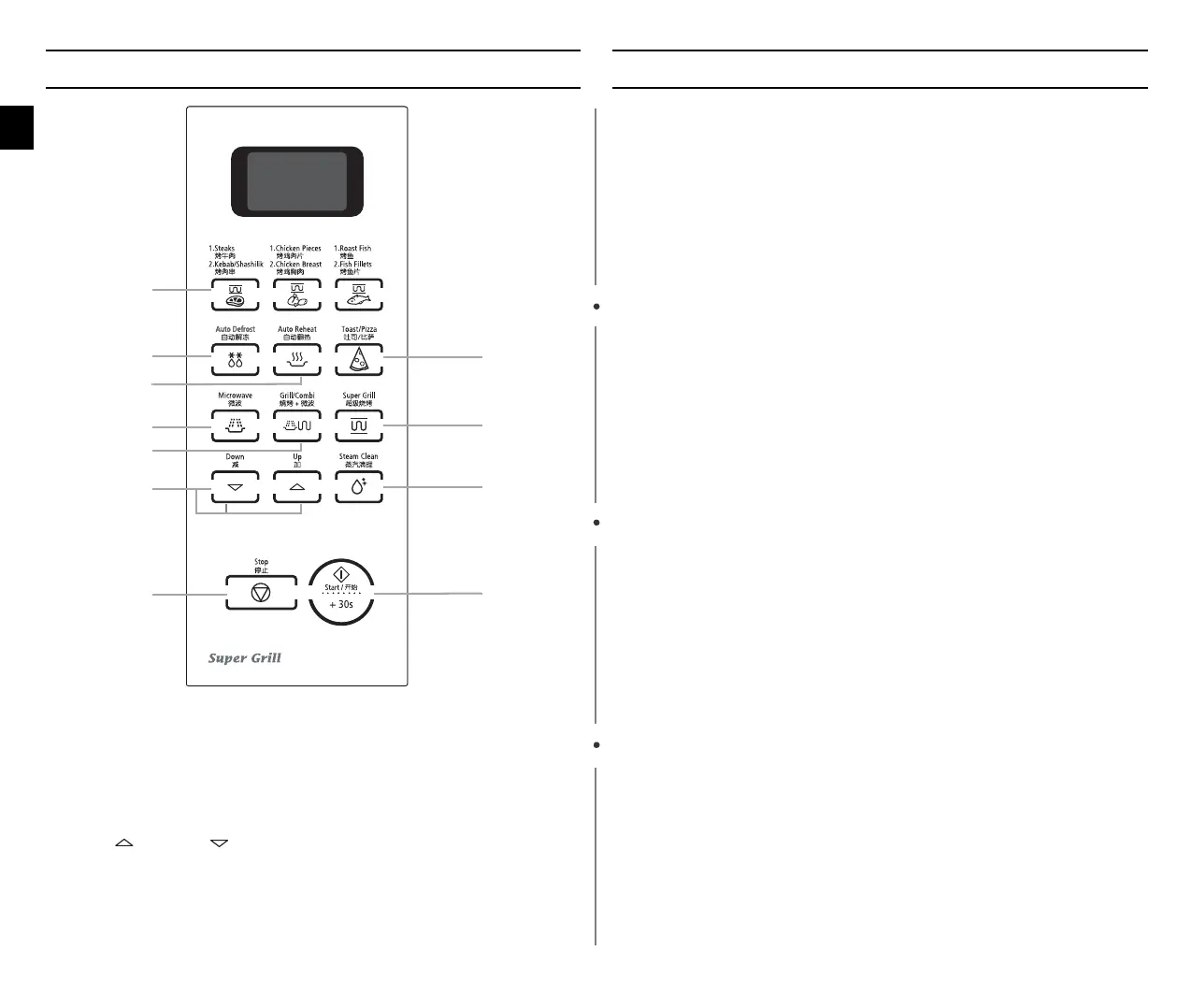
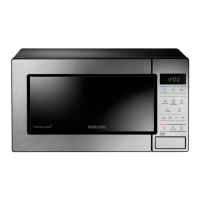
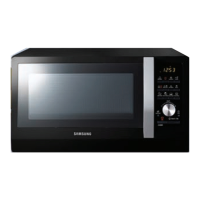
1. AUTO COOK(Super Grill)
BUTTON
2. AUTO DEFROST FEATURE
SELECTION
3. AUTO REHEAT BUTTON
4. MW BUTTON
5. GRILL/COMBI BUTTON
6. UP ( ) / DOWN ( ) BUTTON
(Cook time, Weight and serving
size)
7. STOP/CANCEL BUTTON
8. TOAST/PIZZA BUTTON
9. SUPER GRILL SELECTION
10. STEAM CLEAN BUTTON
11. START/+30s BUTTON
1
3
4
9
2
10
6
8
5
11
7
Important Note Caution
wn_Z_ztTWZZ[WlluUGGwG[GG~SGtGX[SGYWW_GG\aYZGwt



 To Next Page