
 Need help?
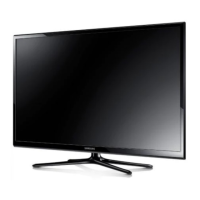
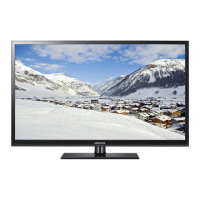
Do you have a question about the Samsung PN51F8500AF and is the answer not in the manual?
Navigate to settings to register your facial data for recognition.
The screen displays instructions for centering your face and waiting for a green indicator.
Enter Skype name, full name, or email address to add a contact.
Enter contact name and phone number to add a contact.
Select the video call option from the contact list to start a video conversation.
Select the voice call option from the contact list to start an audio conversation.
Manage camera, microphone, TV display, and volume during calls.
How to reject incoming video or voice calls.
Adjust general, facial recognition, video/call privacy, forwarding, and voicemail settings.
View copyright information and software details.
Use voice commands to initiate video or voice calls to contacts.
 General
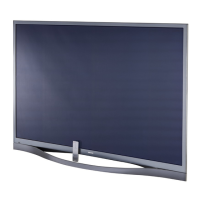
| Screen Size | 51 inches |
|---|---|
| Resolution | 1920 x 1080 |
| Display Type | Plasma |
| HDMI Ports | 4 |
| USB Ports | 3 |
| Wi-Fi | Yes |
| Smart TV | Yes |
| 3D | Yes |
| Contrast Ratio | Infinite |
| Audio Output | 10W x 2 |
| Refresh Rate | 600Hz (Subfield Motion) |


 To Next Page

